Dashboard widgets
The Totem Dashboard contains a number of helpful widgets to give you a quick glance into your compliance posture. This guide explains each widget.
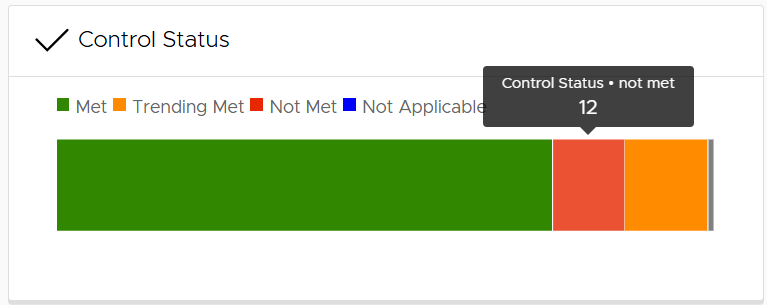
Control Status
The Control Status widget summarizes the distribution of security controls across their respective assessment status. As the legend indicates, green reflects Met controls, red Not Met, orange Trending Met, blue Not Applicable, and grey Not yet assessed. Hovering over the respective control block indicates how many controls fall in that category. This gives the user an easy summary of their controls assessment.
Security Plan Progress
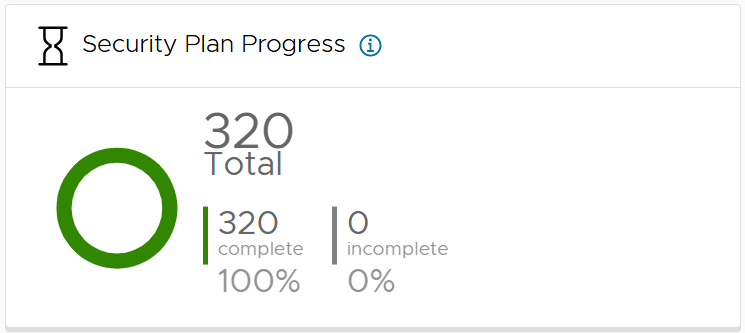
The Security Plan Progress widget summarizes how many Organization Actions in the Control Status module have had their Implementation Details field populated. In other words, this widget captures how many of the sum total Organization Actions you’ve addressed by writing an implementation statement for. See our Guide on Building a System Security Plan (SSP) for more on populating the Implementation Details fields.
Organization Status
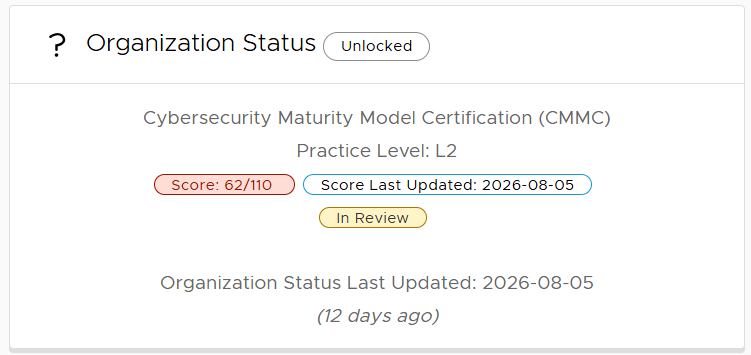
The Organization Status widget displays the current cybersecurity framework (assessment type) and practice level (if applicable) currently loaded. When toggling to a separate framework or assessment type via the Manage page, these details will update to reflect the currently loaded version. Additionally, if you have loaded the CMMC assessment type, you will see your score. Lastly, the Score Last Updated field reflects when your CMMC score last changed, and the Organization Status Last Updated field reflects when your authorization status changed or when your score last changed, whichever occurred most recent.
Control Type
The Control Type widget provides a graphical distribution of Organization Actions marked Policy, Technical, or Hybrid.

Upcoming POA&M Items
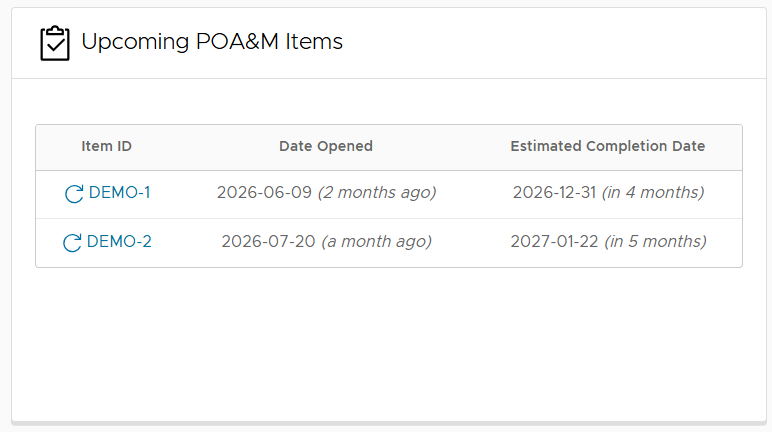
The Upcoming POA&M Items widget lists the five Corrective Action Plans (CAP) nearest to their due date, including when they were opened and their estimated completion date. Selecting the CAP ID will bring you to the POA&M page to view more about that CAP.
Not Met Control Families
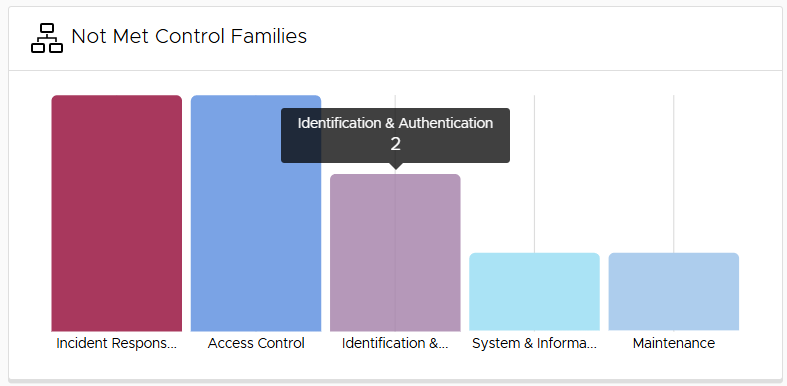
The Not Met Control Families widget provides a graphical distribution of controls marked Not Met by Control Family. Hovering over each bar will list the number of controls currently Not Met.
My Tasks
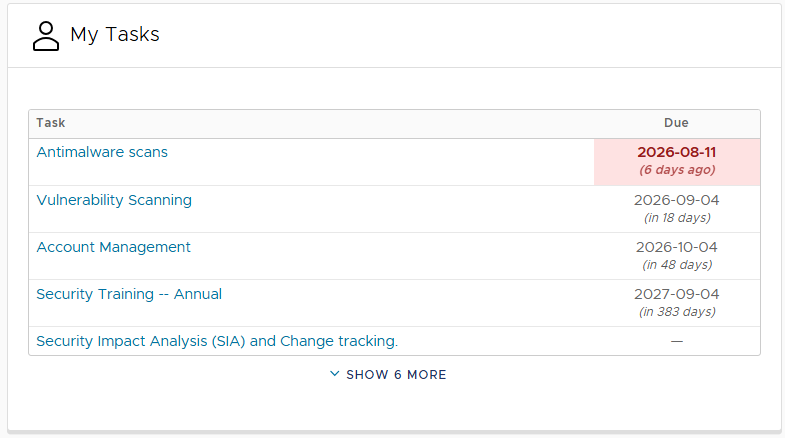
The My Tasks widget lists all tasks, whether Corrective Action Plan (CAP) tasks or Continuous Monitoring tasks, that are assigned to you. Selecting the task will take you to the respective module, where you can read more about the task. This table also contains the task’s due date, if one exists.