
Importing an inventory
Totem’s Inventory module allows you to import an existing CUI, hardware, or software assets inventory, saving you significant time populating new or updating existing assets. This guide walks you through how to import an inventory in Totem.
To import an inventory:
- Log in to Totem.
- Navigate to the Inventory module. Determine which asset inventory you’d like to import, whether it be a CUI asset, hardware asset, or software inventory. Navigate to the respective page.
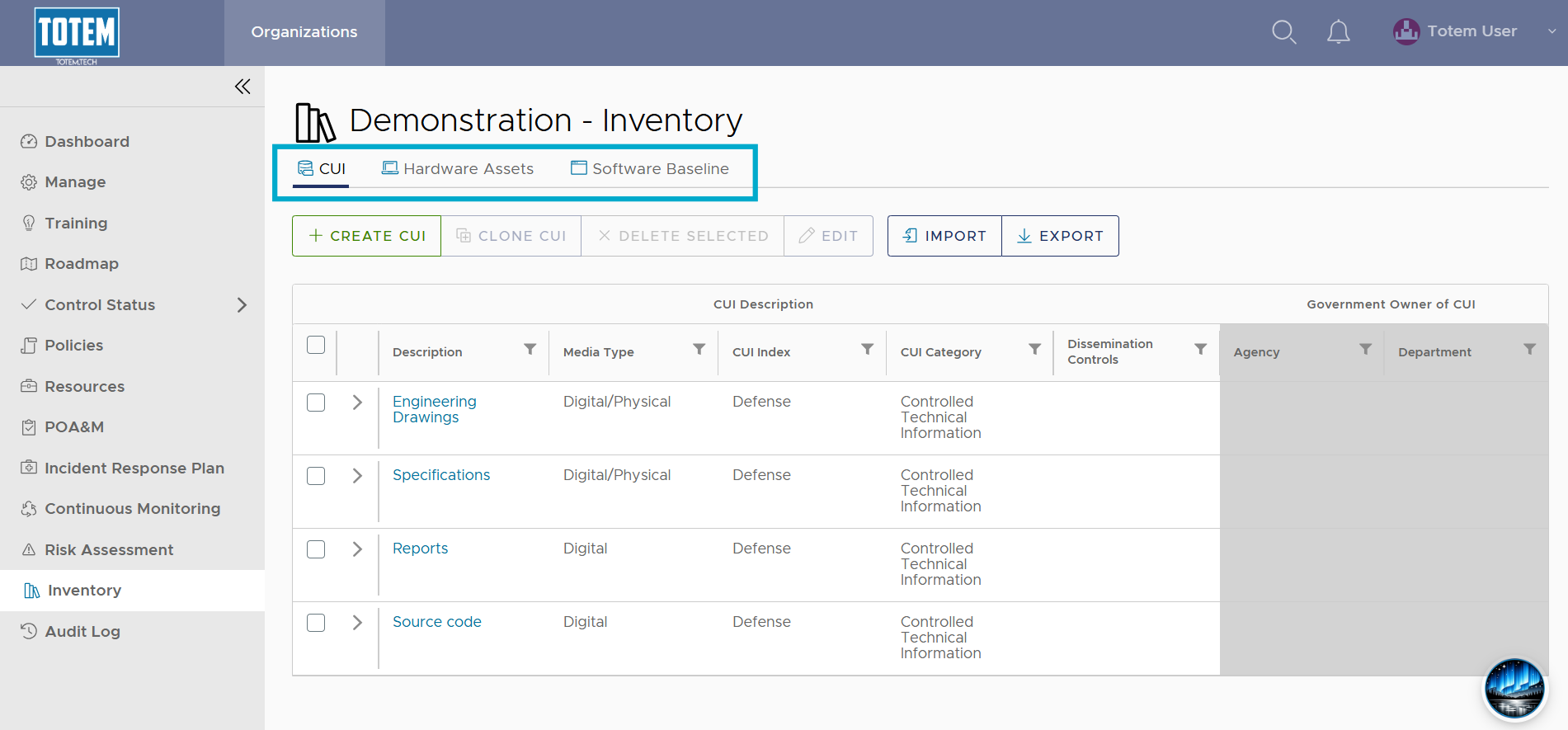
- Totem imports expect a specific format. If you do not already have a template that matches the expected format, you can get a new one simply by selecting the Export button.
- Retrieve the exported spreadsheet and copy your inventory data over and make any other desired edits.
- At the top of the page, select Import. Navigate to and select the spreadsheet modified in the previous step.

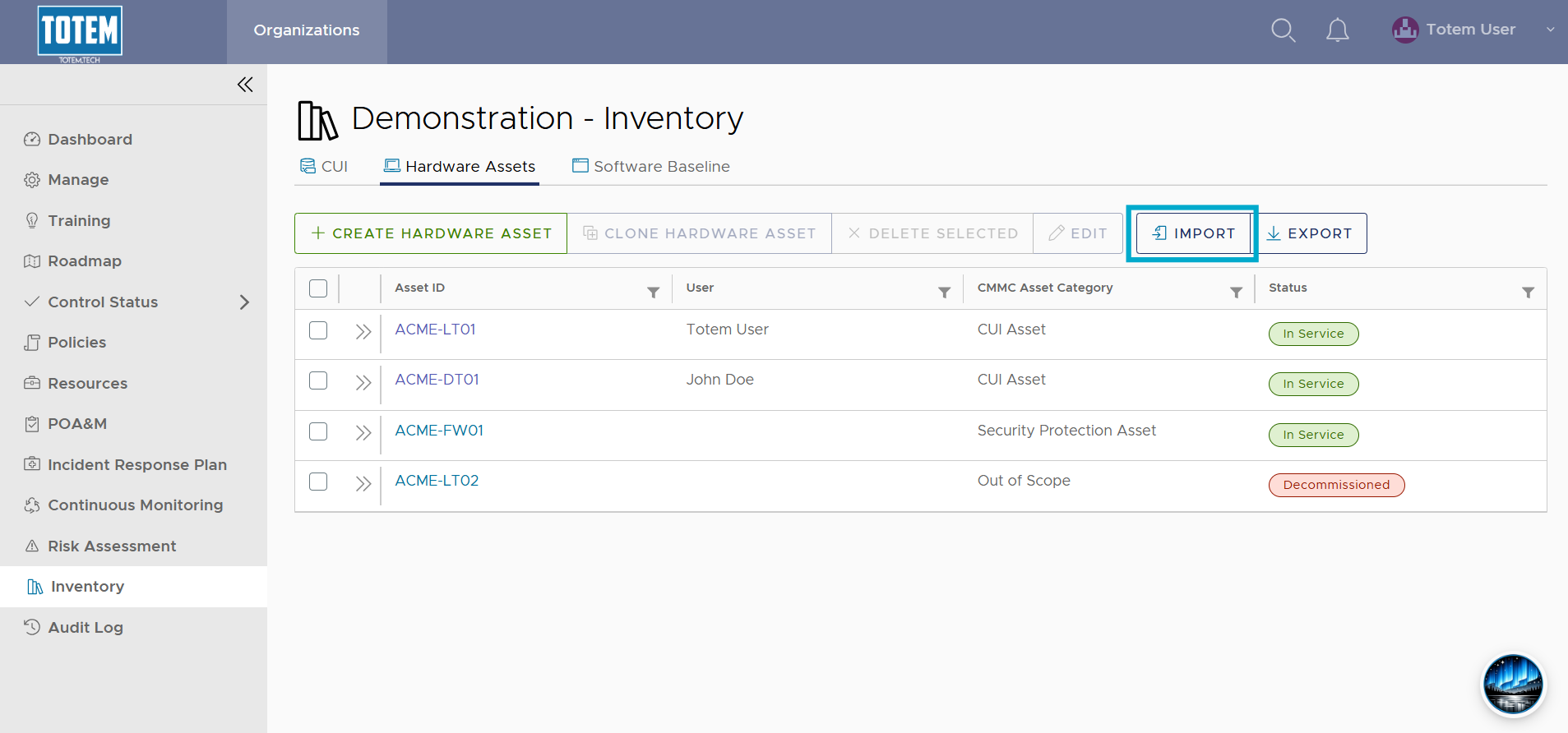
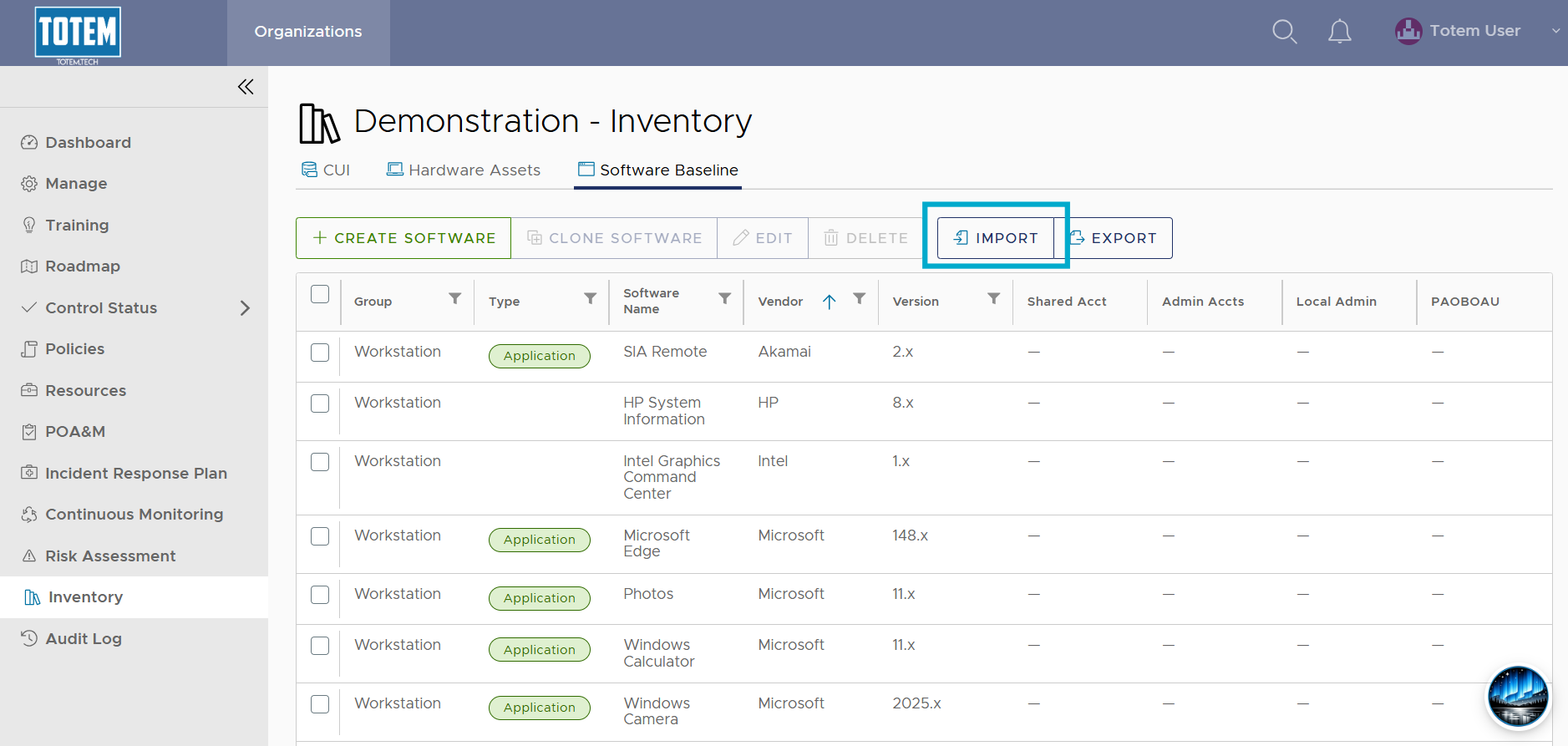
- Import the spreadsheet. Totem will report how many new records were added, how many changed, and how many remained unchanged.
- Select OK and see the new/modified records appear in the table.