
Creating new contacts
Totem instance administrators or users with the Owner role may populate the Contacts list for an organization. The Contacts list is for identifying not just users in Totem, but all key stakeholders within an organization. With the Contacts list, you can specify contacts, their contact information, their role, their access to CUI, and their privileged access. This is very handy for addressing cybersecurity controls that require identification of “in-scope” users and their administrative rights.
To create a new contact:
- Log in to Totem.
- Navigate to the Manage module and select the Contacts page.
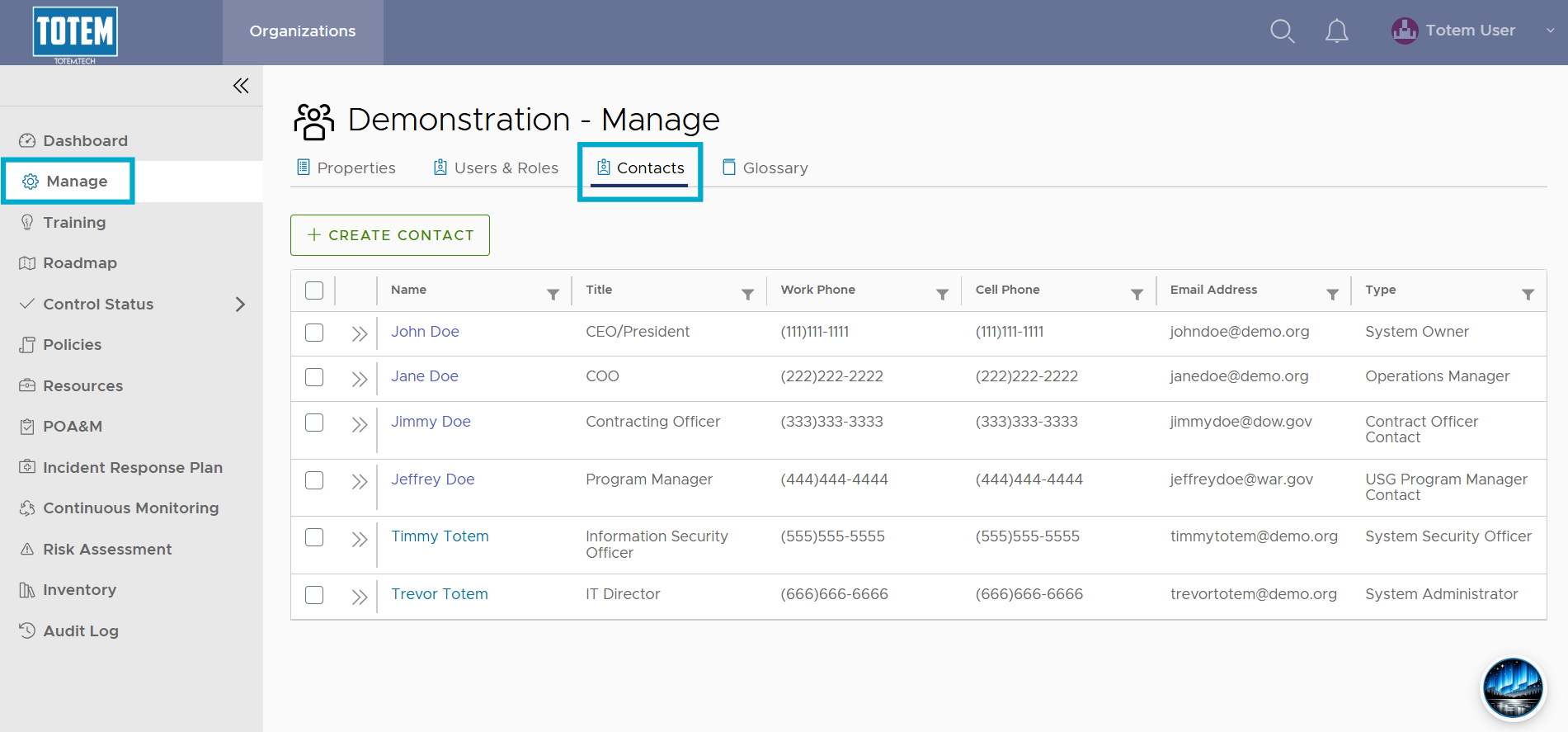
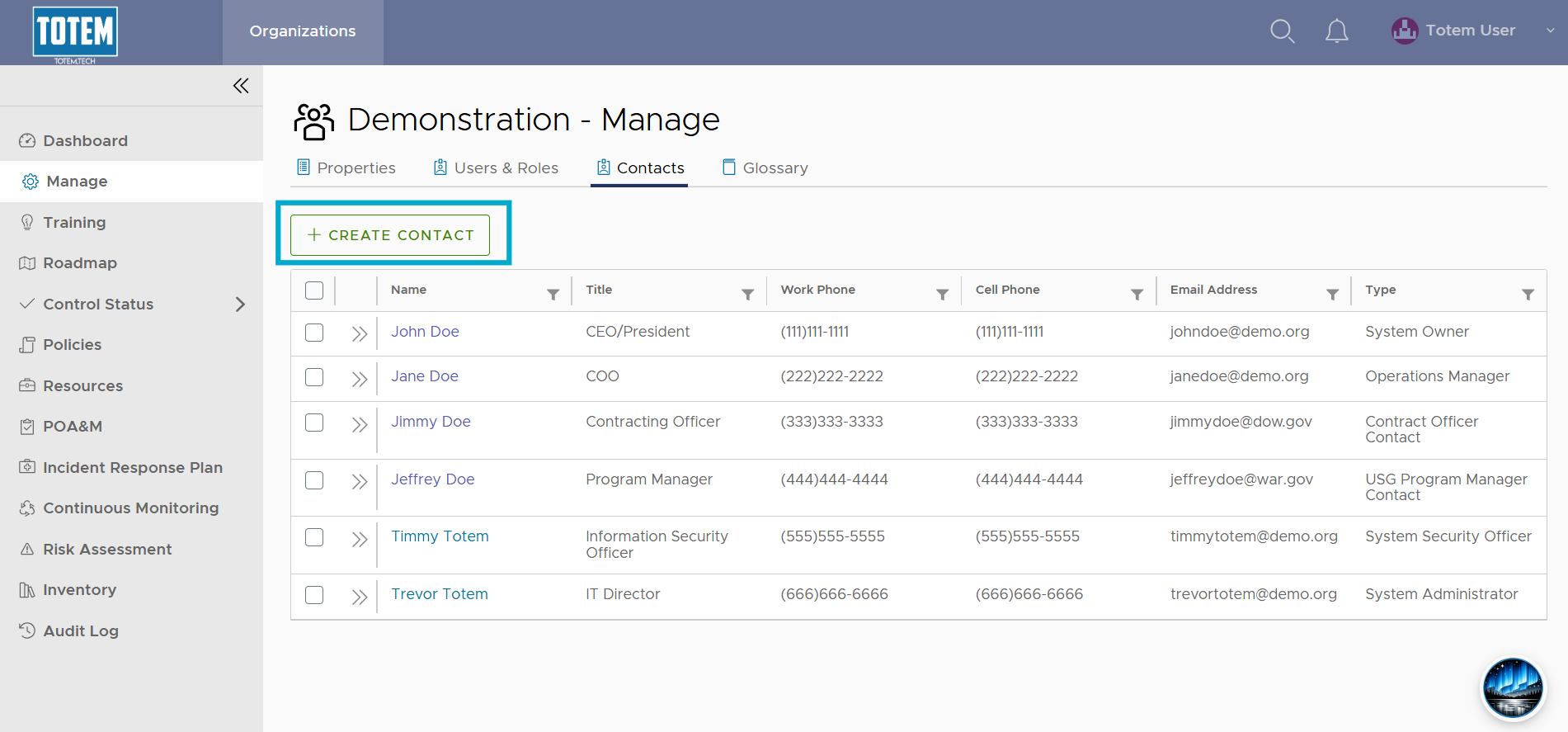
- Select Create Contact.
- Fill out the contact creation form for your new contact. Note that the Contact Type aligns with the Department of War’s (DoW) defined cybersecurity program role types. Ensure that a user internal to the organization is appointed the System Security Officer (Information Security Officer). Describe all contacts’ level of access to CUI and privileged accounts, if applicable.
- If using Totem to generate your Incident Response Plan (IRP), there are five contact types you’ll want to ensure you assign, as these will be included in your IRP export:
- System Security Officer (Information Security Officer)
- Cyber Security Incident Response Team (CSIRT) Contact
- Primary Internal IR Contact
- Contract Officer Contact
- US Government (USG) Program Manager Contact
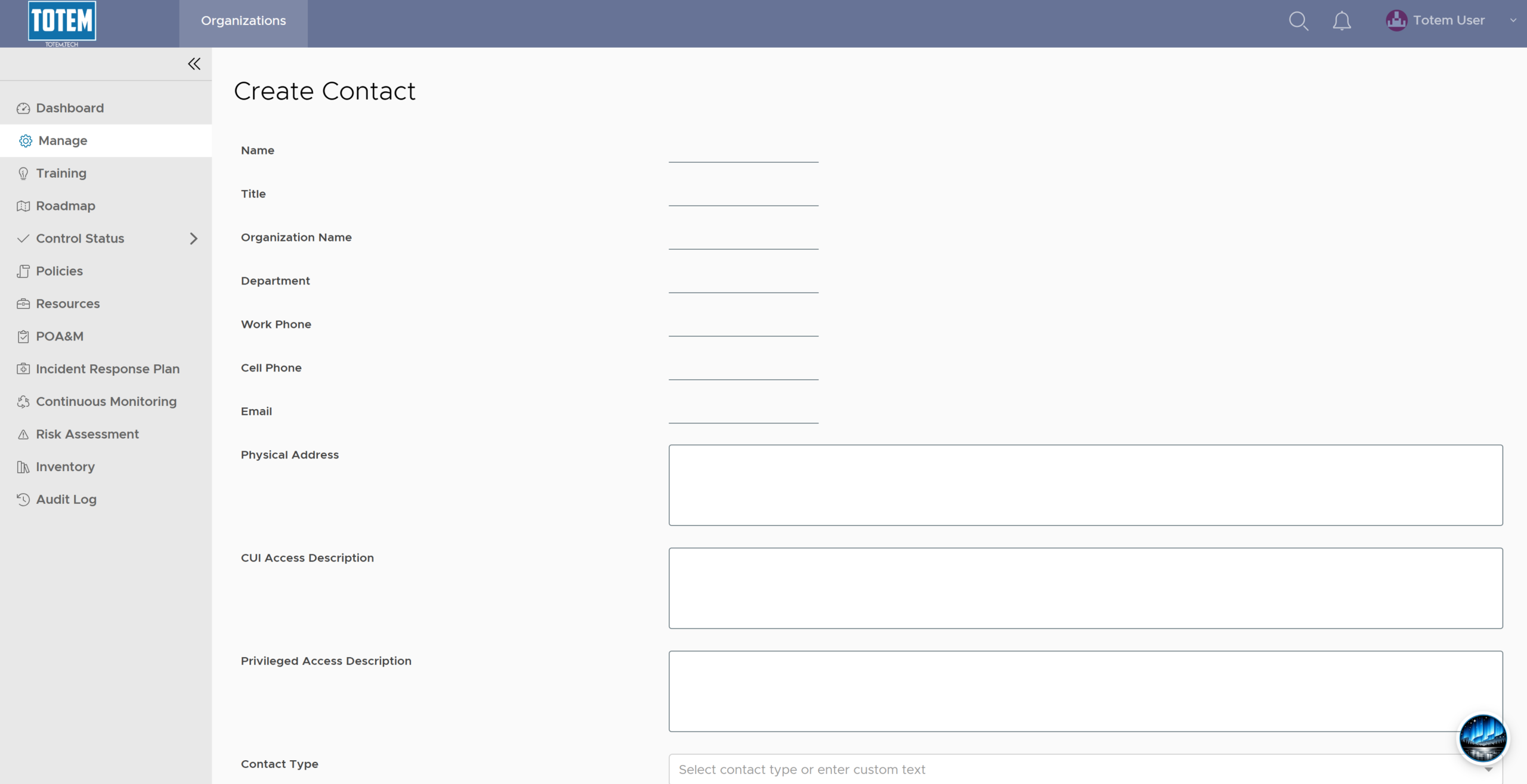
- Once complete, select Create Contact. See the new contact now appear in your Contacts list.