
Change Totem account email address
If your email address has changed, you’d prefer to receive communications regarding Totem to a separate email address, or you want to use a different email address to log in, you can change your email address yourself in your Profile. To change your email address:
- Log in to Totem.
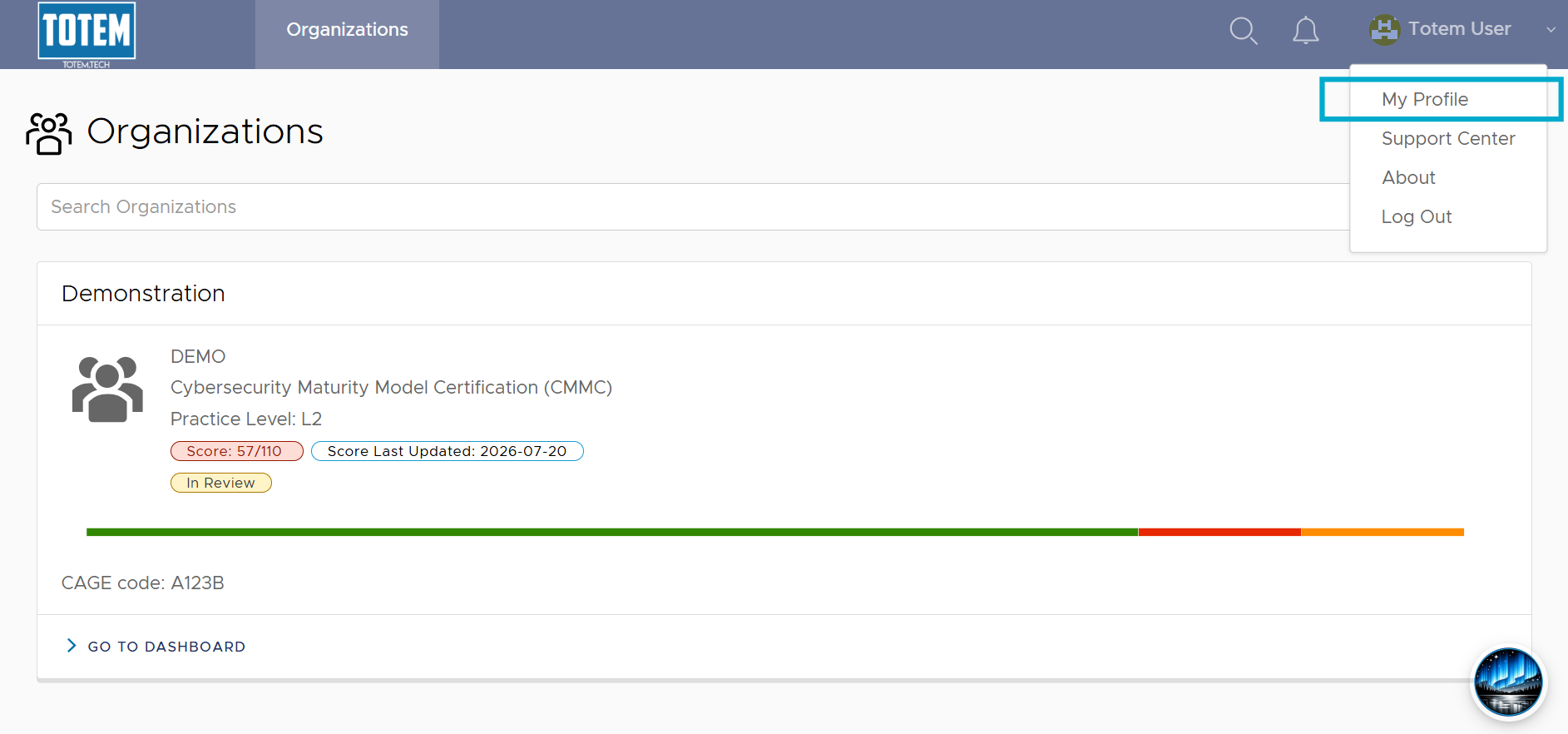
- Navigate to the upper right-hand menu and select My Profile.
- You will see your current email address in the Email field. To add a new email, remove the existing one, and insert the new email into the field.
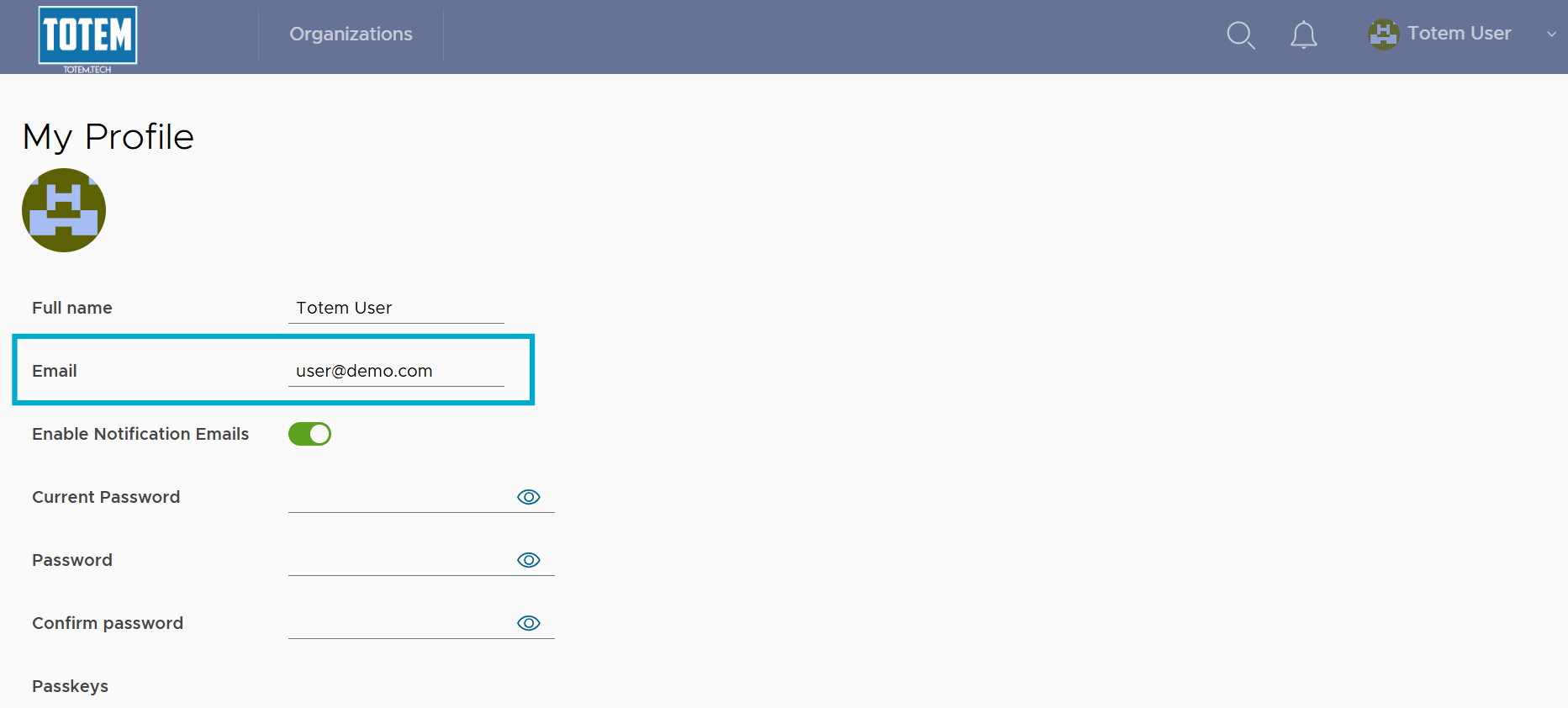
- Enter your Current Password and select Update Profile. If the password is accepted, you’ll receive an email change success message.