
Delete a Totem user
Instance administrators can permanently delete users from Totem. While removing a user from an Organization will revoke their access to that Organization’s data, the user will still exist within the Totem database. Therefore, administrators should purge users from Totem when their account is no longer needed.
- Log in to Totem.
- Navigate to the top-right corner, select the dropdown, and choose Administration.
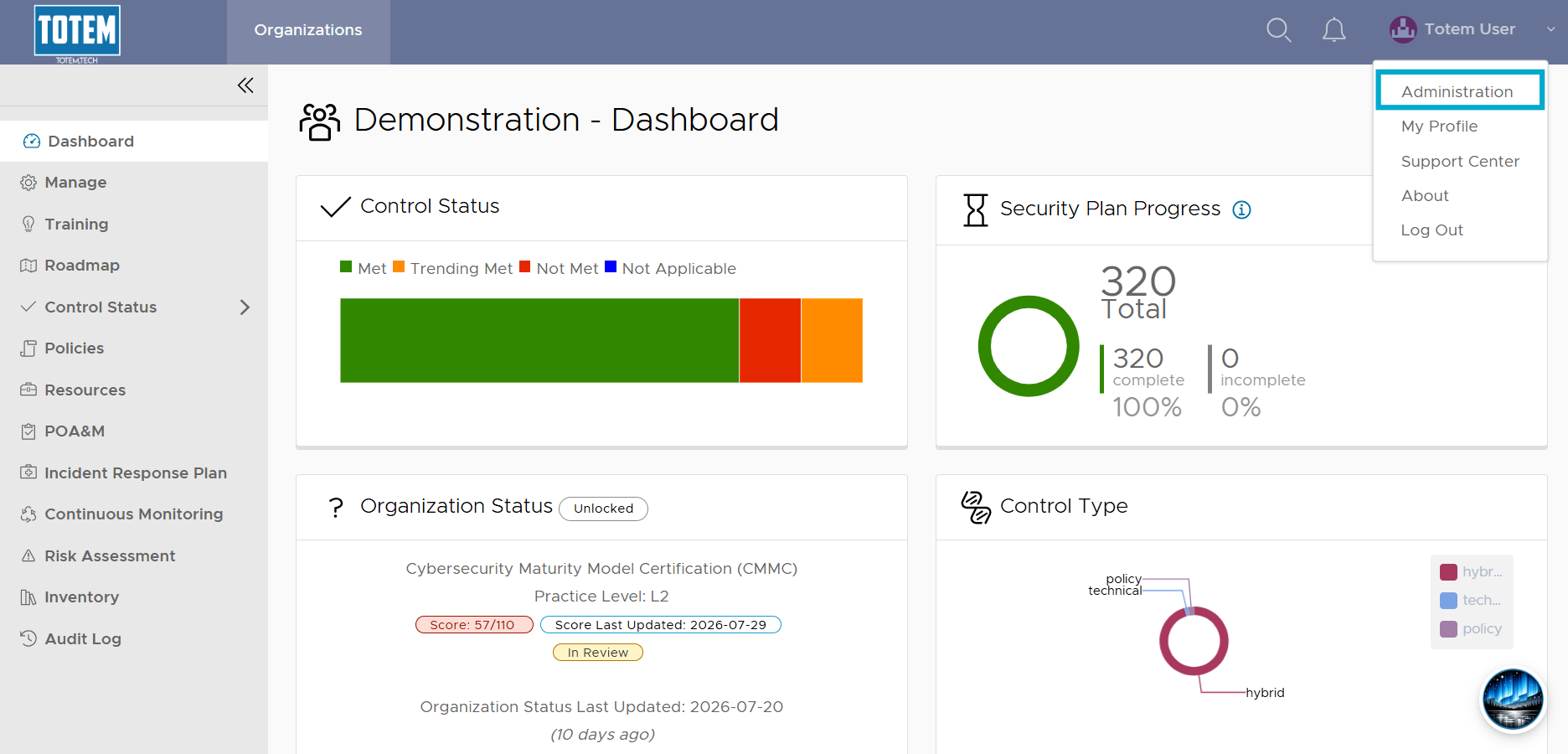
- Enter your Administrator password and select Authenticate.
- Navigate to the Users page. Identify the user you’d like to delete.

- There are two ways you can delete a user:
- Select the vertical ellipses “⋮” next to the user’s name and choose Delete, OR
- Select the checkbox next to the user’s name, and any other users you’d like to delete. At the top of the page, choose Delete Selected Users.
Important notes
Removing a user from an Organization via the Manage > Users & Roles page does NOT delete their Totem account. It does, however, restrict their ability to view or access any data within the Organization. Permanently deleting a Totem user is only done via the methods outlined here and is strictly reserved for instance administrators.