Creating a task
To create a new Continuous Monitoring task:
- Log in to Totem.
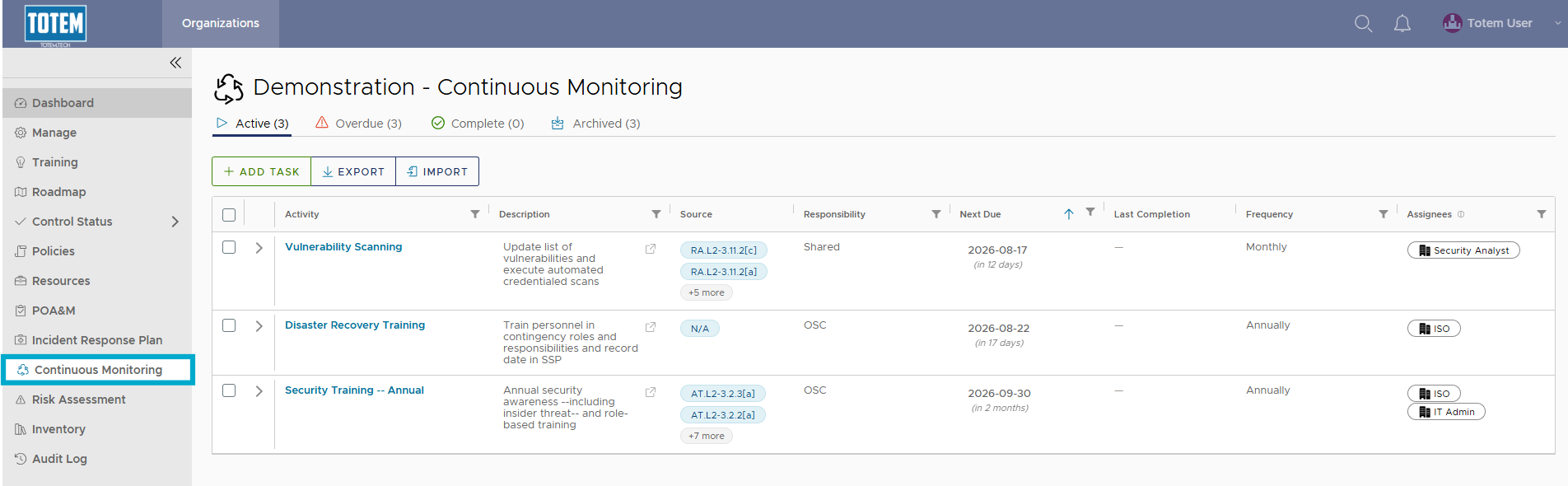
- Navigate to the Continuous Monitoring module via the left-hand menu:
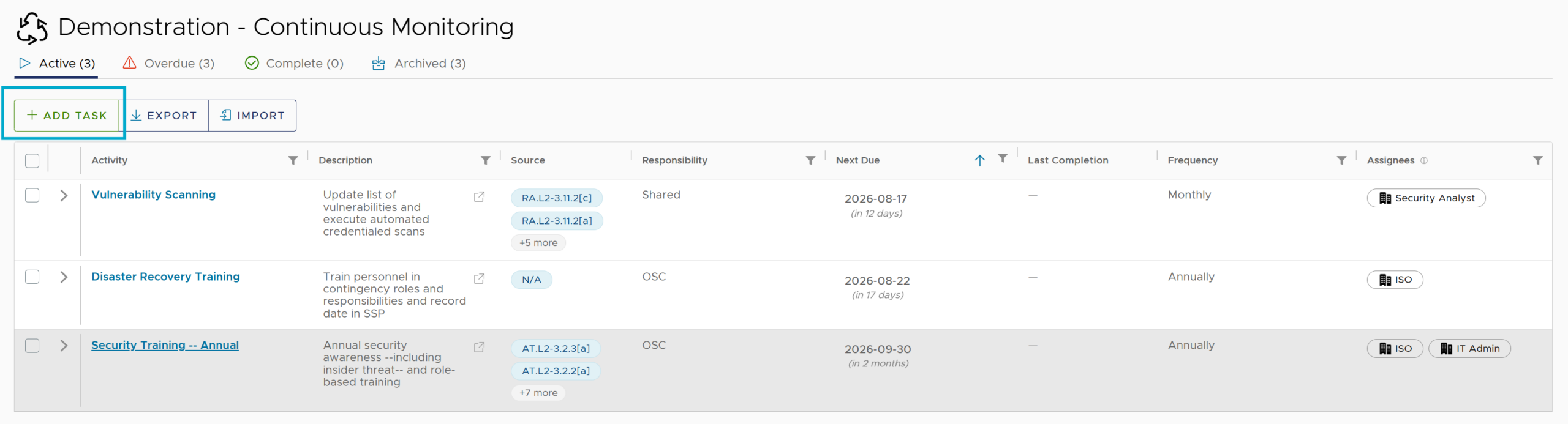
- Select Add Task.
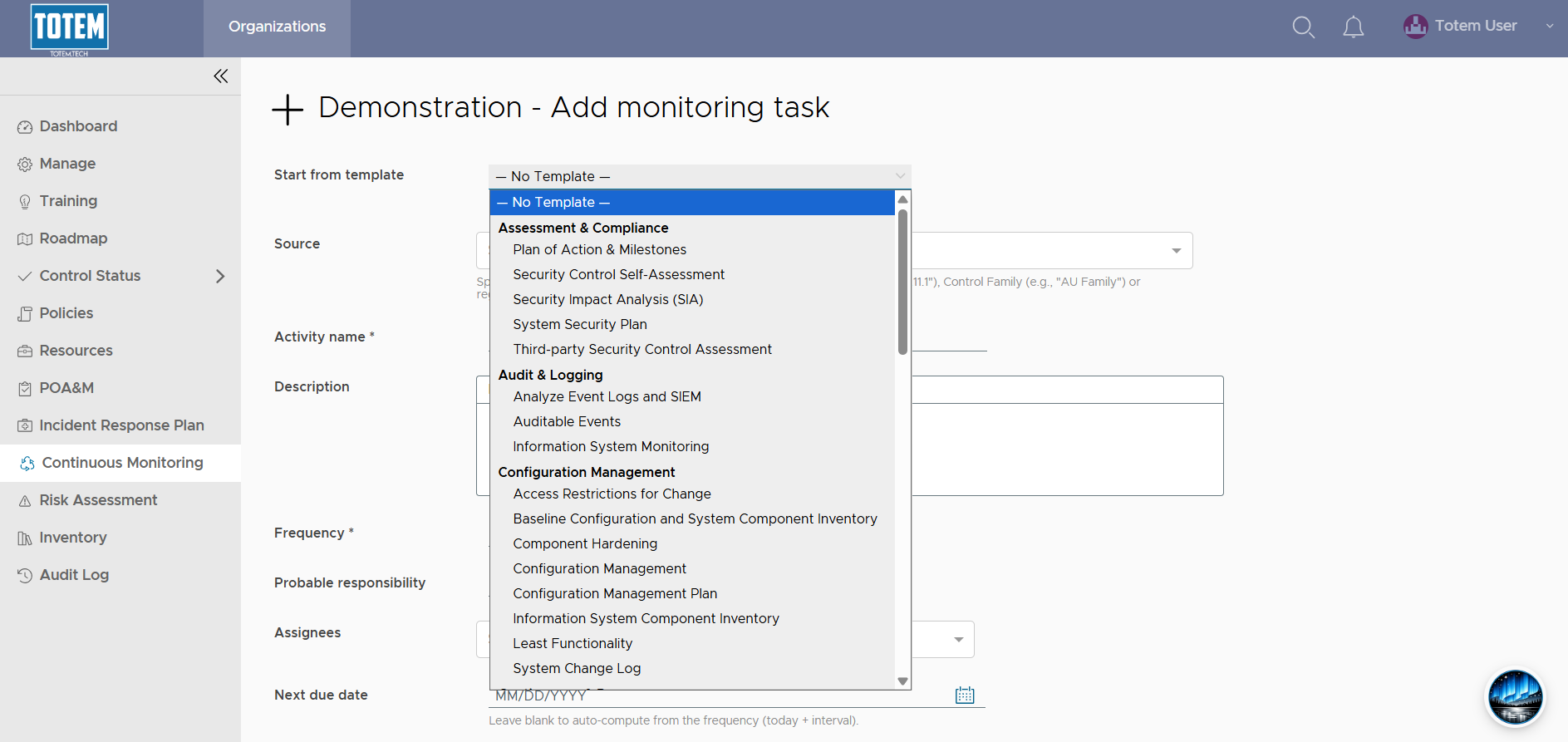
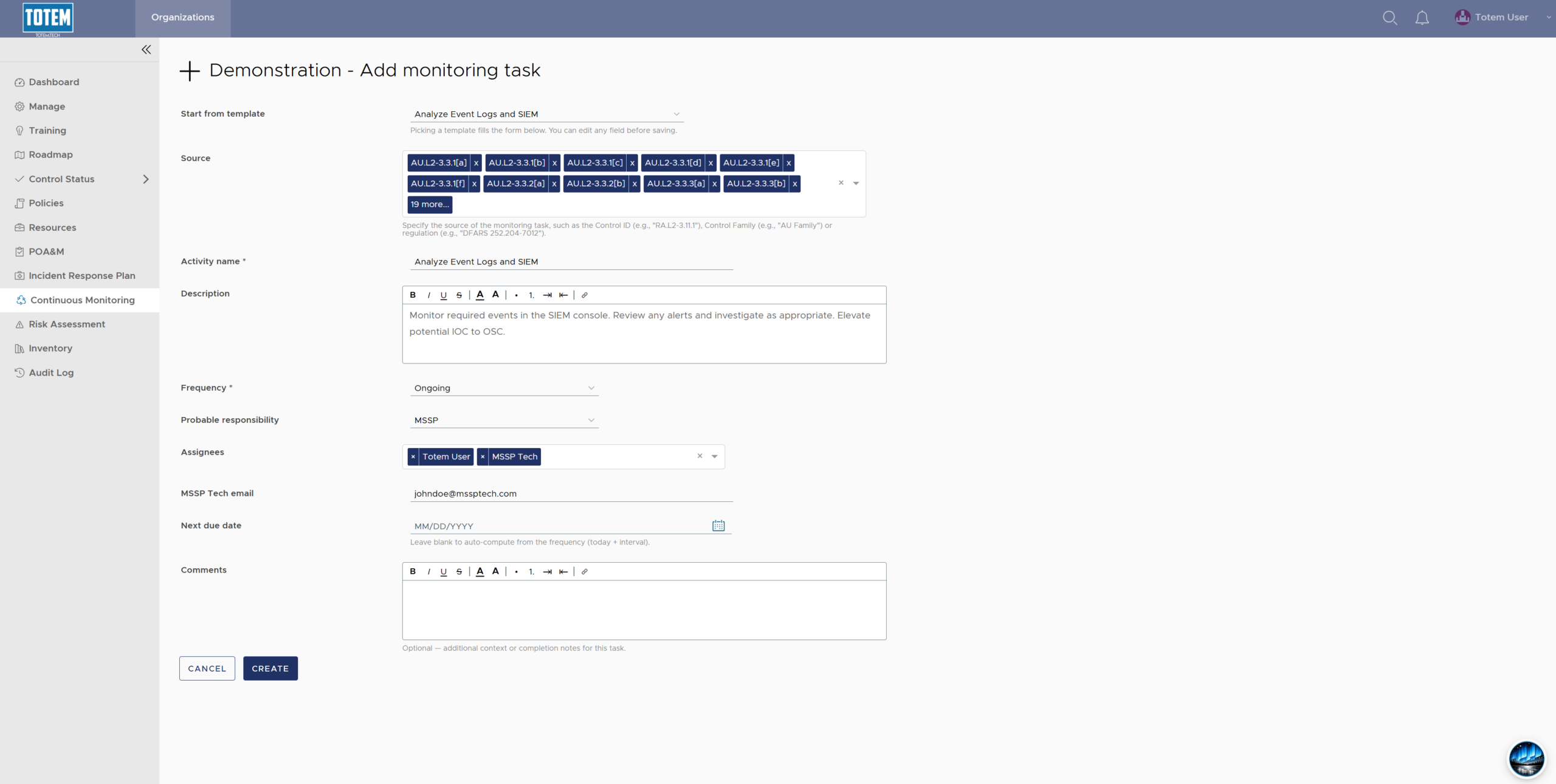
- You’ll be presented with the Task creation interface. Below is a description of each field in this interface:
- Start from template: Totem Technologies has created dozens of task templates that correspond with common Continuous Monitoring tasks, mapped directly to NIST SP 800-171A or other relevant regulation sources. Refer to our template list prior to creating a task from scratch to see if we already have a template available. Selecting a template will immediately populate many remaining fields.
- Source: The driving force behind the task. In other words, what is requiring the organization to do this task? It could be a specific control (e.g., for annual risk assessments, the source could be RA.L2-3.11.1), an entire control family (e.g., for event log monitoring, the source could be the entire Audit & Accountability family), or a regulation (e.g., for incident handling, the source could be DFARS 252.204-7012).
- Activity name: Provide a high-level name for the task (e.g., “Vulnerability Scanning” or “Incident Response Tabletop Exercise”).
- Description: Provide a longer description of the task (e.g., why the task is being done, instructions for the user completing the task, etc.).
- Frequency: The cadence in which the task will be performed. Note that Ongoing tasks are done regularly rather than on a defined interval, such as monitoring your SIEM, while As Required tasks are done when needed, such as screening of new employees.
- Probably responsibility: Which entity(ies) is/are responsible for the task? See descriptions below.
- Cloud Service Provider (CSP): Microsoft, Google, AWS, or any other provider offering a cloud service that helps you fulfill your continuous monitoring task.
- Organization Seeking Certification (OSC): The defense contractor or other entity pursuing CMMC certification (or assessment).
- Managed Service Provider (MSP): A third-party IT service provider.
- Managed Security Service Provider (MSSP): A third-party security log monitoring and incident response provider.
- Other External Service Provider (ESP): Any other undefined service provider assisting with the task.
- Shared: A blend of multiple responsible parties, each sharing in the responsibility to complete the task.
- Assignees: Which named internal/external users are responsible for completing the task? You will be given the option to provide an email address for any users specified here, which will add them to the email notification workflow when the task is coming due. If the user you add is part of your Totem organization, they will also see any assigned tasks on their Dashboard and in the Continuous Monitoring module.

- Next due date: When do you want the task to be due next? Not every task may have a due date (e.g., those that are “As Required”), so you may choose to leave this blank.
- Comments: A field for you to add any additional context, instructions, or completion notes to the task as you see fit.
- Once all required fields are filled out, select Create to proceed with the task creation.
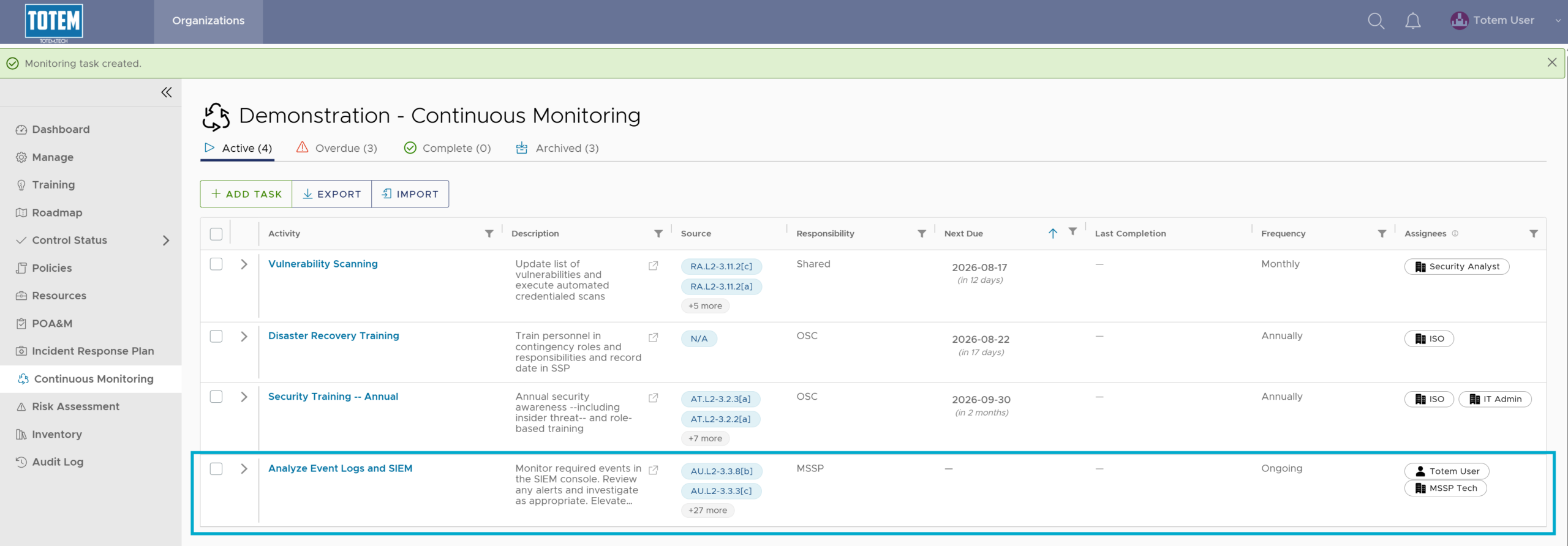
- See that it now appears in the Continuous Monitoring list in an Active state.