
Archiving tasks
Continuous Monitoring tasks that are no longer needed but you still want to preserve its completion history may be archived. This guide shows you how to archive tasks.
- Log in to Totem.
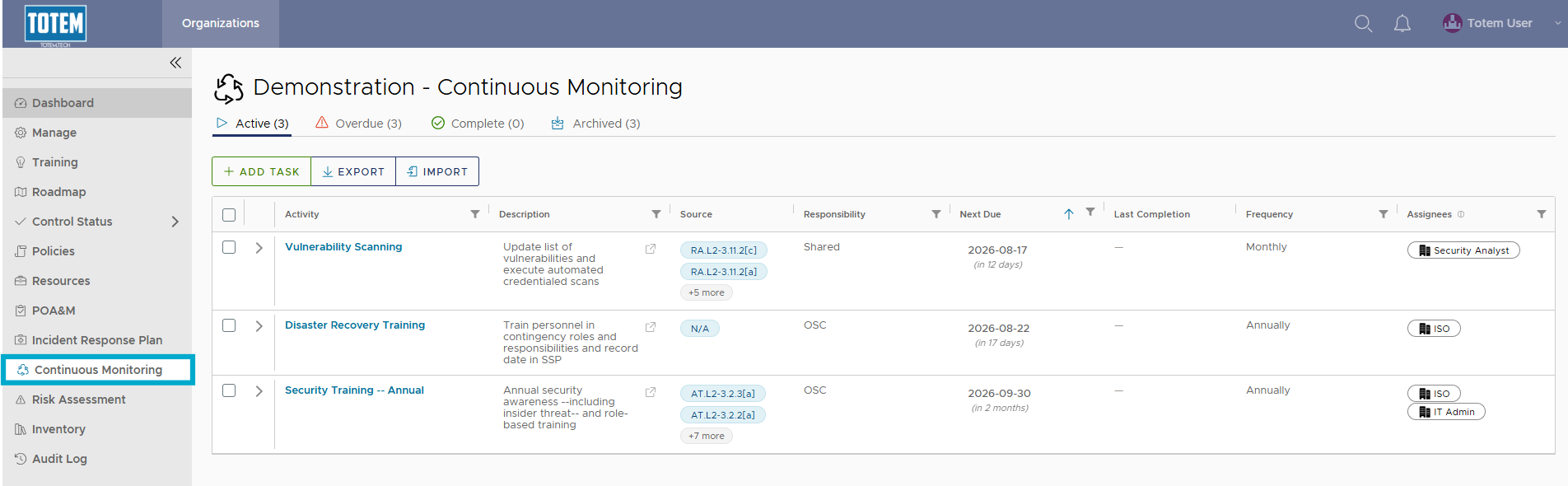
- Navigate to the Continuous Monitoring module via the left-hand menu:
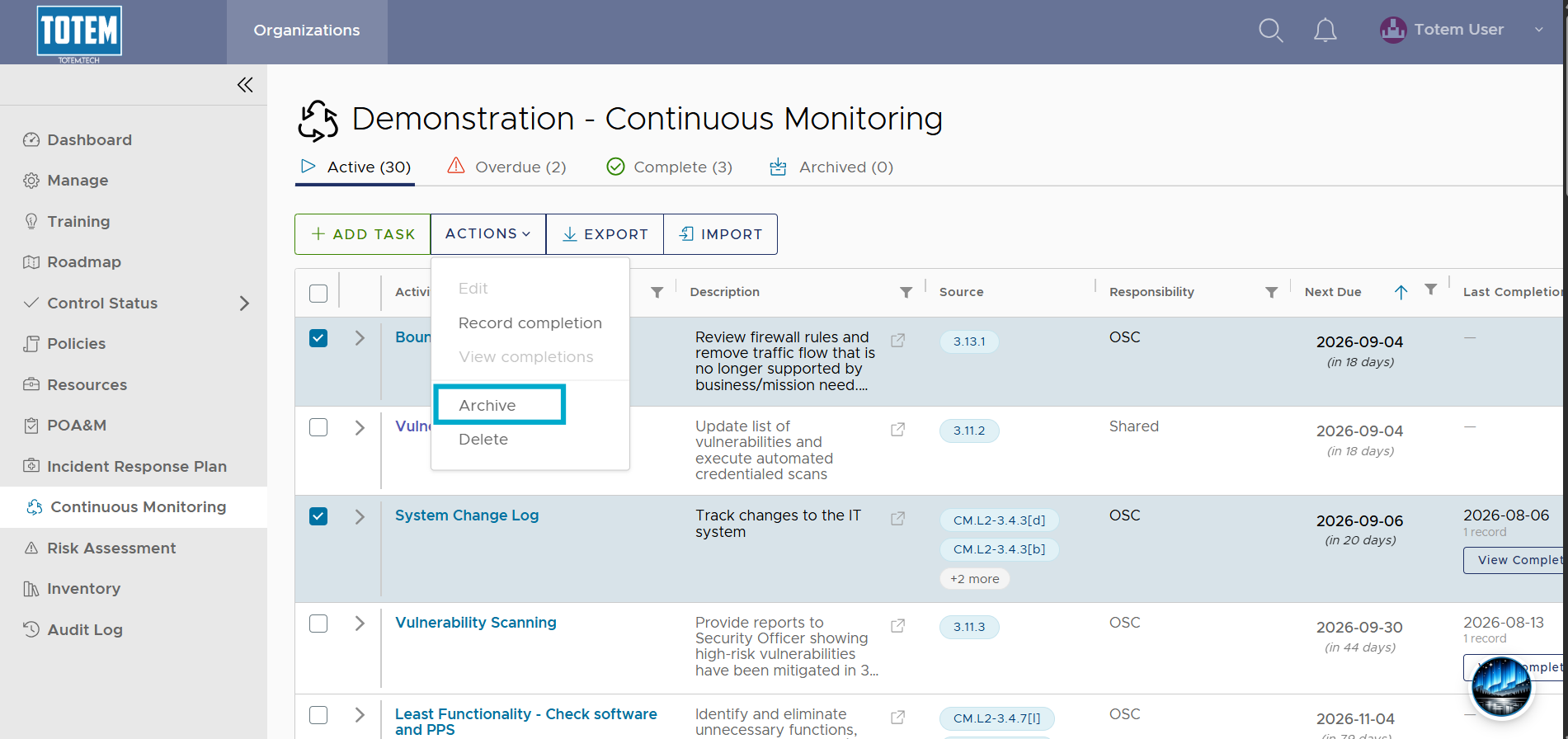
- From the Active, Overdue, or Complete page, identify the task(s) you would like to archive. Select the checkbox next to the task name, then choose Actions and Archive at the top of the page.
- Notice the task(s) move to the Archived group.