Accessing and editing the Completion Log
When a Continuous Monitoring task is marked Complete, a record of the completion is added to the task’s Completion Log. This guide shows you how to access the Completion Log for a task, including how to edit or delete a Completion Log.
- Log in to Totem.
- Navigate to the Continuous Monitoring module via the left-hand menu:
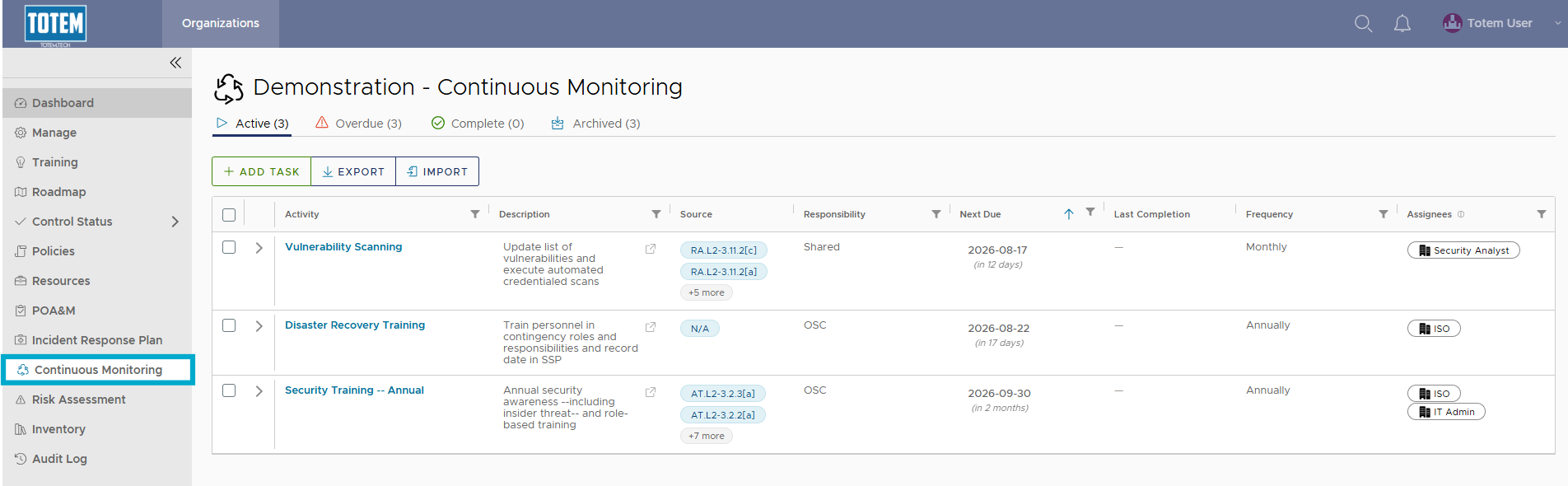
- Identify a task that you would like to view the Completion Log for, regardless of its current group (Active, Overdue, Complete, Archive).
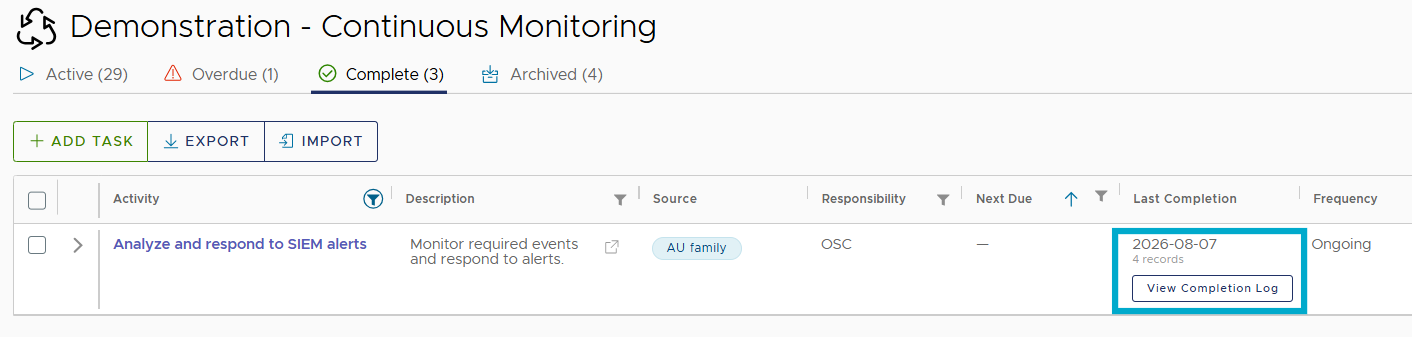
- Under the Last Completion column, select View Completion Log.
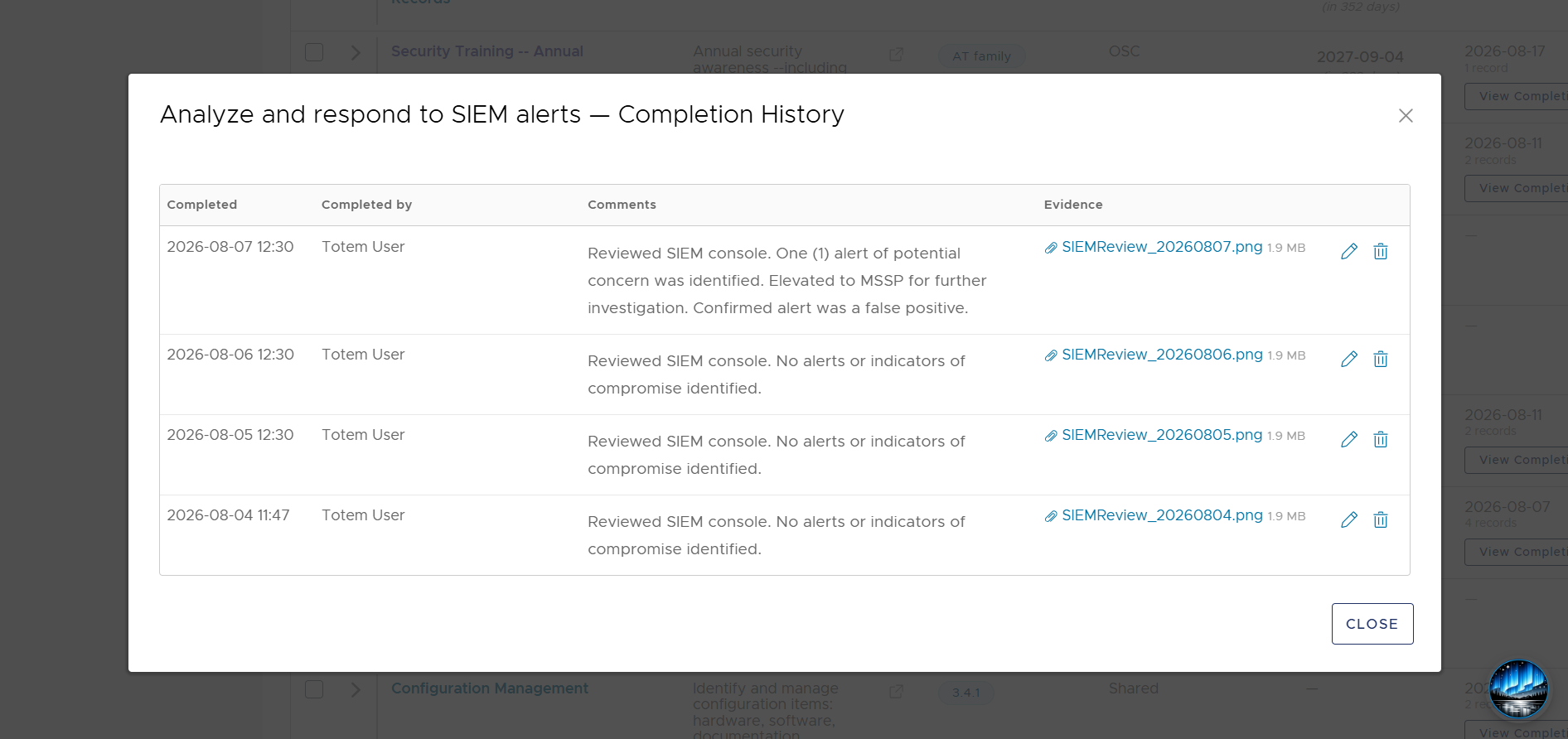
- The full Completion History for the task will be displayed, including the date it was completed, who completed it, and any comments recorded at the time of completion. If you want to edit or delete a previous completion log, select the pencil icon or garbage bin icon, respectively.
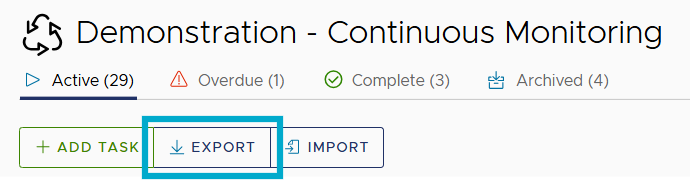
- If you want to retain a local backup of Completion History, you can Export the current Continuous Monitoring list, which will contain the full Completion Log.