
Changing the CMMC Practice Level
Totem instance administrators or users with the Owner role may update their organization properties, including the CMMC Practice Level (L1, L2, or L3). Customers with an Enhanced or Engaged subscription may toggle between Practice Levels at any time. Customers with an Essentials subscription are limited to CMMC L1 only.
To change your CMMC Practice Level:
- Log in to Totem.
- Navigate to the Manage module. By default, you’ll arrive on the Properties page.
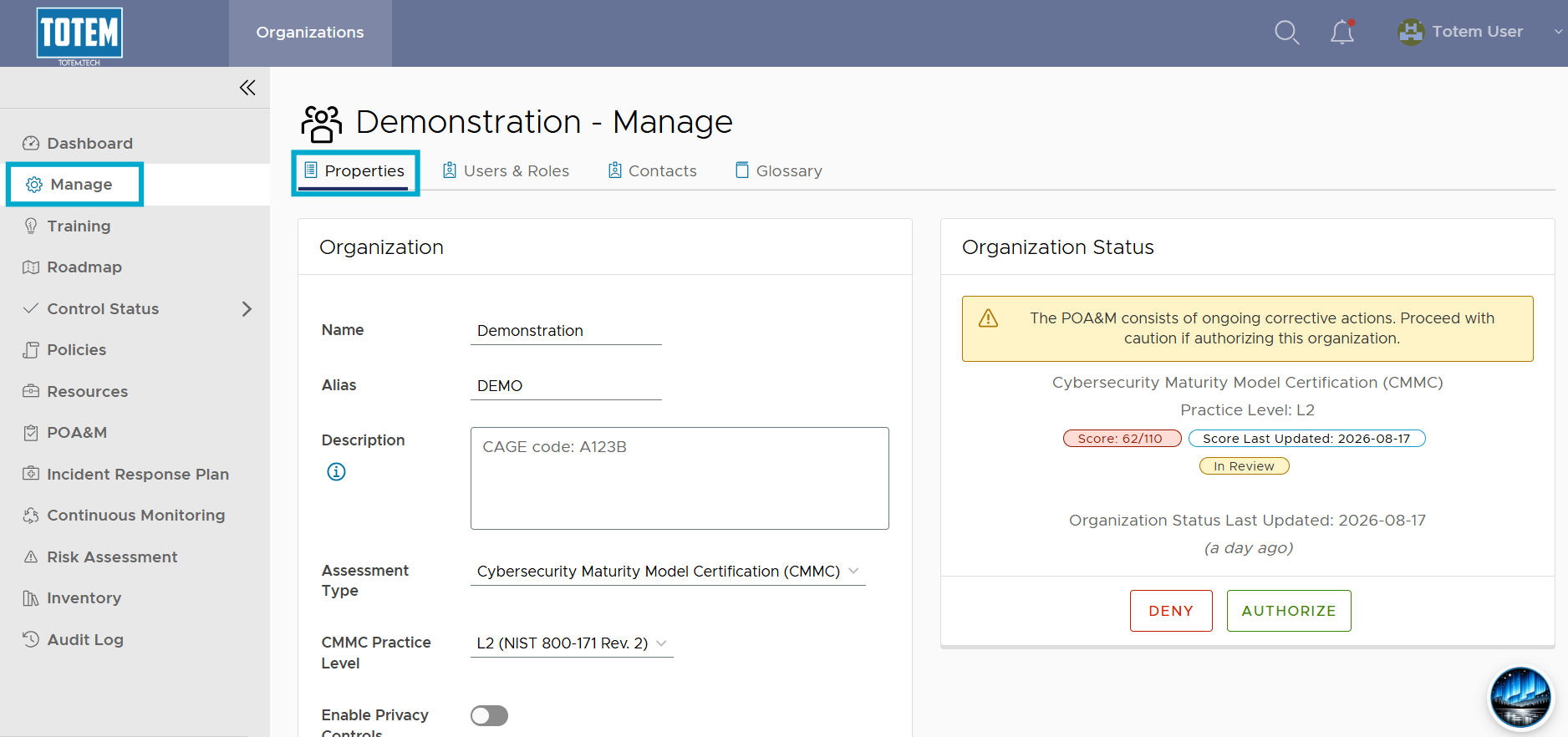
- Navigate to the CMMC Practice Level field. You’ll see the three levels of CMMC. CMMC Level 2 corresponds with NIST SP 800-171 revision 2, which is the Department of War (DoW)’s current standard for CMMC Level 2.
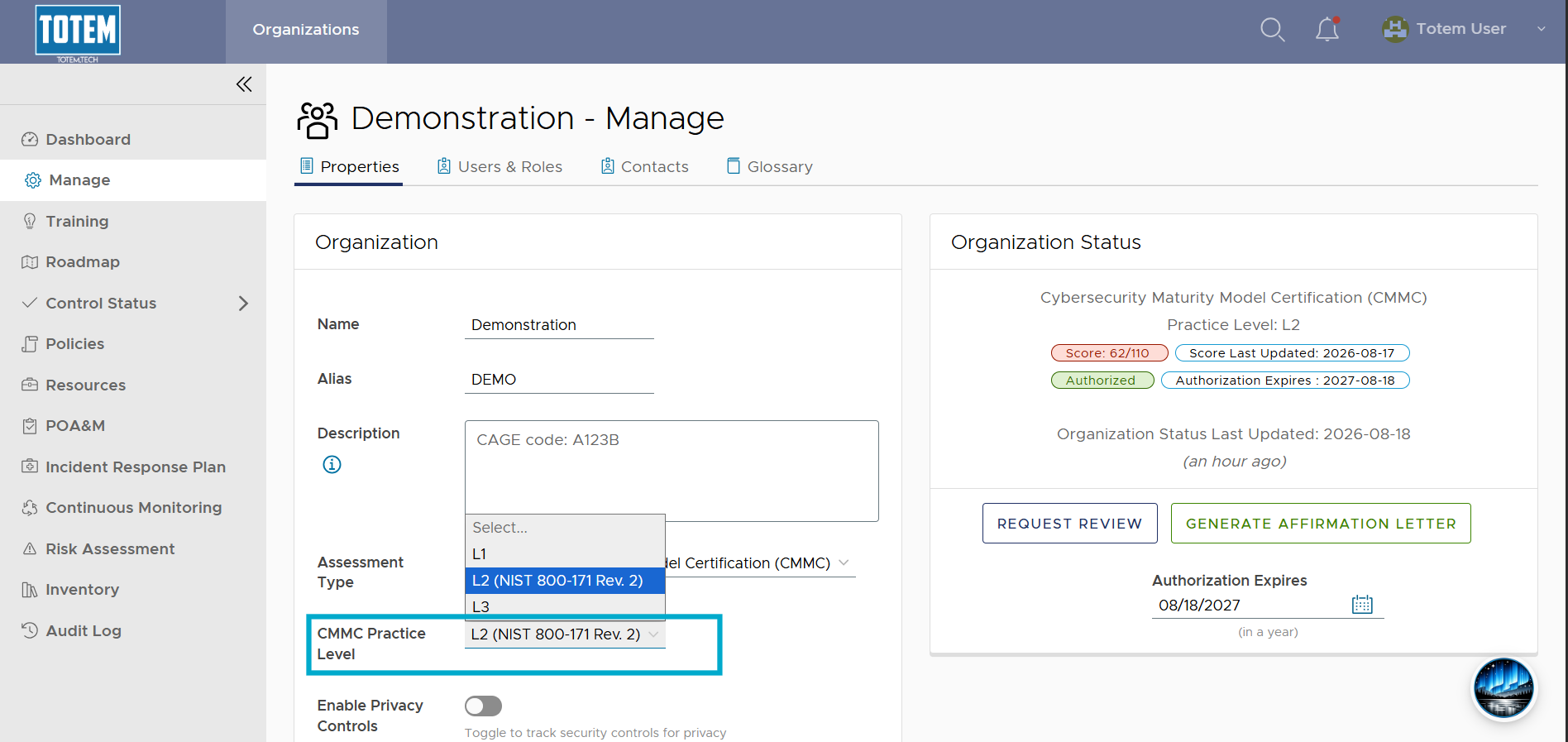
- Select your desired Practice Level, then scroll to the bottom and choose Update Organization. Navigate to the Control Status module and see that the controls you see depend on the Practice Level you selected has changed, per the following:
- L1: Only CMMC Level 1 controls
- L2: Only CMMC L1 and L2 controls
- L3: All CMMC L1, L2, and L3 controls