
Cloning an asset
Totem’s Inventory module allows you to clone existing CUI, hardware, or software assets, saving you significant time when inventorying new assets. This guide walks you through how to clone an asset in Totem.
To add new software assets to your inventory:
- Log in to Totem.
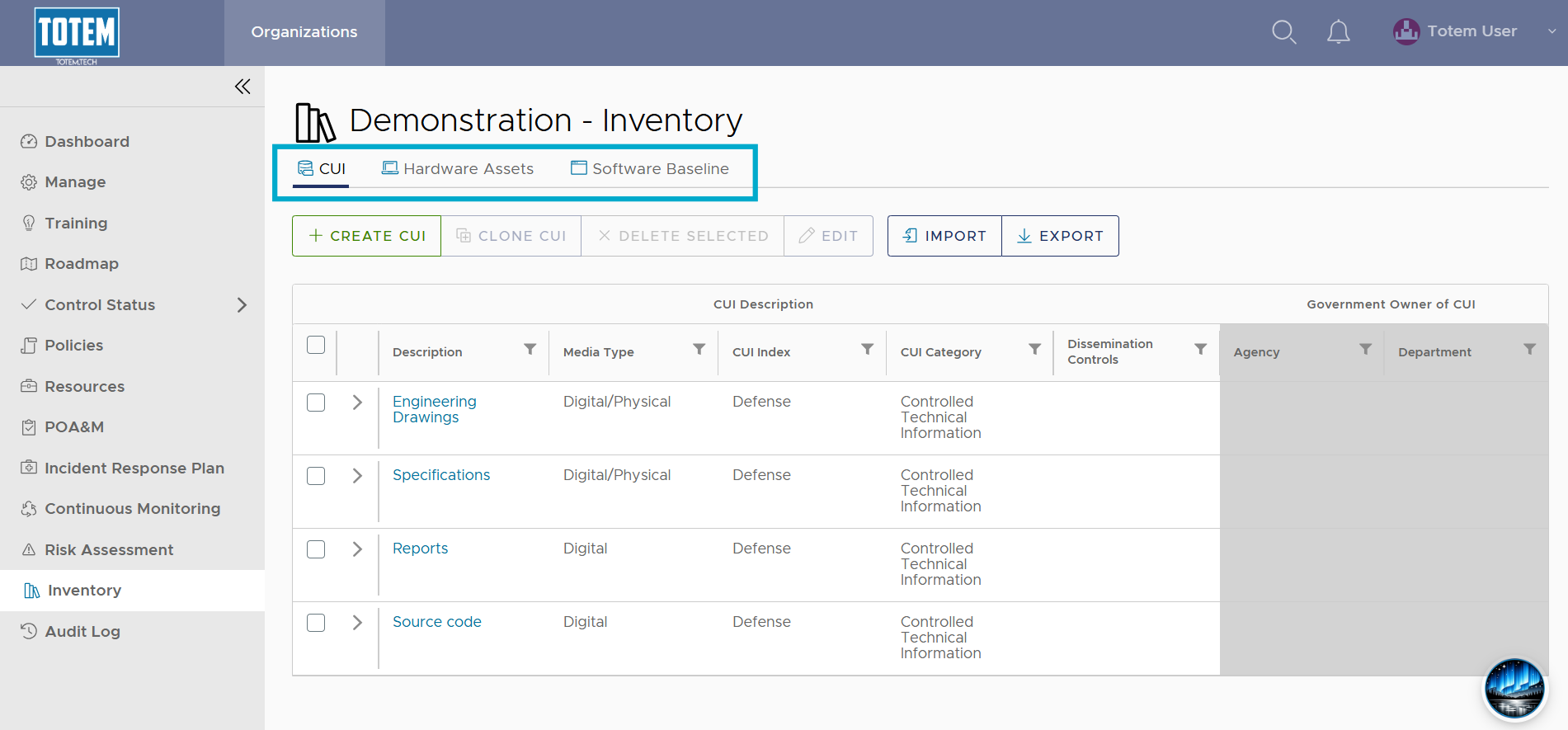
- Navigate to the Inventory module. Determine which asset you’d like to clone, whether it be a CUI asset, hardware asset, or software asset. Navigate to the respective page.
- Select the checkbox next to the asset you’d like to clone. Notice that a Clone <Asset> button will appear at the top of the page. Note that only one asset may be cloned at a time.
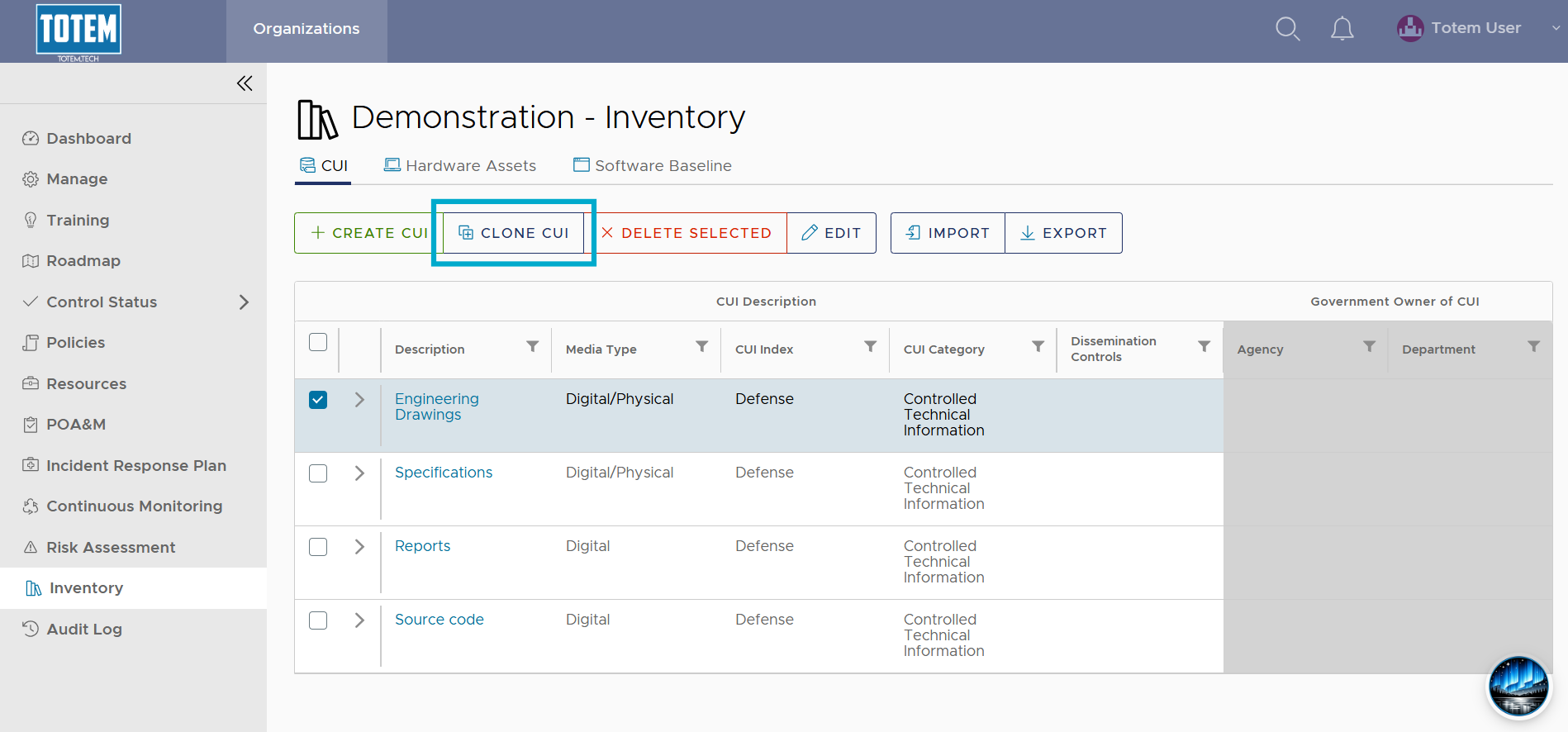
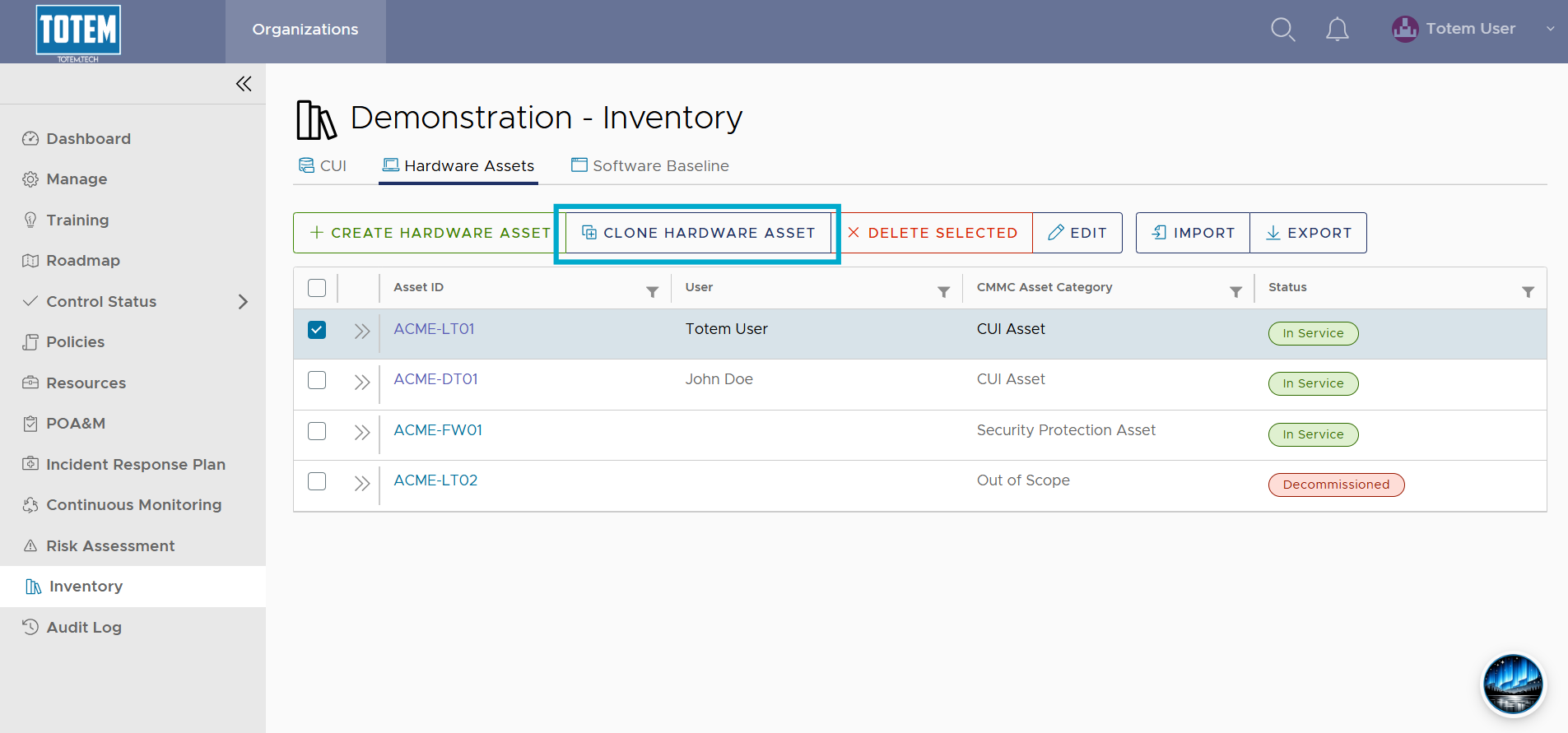

- Choose Clone <Asset> and see the new asset appear in the list.