
Common login issues and fixes
When trying to log in to Totem, you may be met with a number of different issues. This guide walks you through common login issues and what you can do to resolve each issue. Note that Totem Tech strongly recommends using a well-known password manager for storing credentials, MFA tokens, and passkeys.
Asking for a passkey when I didn’t create one
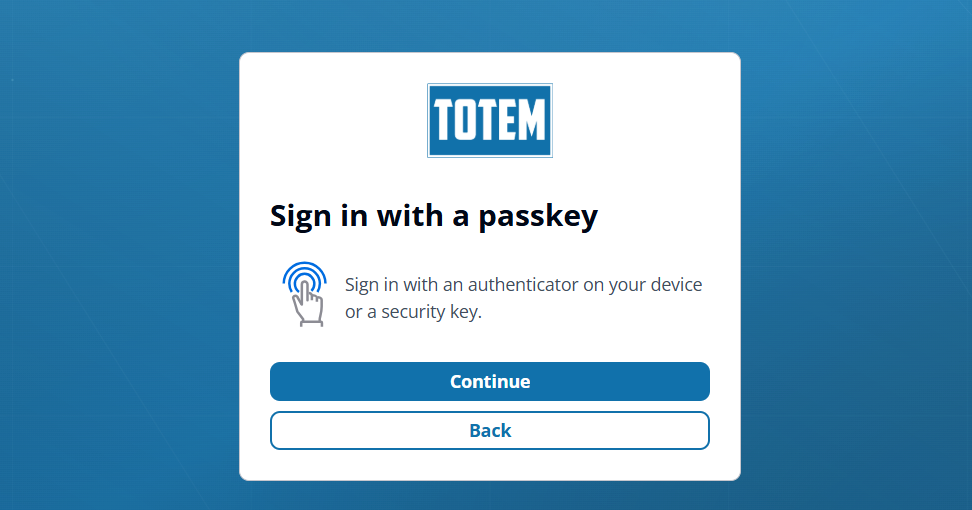
If Totem is asking for a passkey when you never created one, this can happen when you have entered an invalid email address. Please select Back and enter your email address again. NOTE: The email address field is case-sensitive, so please double-check that you are using the correct email address as you entered it when you first created your account. For example, if you first entered your email as “[email protected]” when you created your account, Totem will not accept “[email protected]”, and you’d be redirected to the passkey page.
If you are uncertain which email address you used when creating your account, please contact your Totem administrator or contact support.
Trying to reset password, but I am not receiving a token
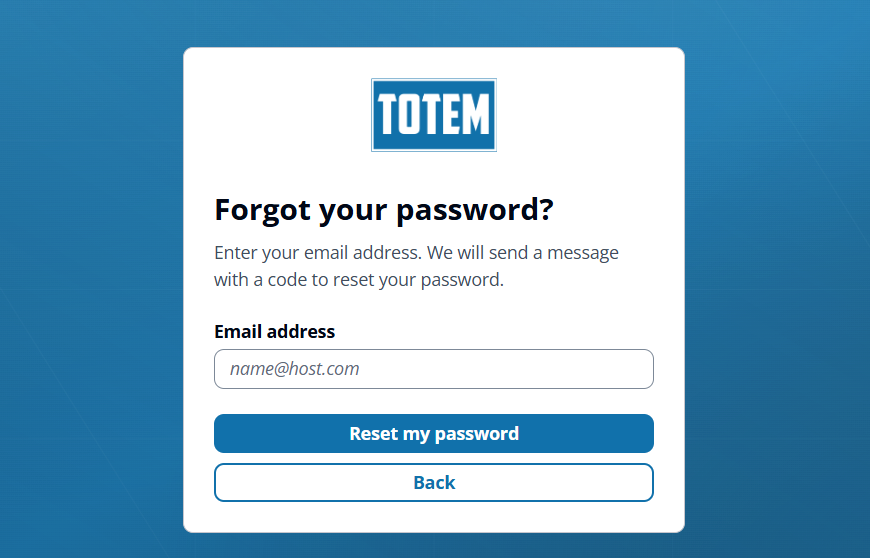
If you’ve forgotten your password, Totem contains a password reset mechanism, where you’ll provide your email and receive a code. If you attempted to change your password but have not received a code via email, it is likely due to one of the following (in order of likelihood):
- The email address you entered does not correspond with an existing Totem user account. This could be due to:
- You entered an email without correct case-sensitivity (e.g., “[email protected]” vs. “[email protected]”). Please double-check that you are using the correct email address as you entered it when you first created your account. If you are uncertain which email address you used when creating your account, please contact support.
- You entered an incorrect email (e.g., entering your personal email address when your business email address is associated with your Totem account). If you are uncertain which email address you used when creating your account, please contact support.
- The email containing the code has gone to your spam/junk folder. Please look in these folders for the code.
- The email containing the code has been caught up in your organization’s email security “quarantine” mechanism. Please check with your IT department to see if this has occurred.
If none of these result in a successful code retrieval, please contact your Totem administrator or contact support.
My MFA token doesn’t work
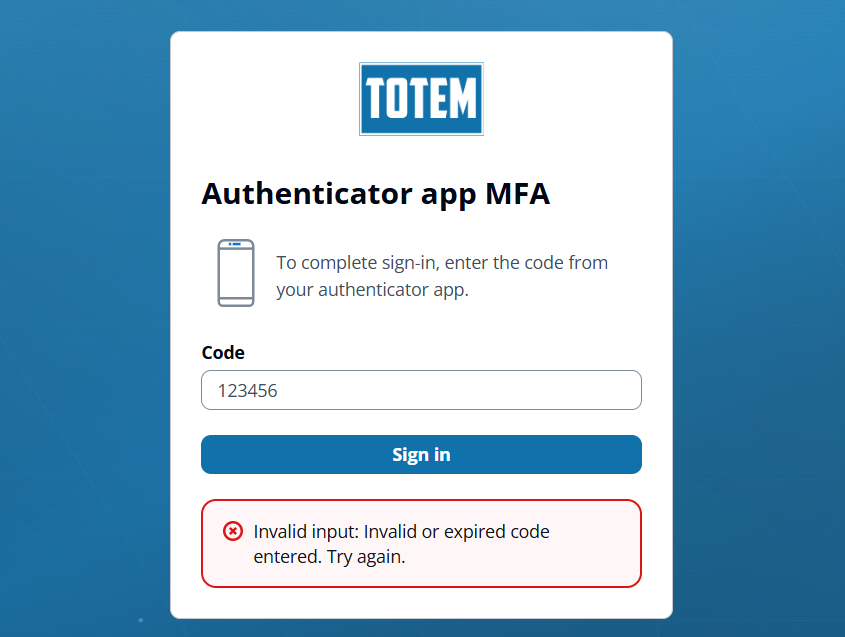
If you are using an MFA authenticator app (e.g., Microsoft Authenticator, DUO, your password manager, etc.), you may encounter errors when applying the six-digit codes from your authenticator app into Totem. This is likely due to (in order of likelihood):
- The six-digit code you’ve applied has expired, as they do every 30 seconds. Please double-check your authenticator app that you’ve entered the latest code.
- You are entering the six-digit for the wrong Totem account. Double-check that any old or unused Totem MFA tokens are removed from your authenticator app, and that you are applying the code for the correct Totem MFA token.
- You are entering the six-digit code for the wrong account. Please double-check that the code you are entering corresponds with Totem.
When setting up MFA via your preferred authenticator app, Totem Tech strongly recommends that you delete any old authenticator codes from previous Totem accounts. This helps keep your authenticator code list clean and ensure you are applying the correct code. Totem Tech also recommends that you name your authenticator code accounts, as to avoid confusion (e.g., “Totem Tool MFA”).
If none of these allow you to log in, please contact your Totem administrator or contact support.
My password doesn’t work
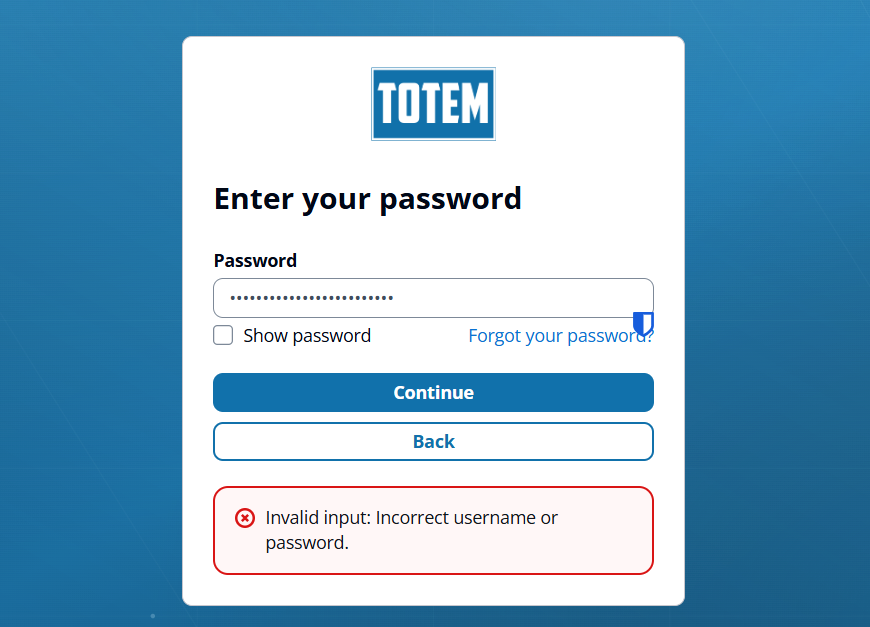
If your password is not accepted, you’ll be met with an “Invalid input” error. Please double-check that you’ve entered the correct password and try again. If it still is not accepted, please use the “Forgot your password?” mechanism to reset your password.
If you don’t receive a code when attempting to reset your password, please see the “Trying to reset password, but I am not receiving a token” section above.
If you are still having trouble logging in, please contact your Totem administrator or contact support.