Create Continuous Monitoring templates
The Continuous Monitoring module contains dozens of pre-populated templates for various continuous monitoring tasks. Administrators can either edit these templates or create their own, selectable by any organization within their instance.
- Log in to Totem.
- Navigate to Administration from the top-right menu. Authenticate using your administrator credentials.

- Select Continuous Monitoring from the left-hand menu.
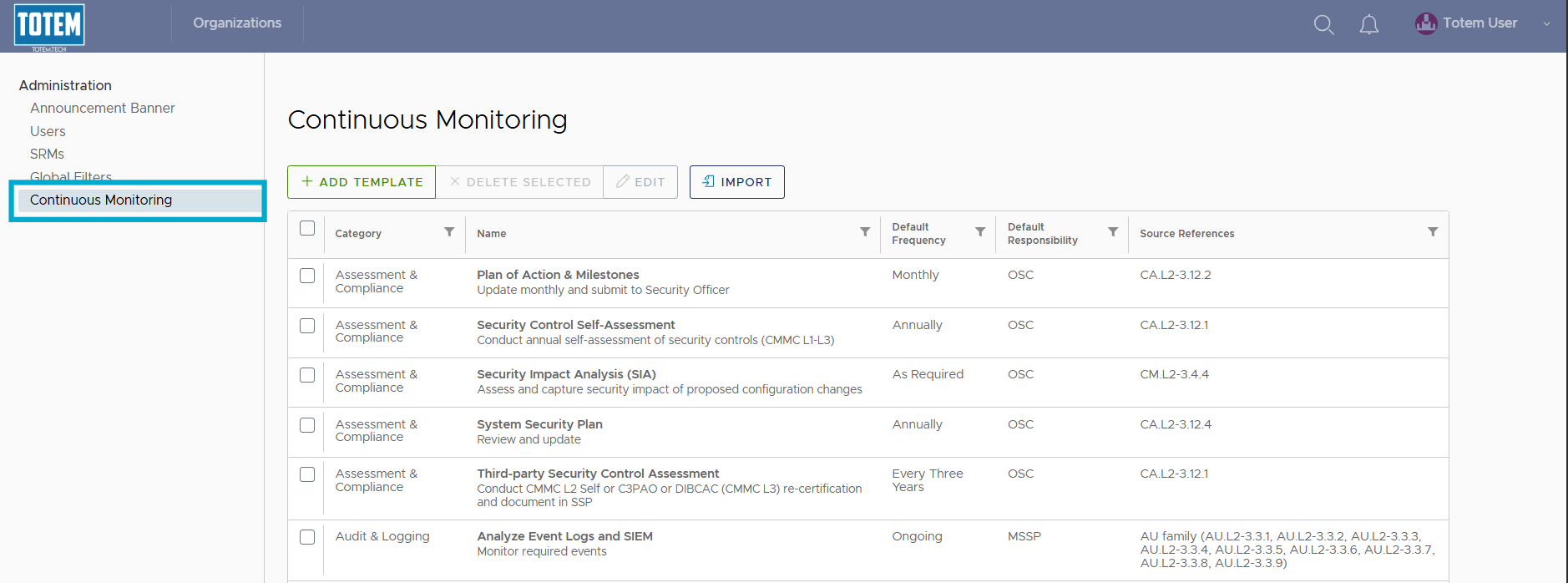
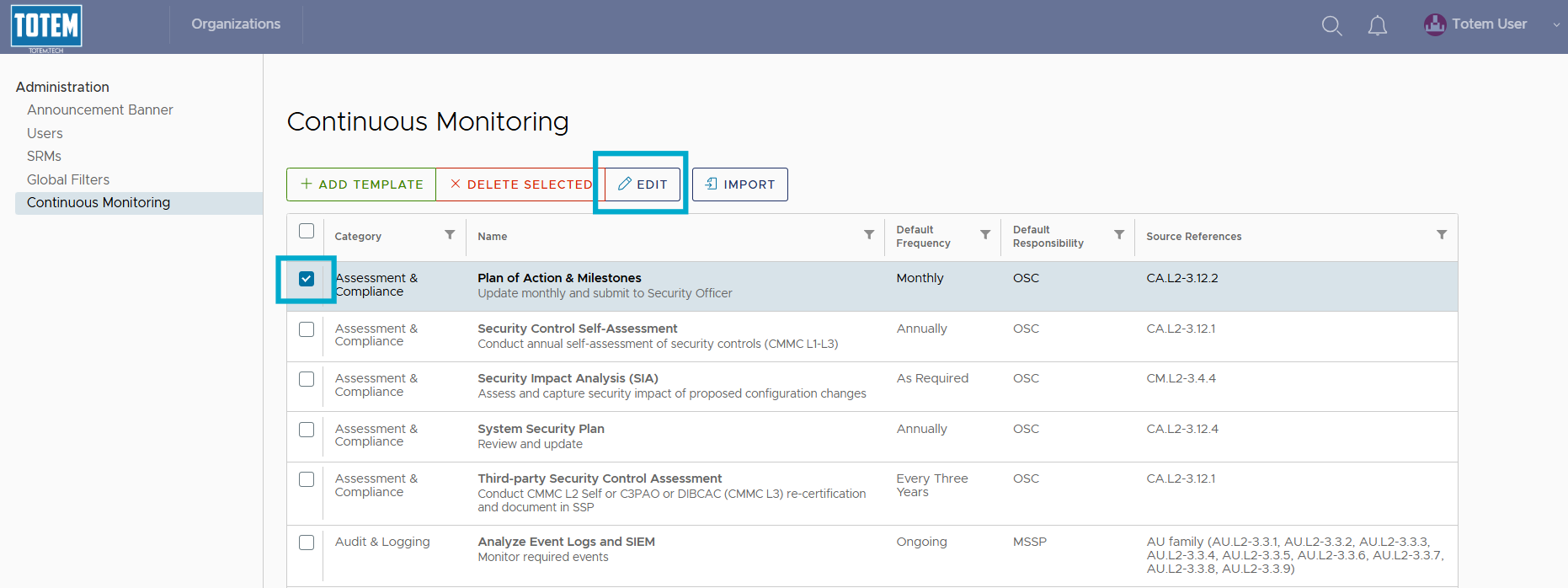
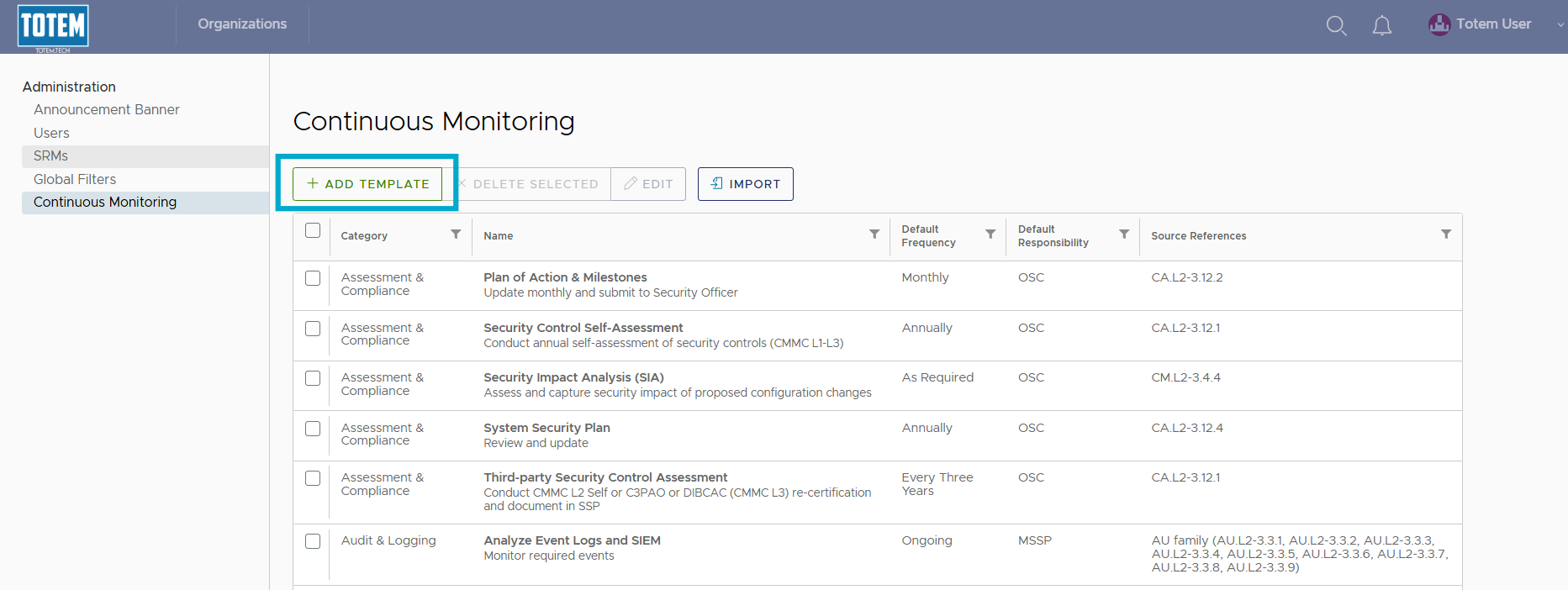
- You’ll then be presented with the full list of pre-populated tasks. To edit an existing task, select the checkbox next to the task item, and choose Edit.
- Make your desired edits and choose Save.
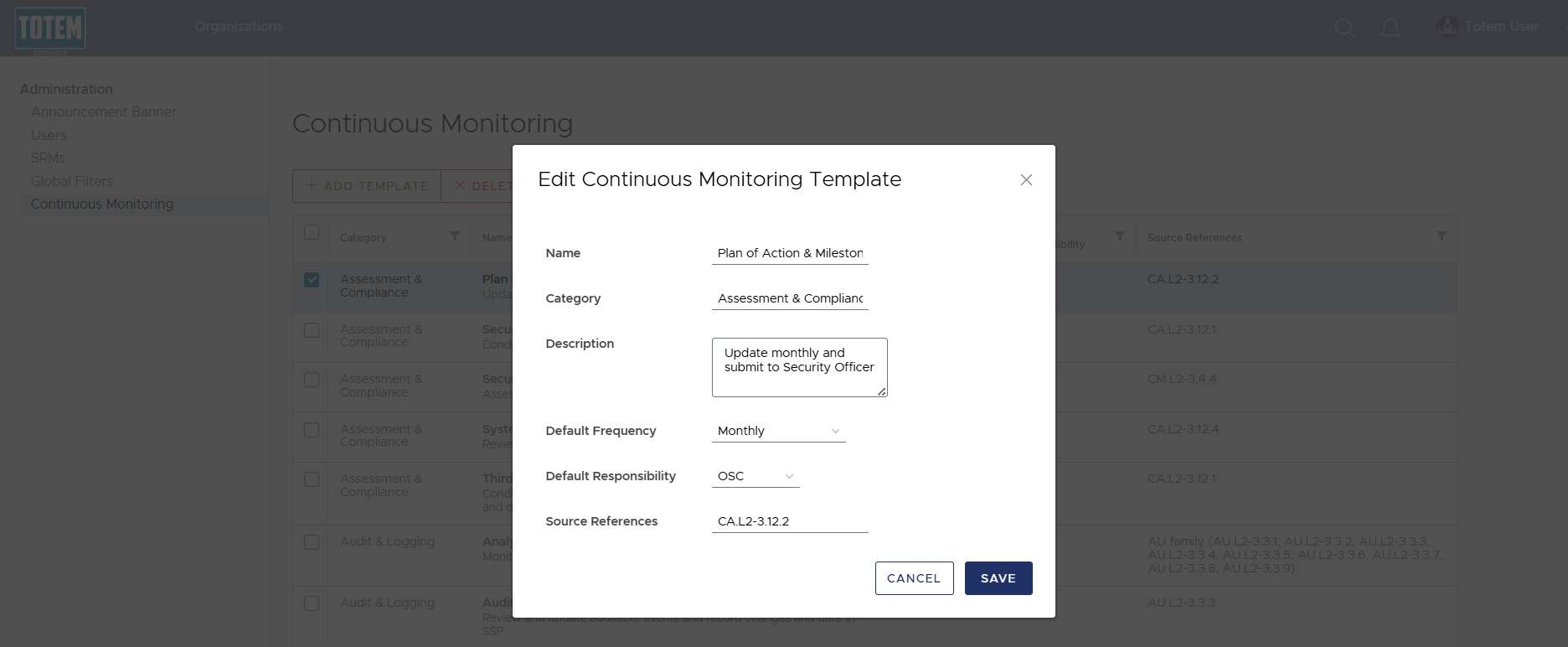
- To create a new Continuous Monitoring task template, select Add Template.
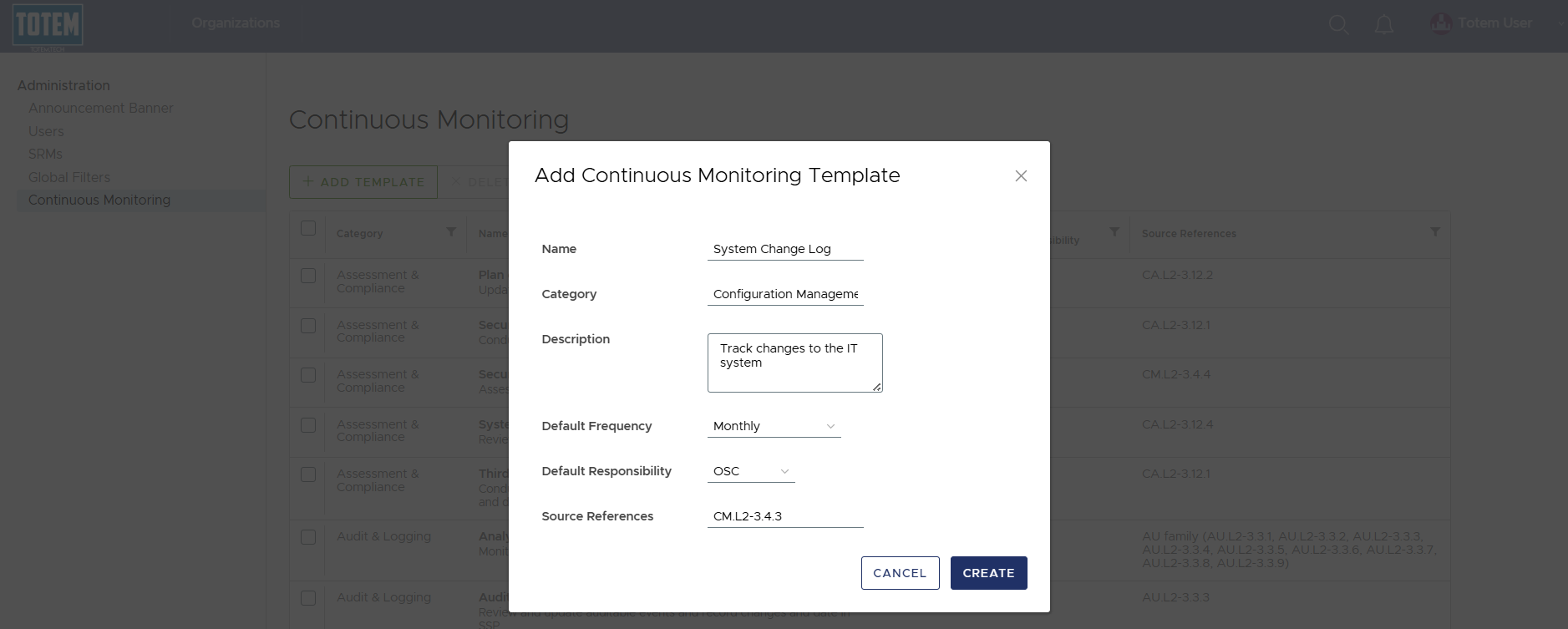
- Fill in the fields. Once complete, select Create.
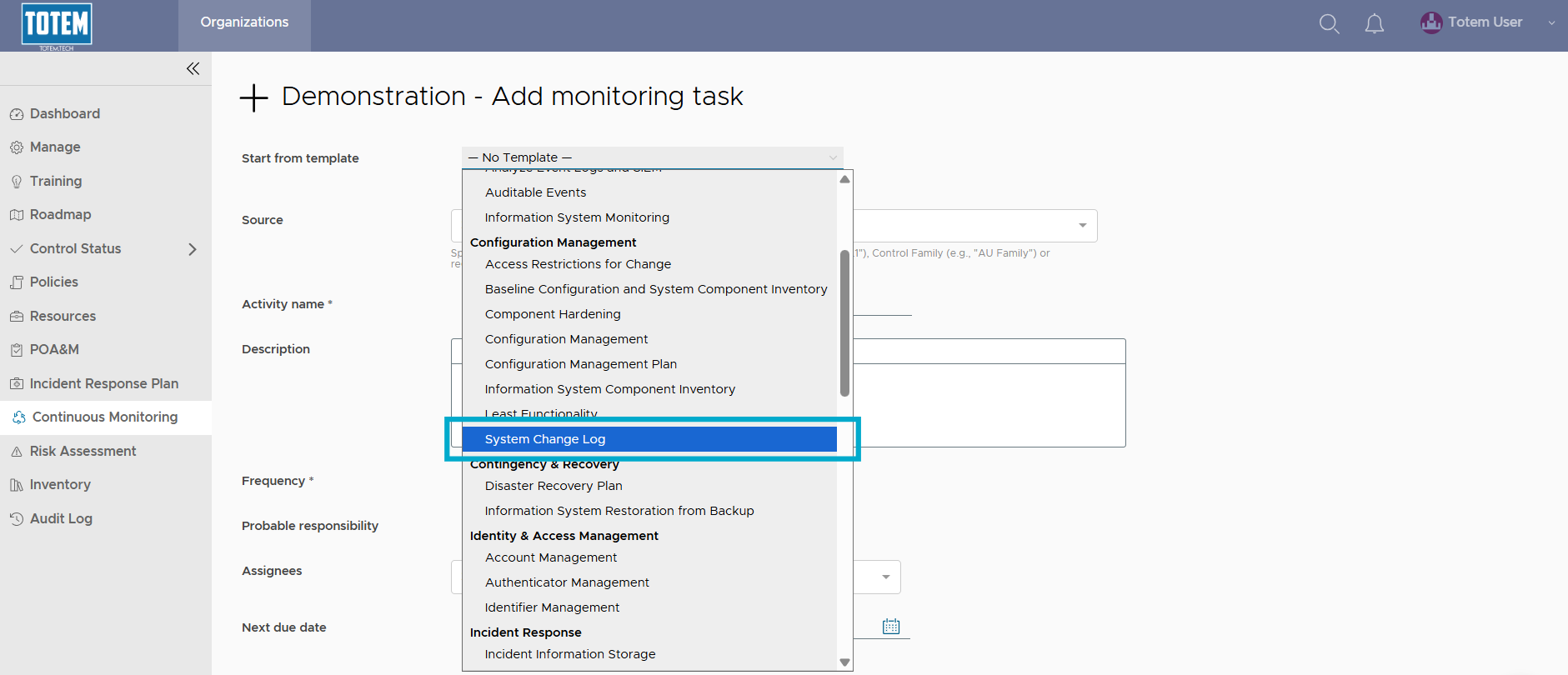
- Verify the task template is now selectable by navigating to the Continuous Monitoring module and selecting Add Task.
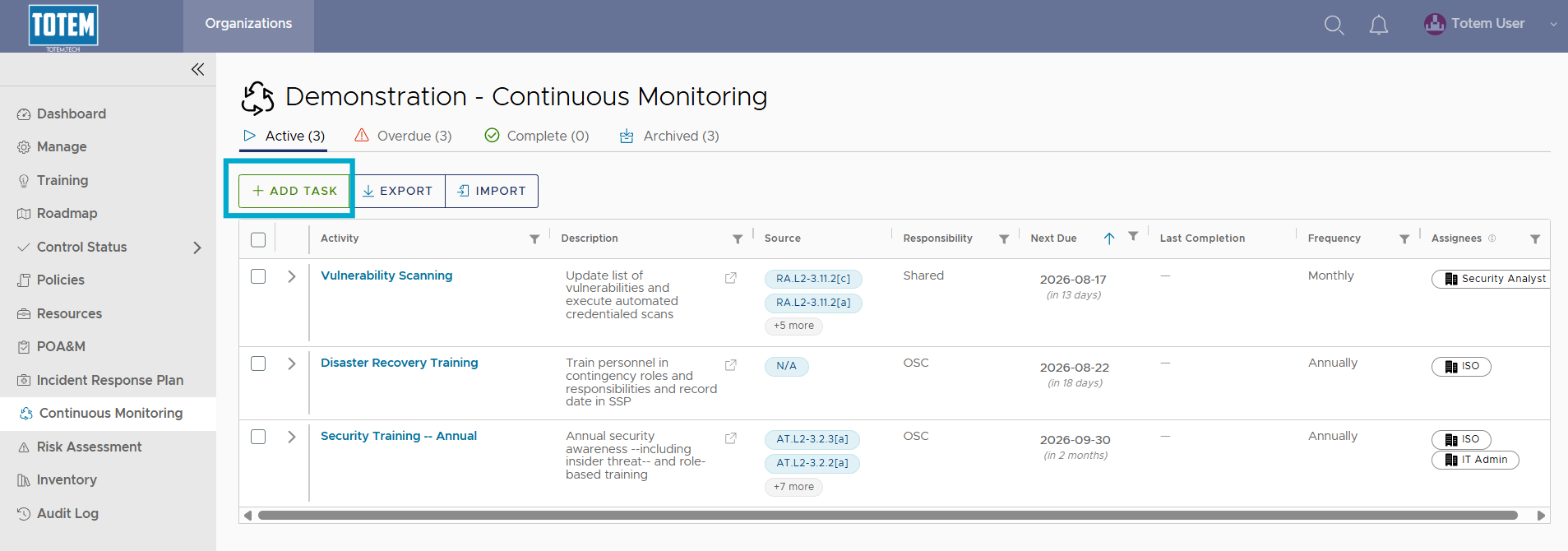
- Choose Start from template and see that your newly created Continuous Monitoring task template is selectable from the list: