
Creating a glossary
Totem instance administrators or users with the Owner role may populate the Glossary for an organization. The Glossary identifies key acronyms and terms used within an organization’s documentation.
To populate the Glossary:
- Log in to Totem.
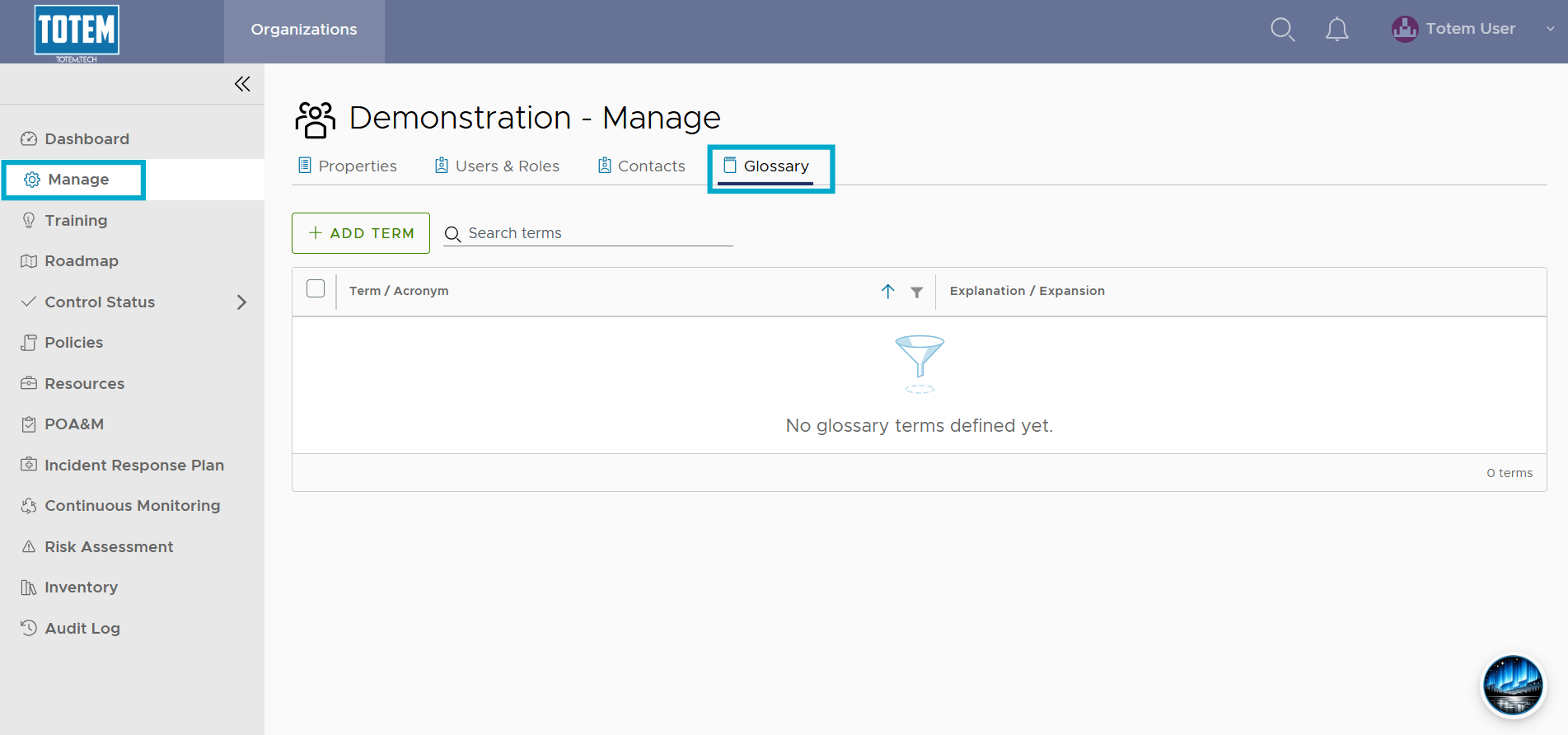
- Navigate to the Manage module and select the Glossary page. You can also get to the Glossary page via the Control Status module, which will redirect you to Manage.
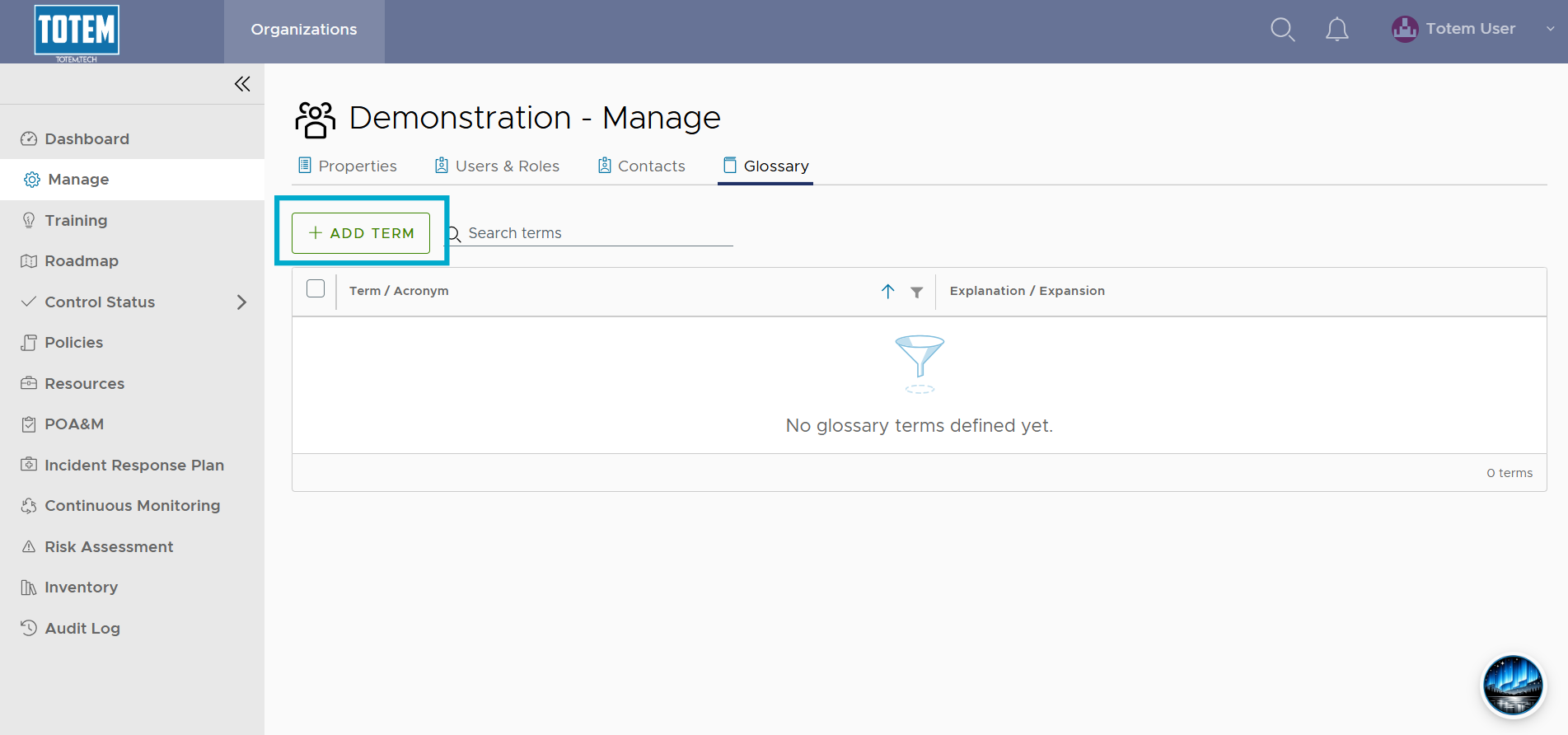
- Select Add Term.
- Create your new Glossary term.
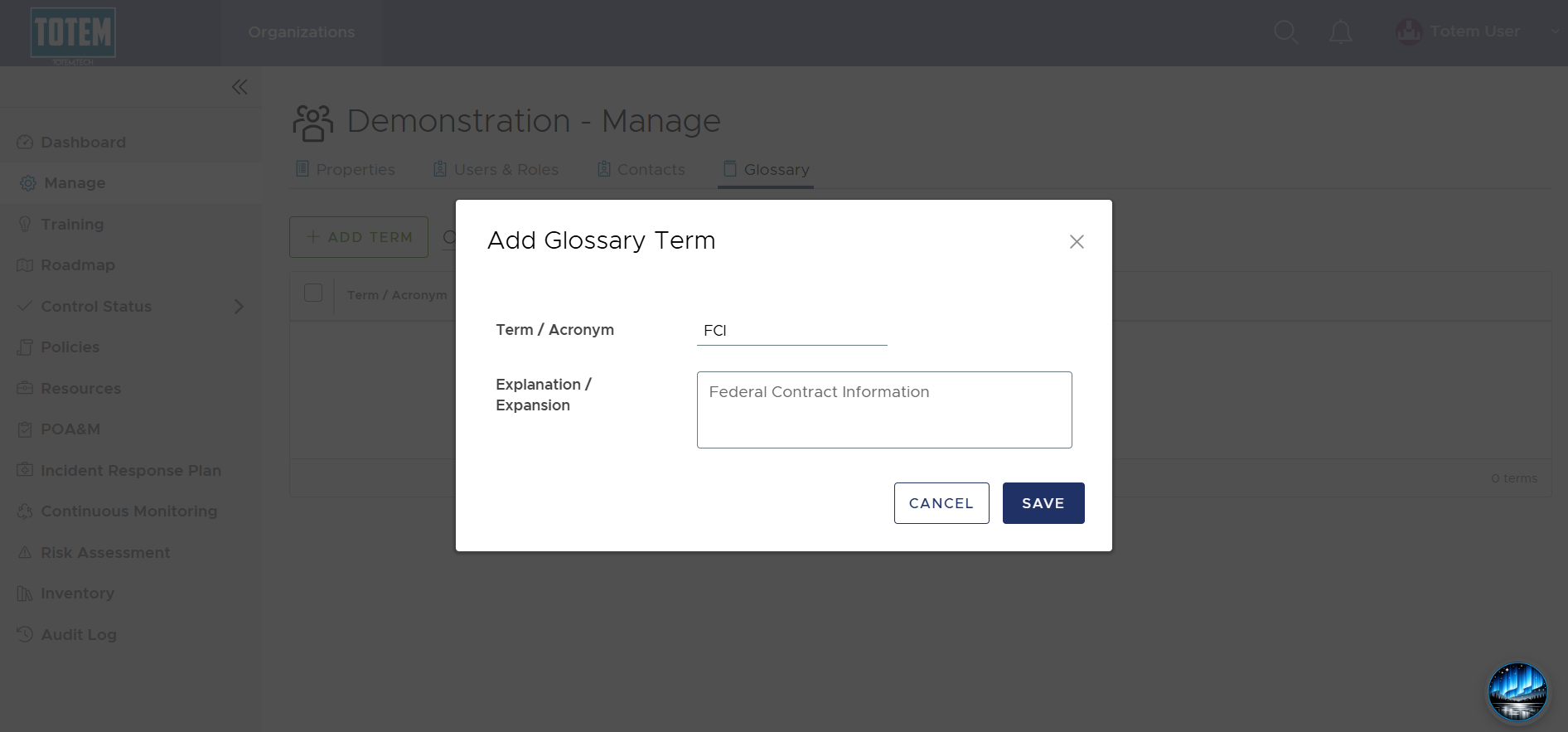
- Once complete, select Save. See the new term now appear in your Glossary.