
Creating a new role
Totem instance administrators or users with the Owner role may create new custom roles for users in their organization. Unless you modify them, Totem will always contain the four default roles, but you can create custom roles by selecting from the privileges list. Custom roles are specific to an organization, not across all organizations in a Totem instance.
To create a custom Totem role:
- Log in to Totem.
- Navigate to the Manage module and select the Users & Roles page.
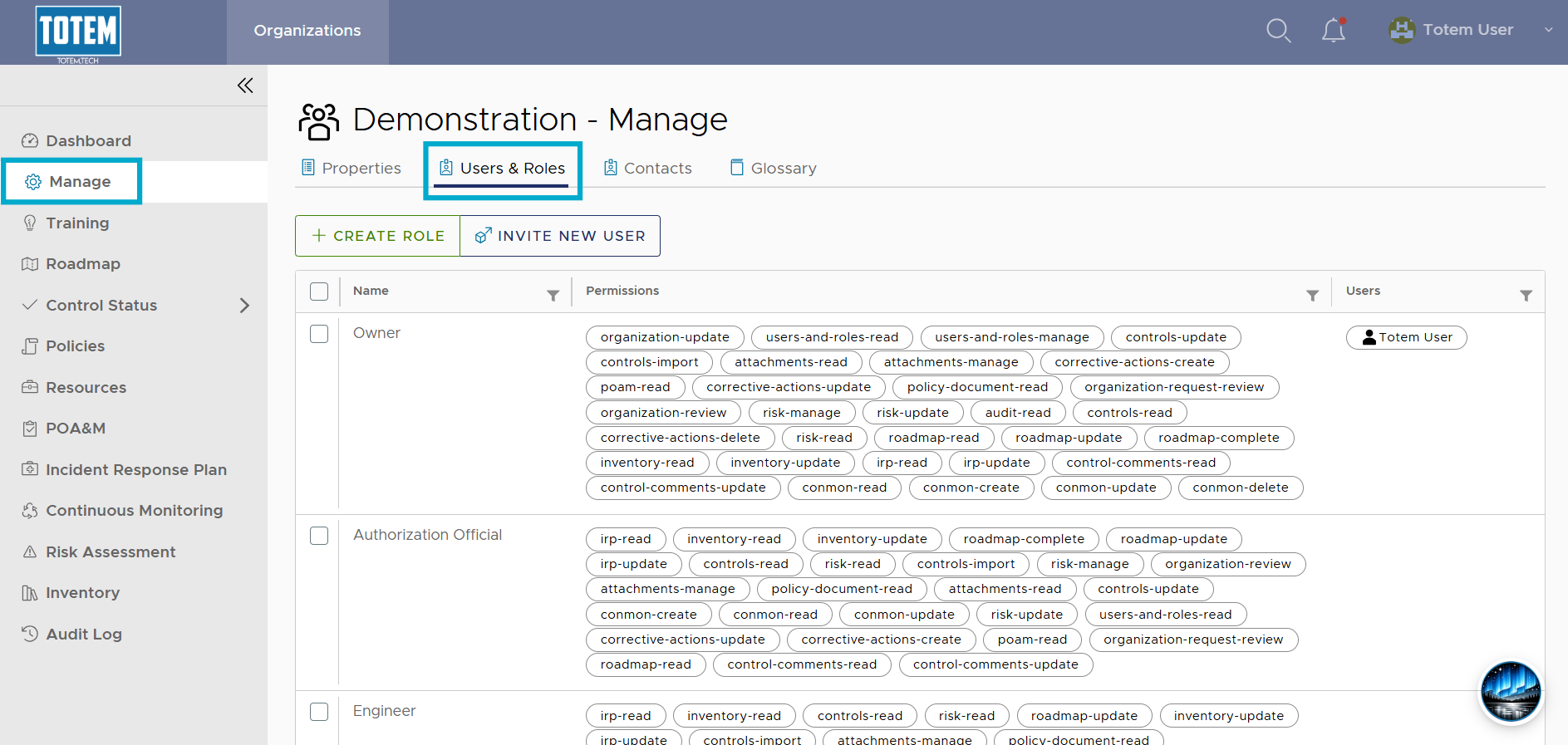
- Select Create Role.
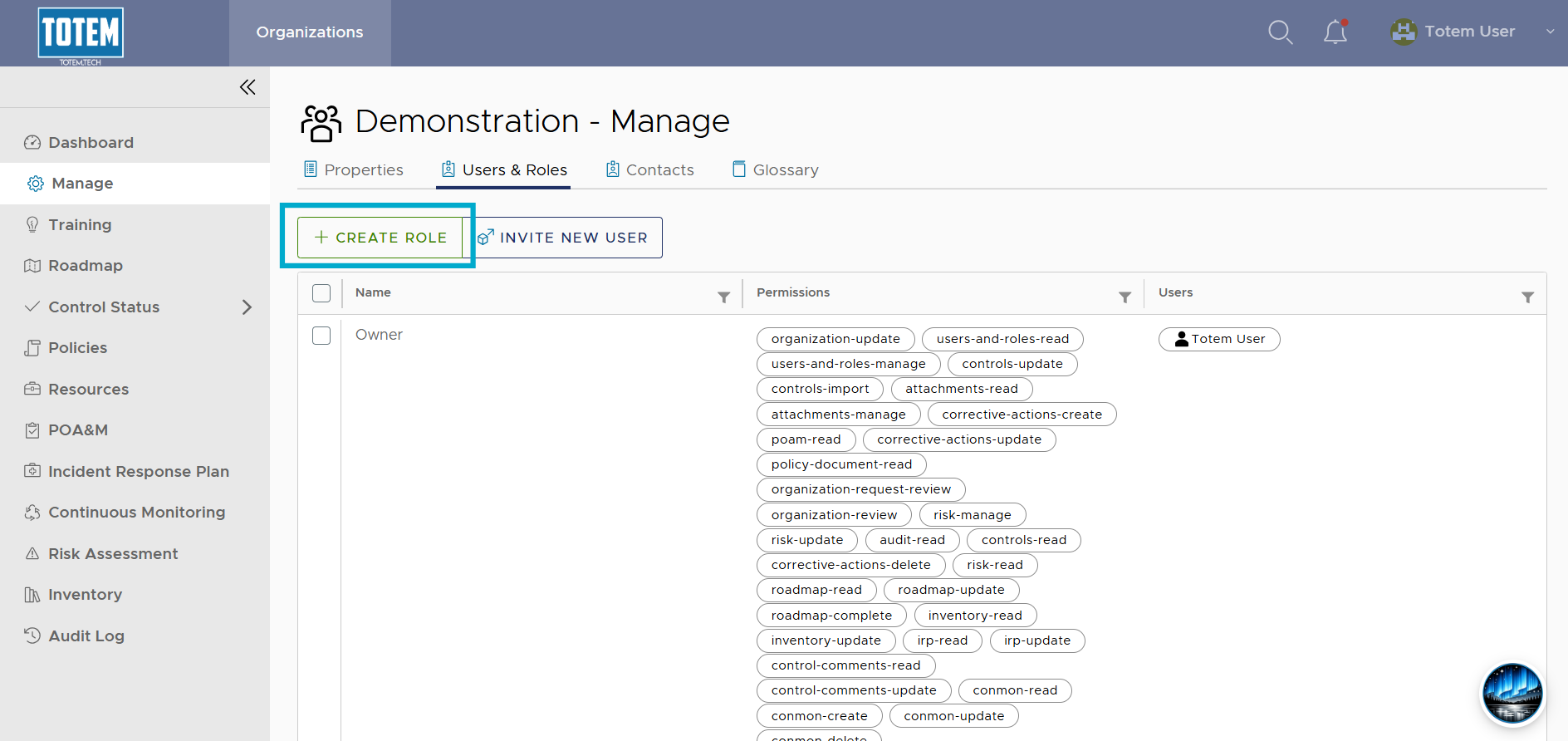
- Fill out the role creation form per your desired use case. Assign a name, select from the permissions list, then assign any users you want to the role.
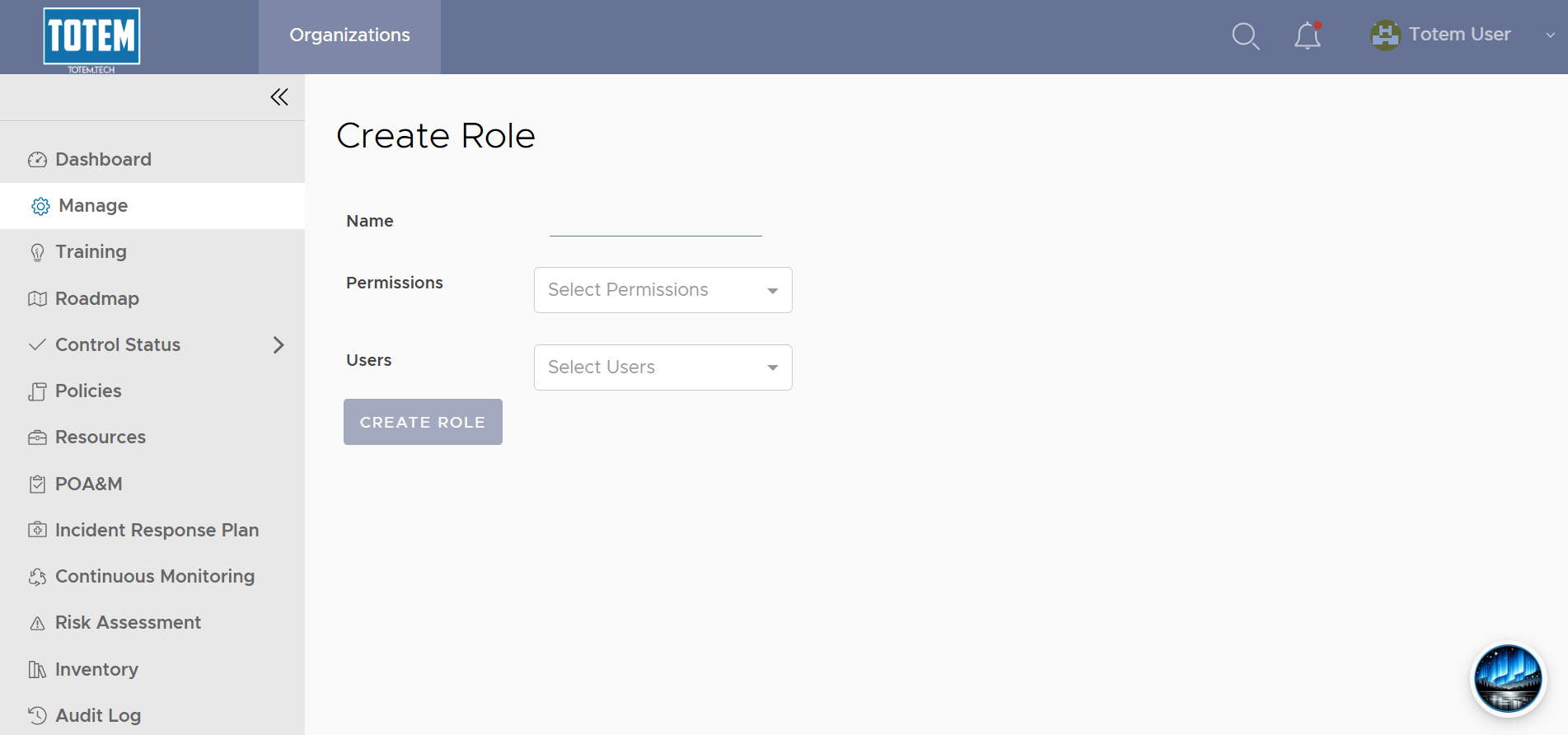
- Once complete, select Create Role. See the custom role now appear in the role list.