
Deleting a Corrective Action
If you decide you no longer need an existing Corrective Action Plan (CAP), you can delete it permanently. This guide walks you through how to do this.
- Log in to Totem.
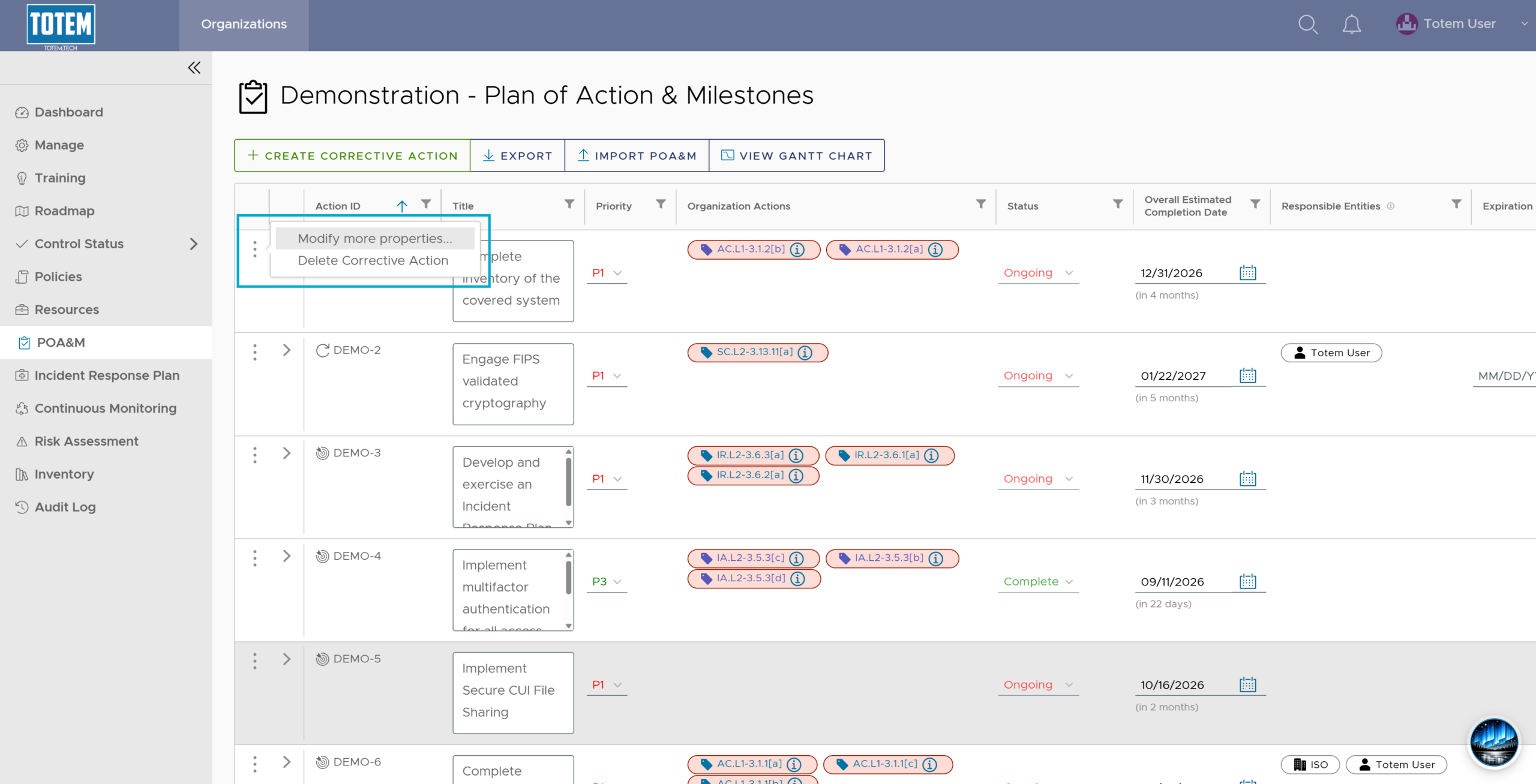
- Navigate to the POA&M module.

- Select the vertical ellipses (⋮) next to the CAP you want to delete. Select Delete Corrective Action.
- See that the CAP no longer appears on the POA&M.