
Deleting tasks
Continuous Monitoring tasks that are no longer needed don’t want to preserve its completion history may be deleted. This guide shows you how to delete tasks.
- Log in to Totem.
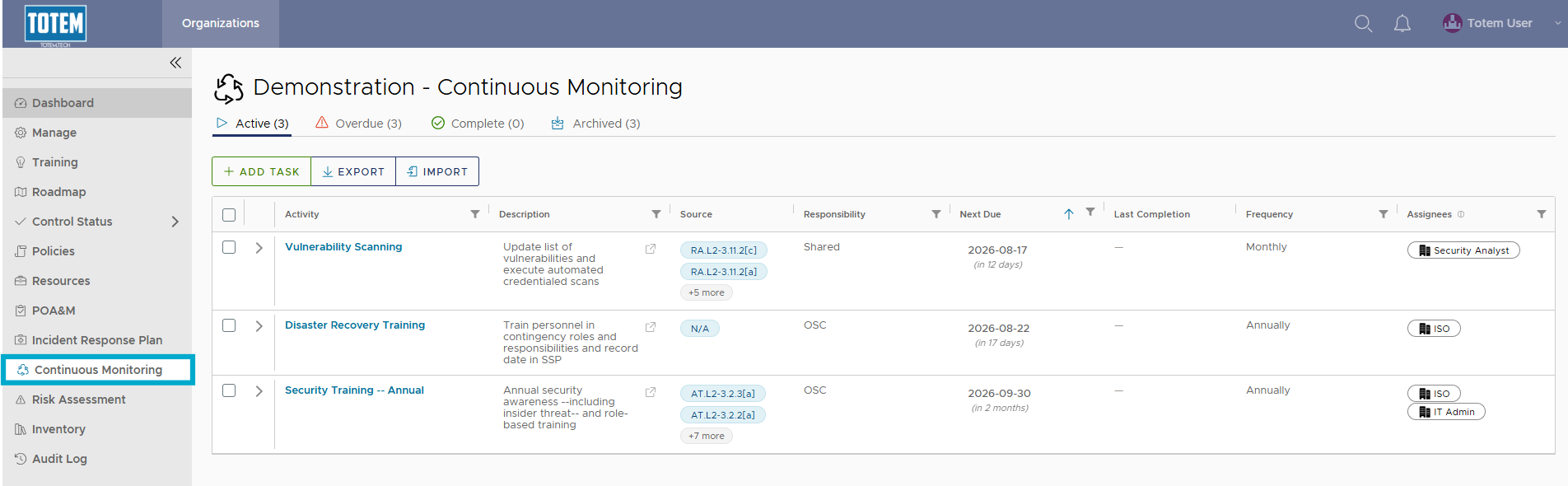
- Navigate to the Continuous Monitoring module via the left-hand menu:
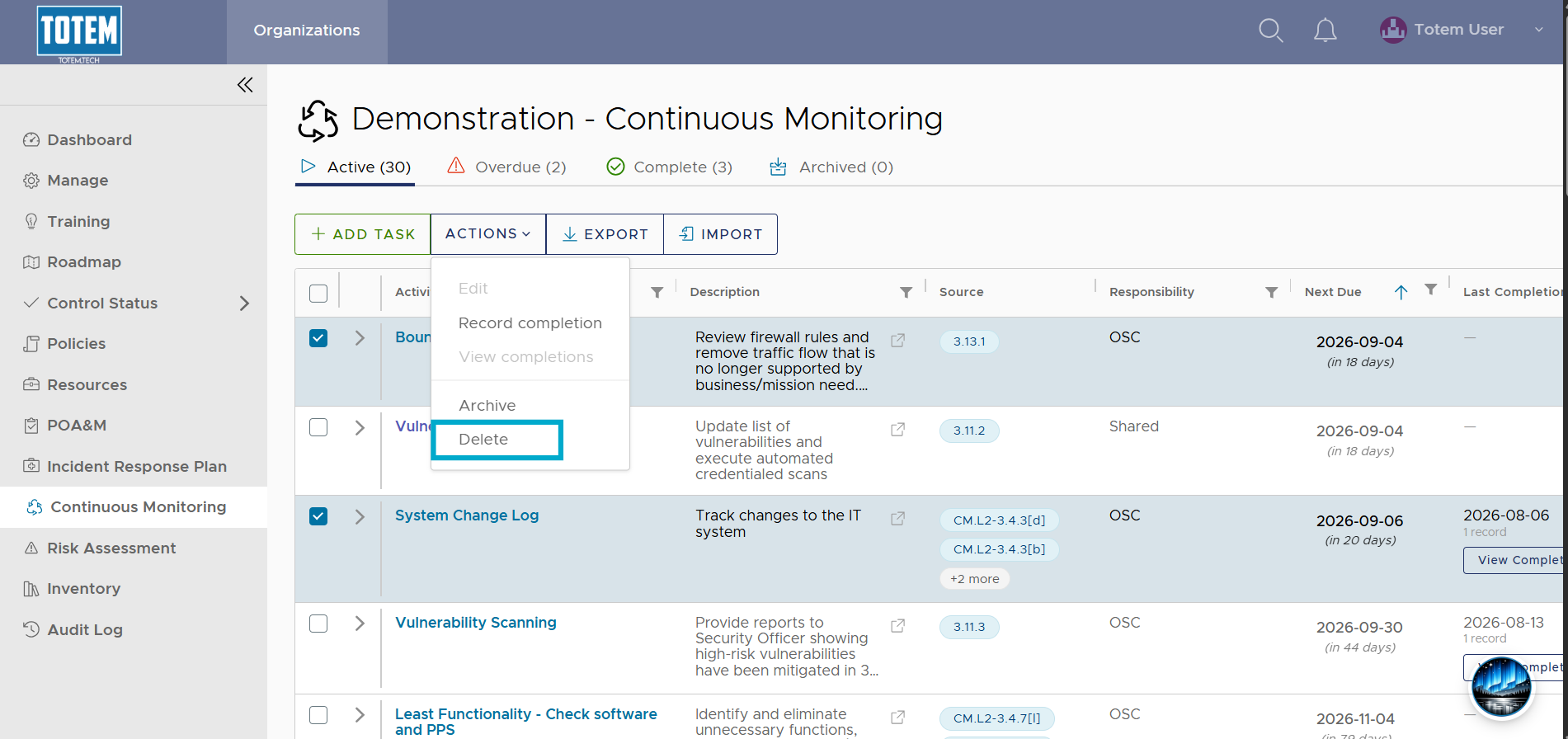
- Identify the task(s) you would like to delete. Select the checkbox next to the task name, then choose Actions and Delete at the top of the page. NOTE: Deleting tasks will also erase its entire completion history. If you’ve prefer to keep the task’s completion history, Archive the task.
- Notice the task(s) are deleted from the group.