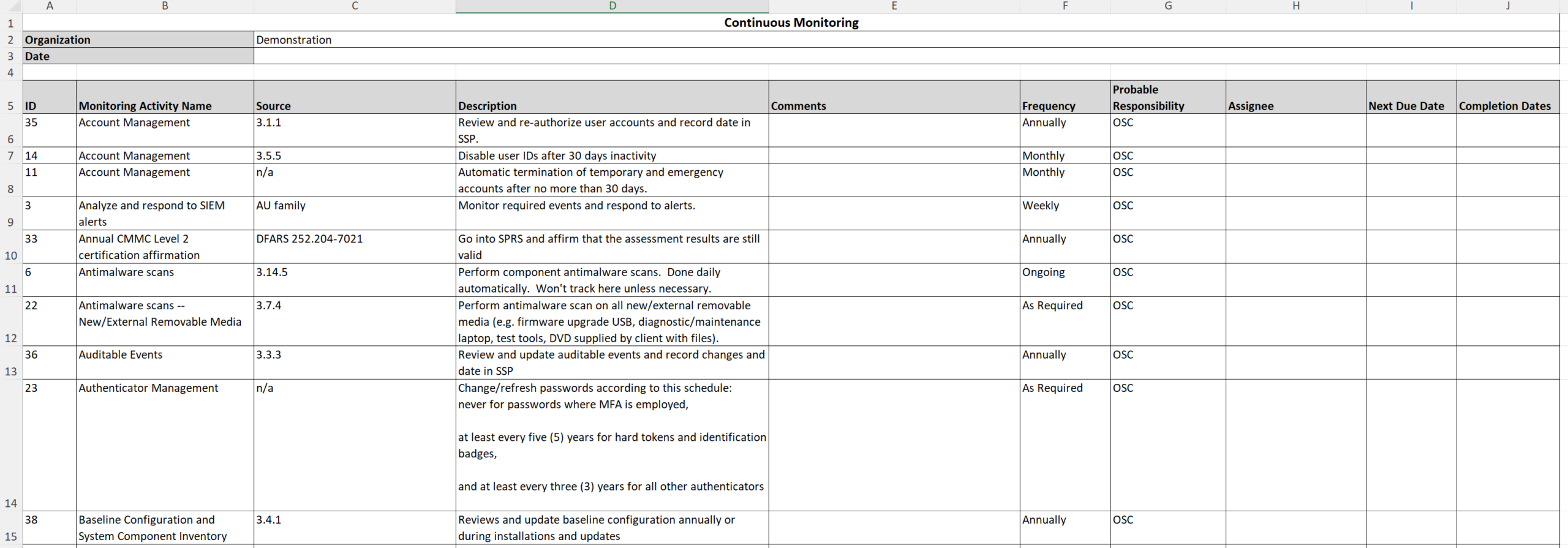
Exporting tasks
If you want to retain a local backup of your Continuous Monitoring tasks and Completion Log, or if you want to import the tasks from one Totem organization into another, you can export all Continuous Monitoring data. This guide shows you how to export this data.
- Log in to Totem.
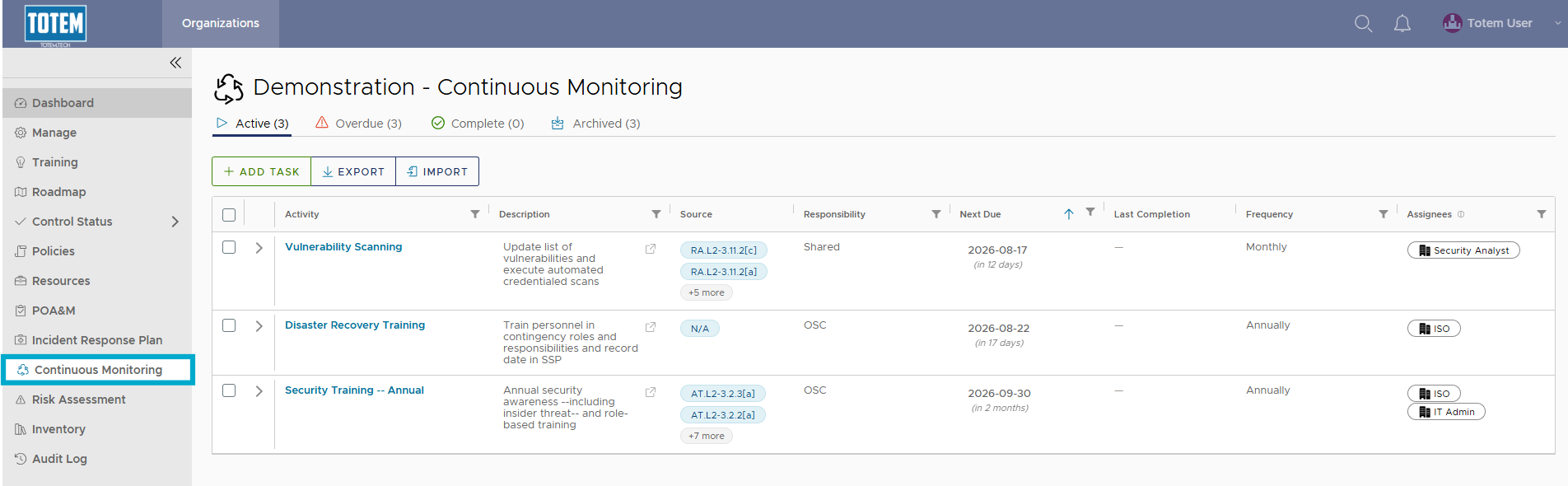
- Navigate to the Continuous Monitoring module via the left-hand menu:
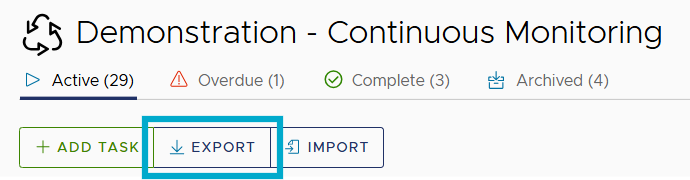
- At the top of the page, select the Export button.
- Your full Continuous Monitoring task list and Completion Log history across all tasks will be exported in spreadsheet form.