
Exporting the Incident Response Plan
While the Incident Response Plan (IRP) module is helpful for identifying recovery metrics and incident exercise records, the true “substance” of the IRP comes from the exported IRP template document. This guide walks you through how to export the IRP. Ensure that you have identified your recovery metrics, logged your most recent incident exercise records, and populated your contacts list before exporting your IRP!
To export your IRP:
- Log in to Totem.
- Navigate to the Incident Response Plan module.
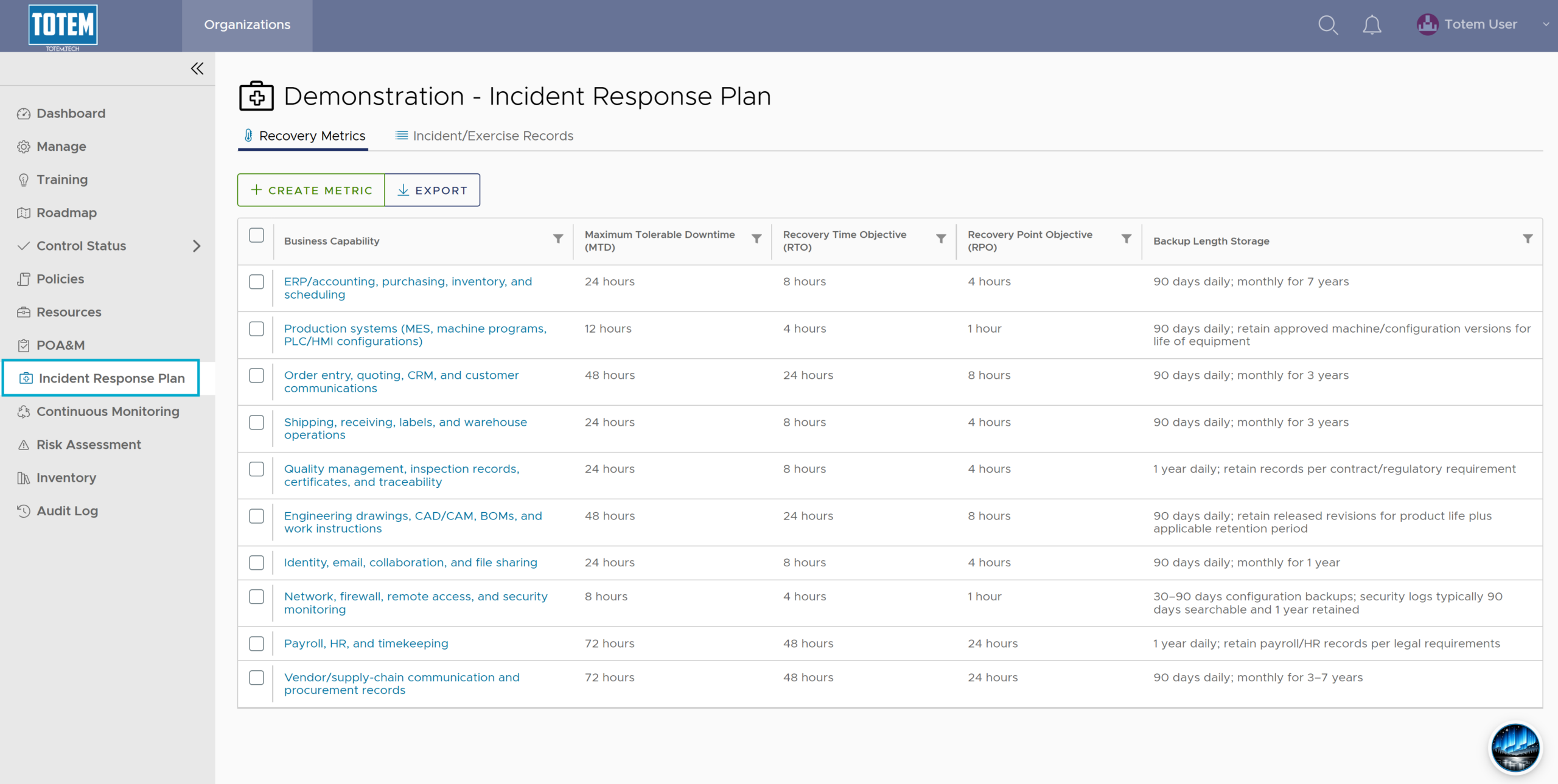
- Select Export. Confirm the export.
- Retrieve the export. You now have a robust IRP template that contains your recovery metrics, incident exercise records, and relevant incident response contacts.
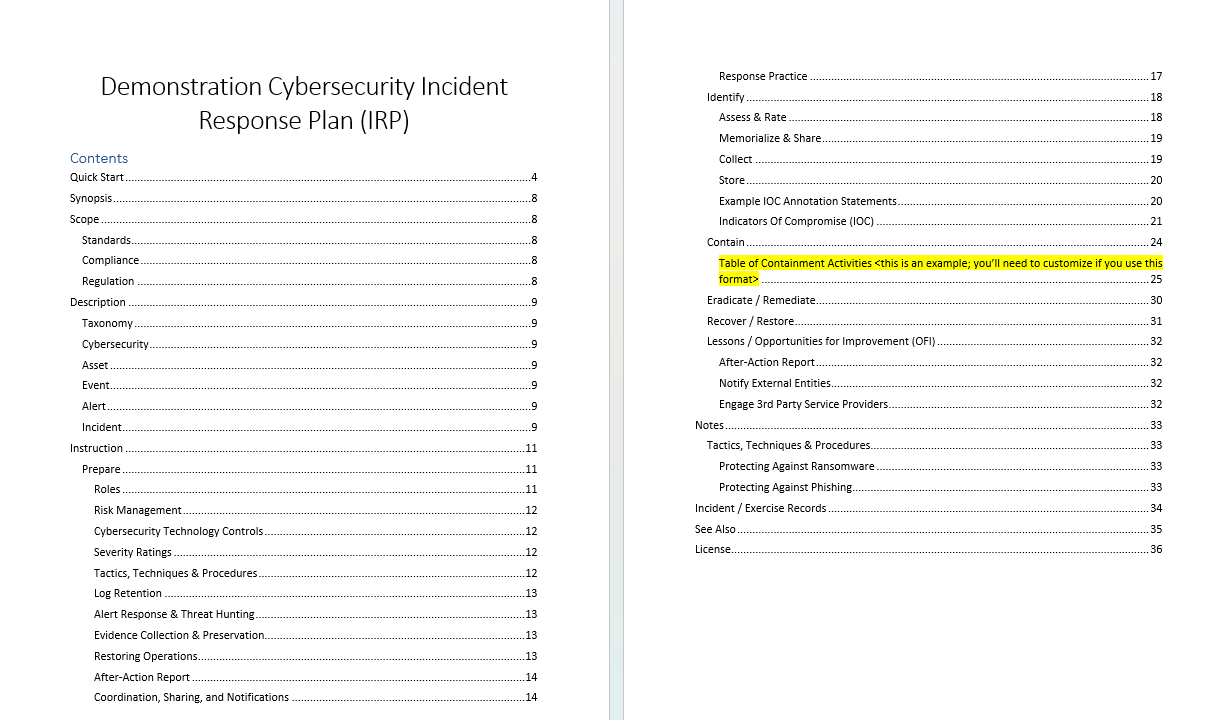
- Review the IRP template and begin customizing highlighted sections to meet your desired incident response procedures!