
Exporting the inventory
Totem’s Inventory module allows you to export your existing CUI, hardware, or software inventory. This guide walks you through how to do so.
To export an inventory:
- Log in to Totem.
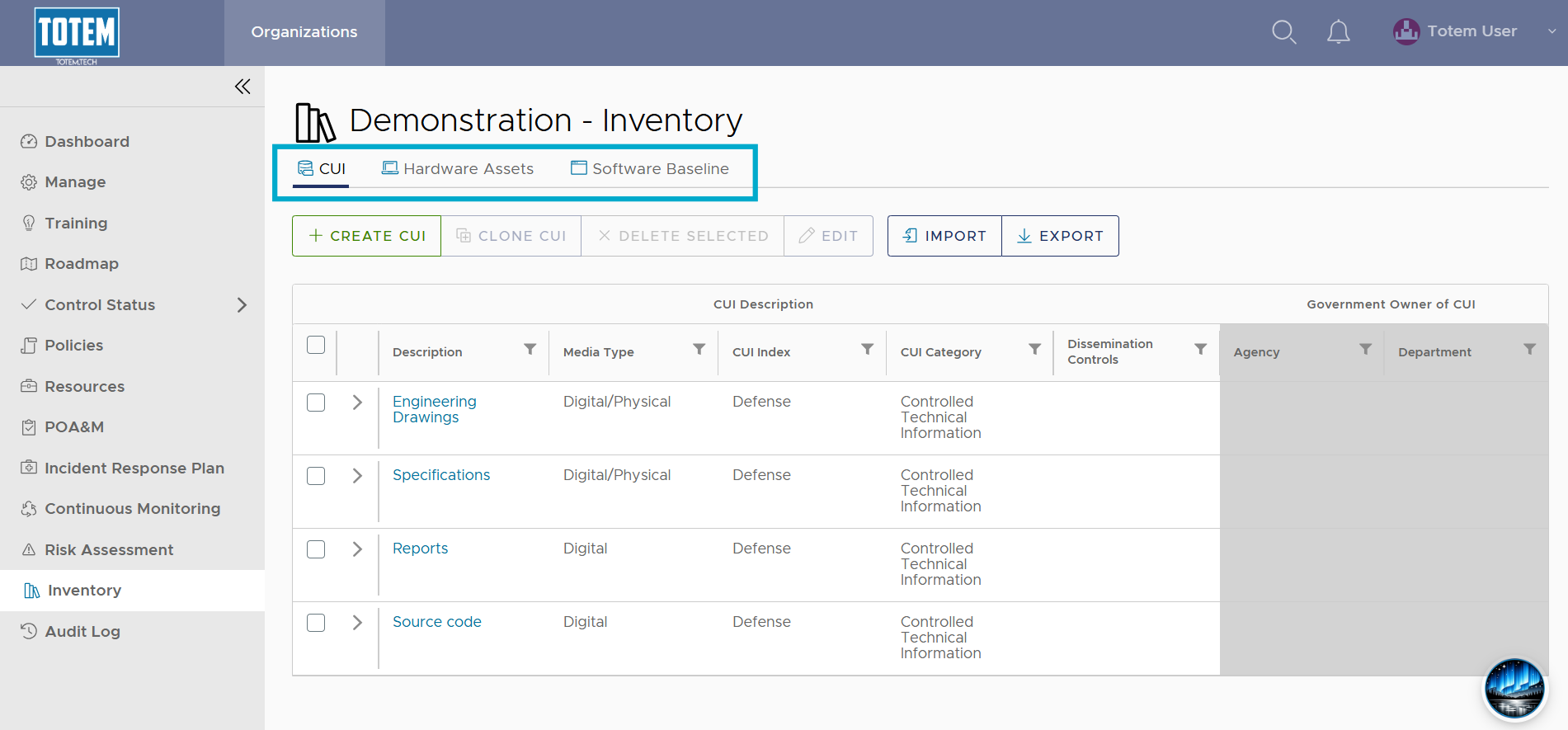
- Navigate to the Inventory module. Determine which asset inventory you’d like to export, whether it be your CUI, hardware, or software inventory. Navigate to the respective page.
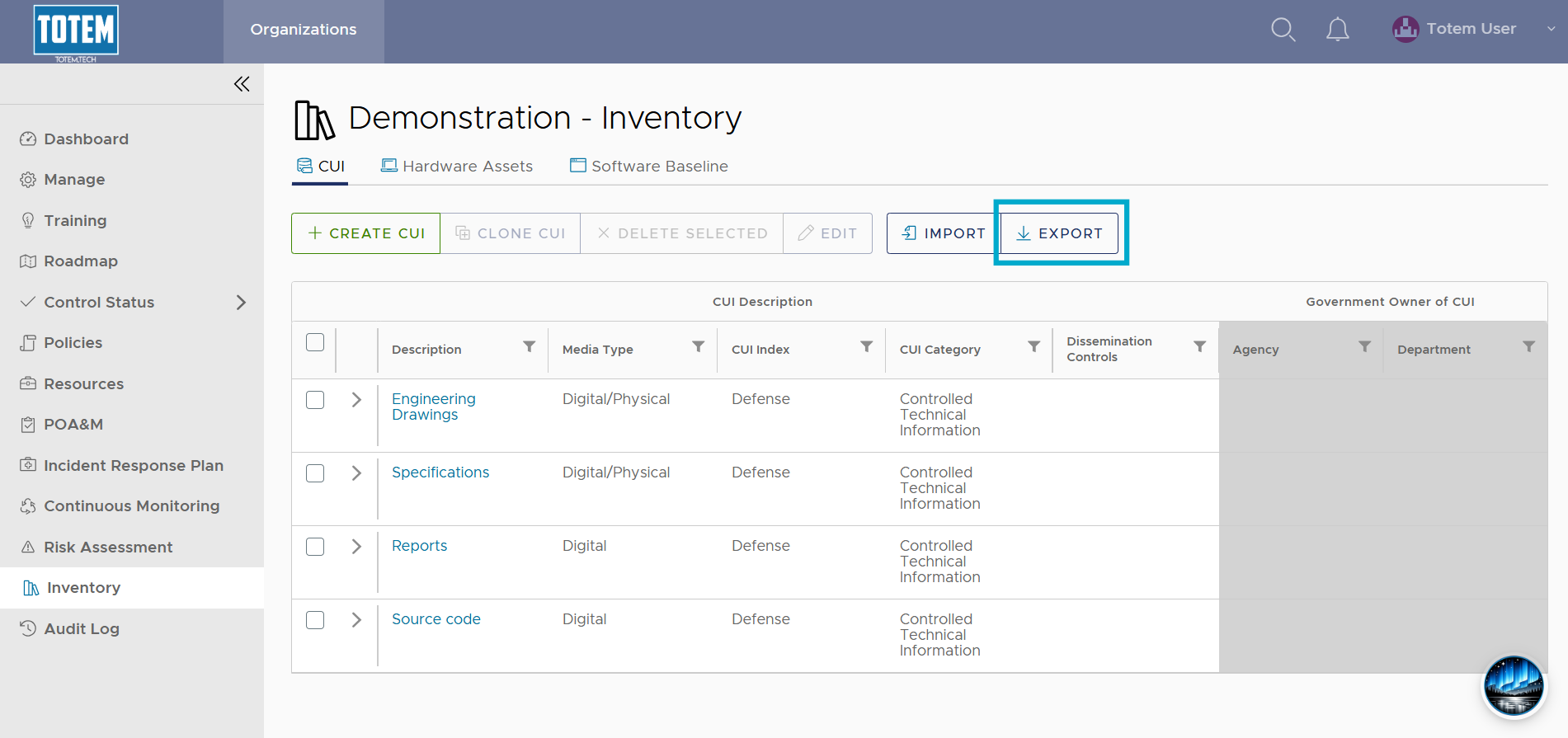
- Select the Export button.
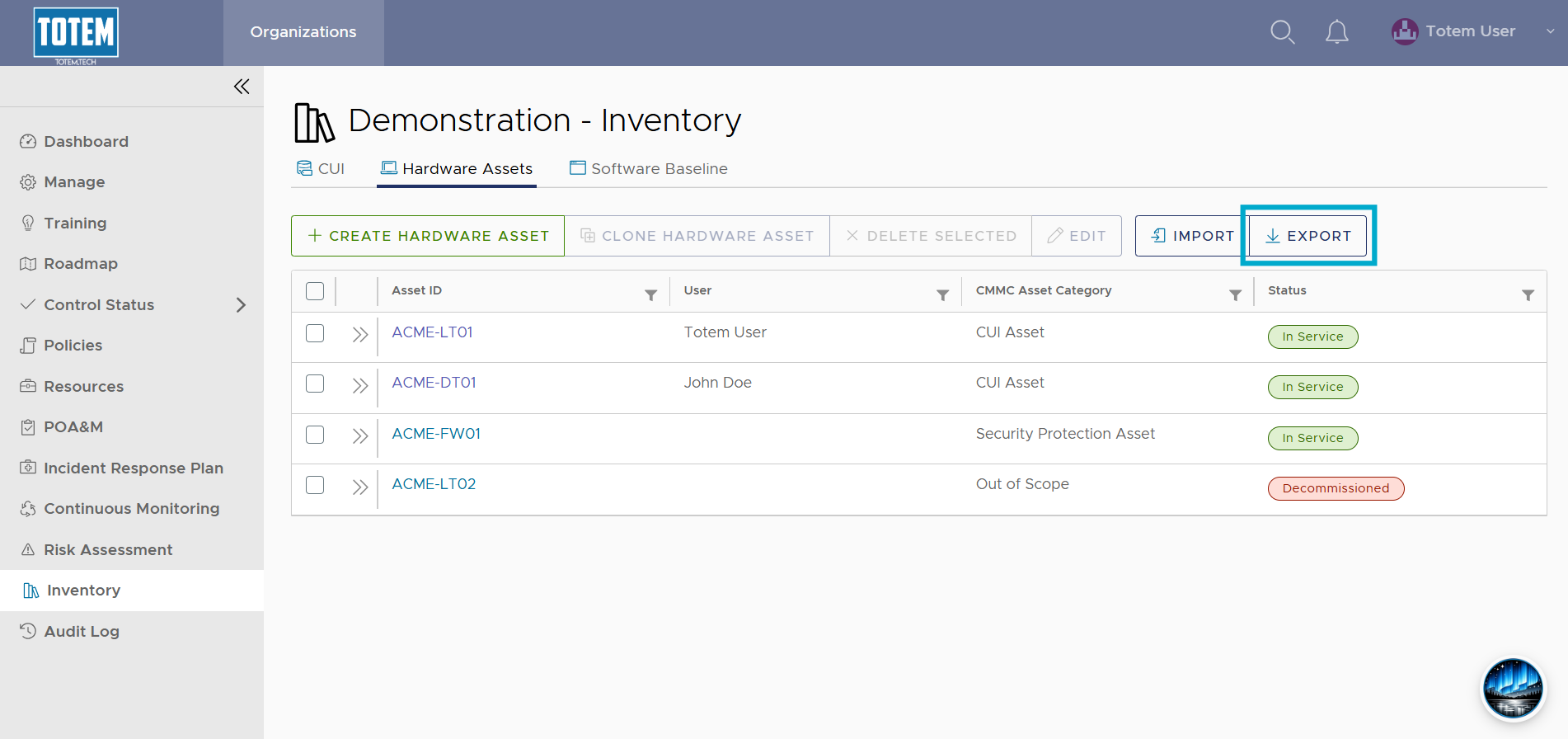
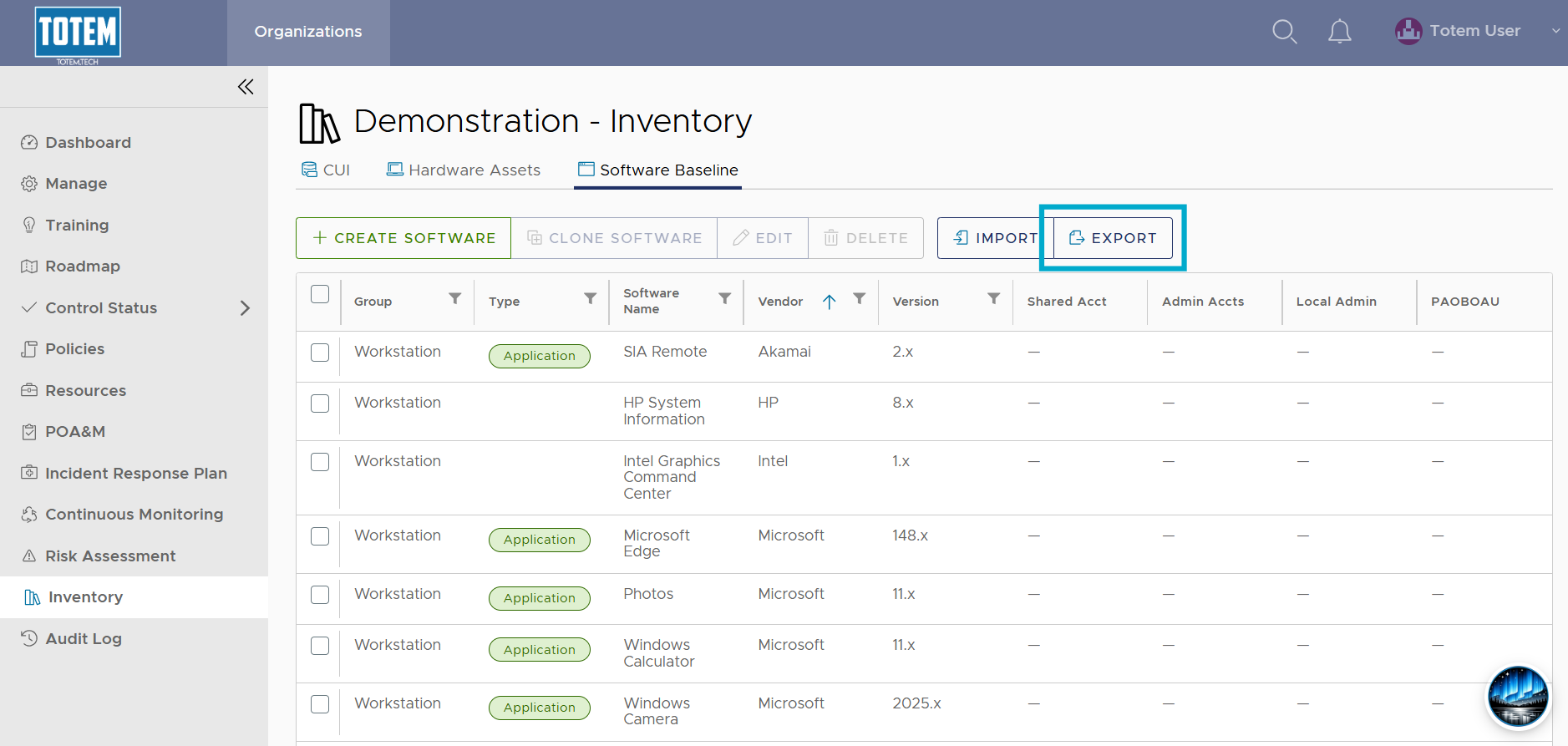
- The inventory will be exported as a spreadsheet to your browser’s Downloads.