
Generating an affirmation letter
Once the organization has been authorized in Totem, administrators or users with the Owner or Authorization Official roles may generate an affirmation letter as compelling evidence that the Authorization Official has authorized the System Security Plan (SSP).
To generate an affirmation letter:
- Log in to Totem.
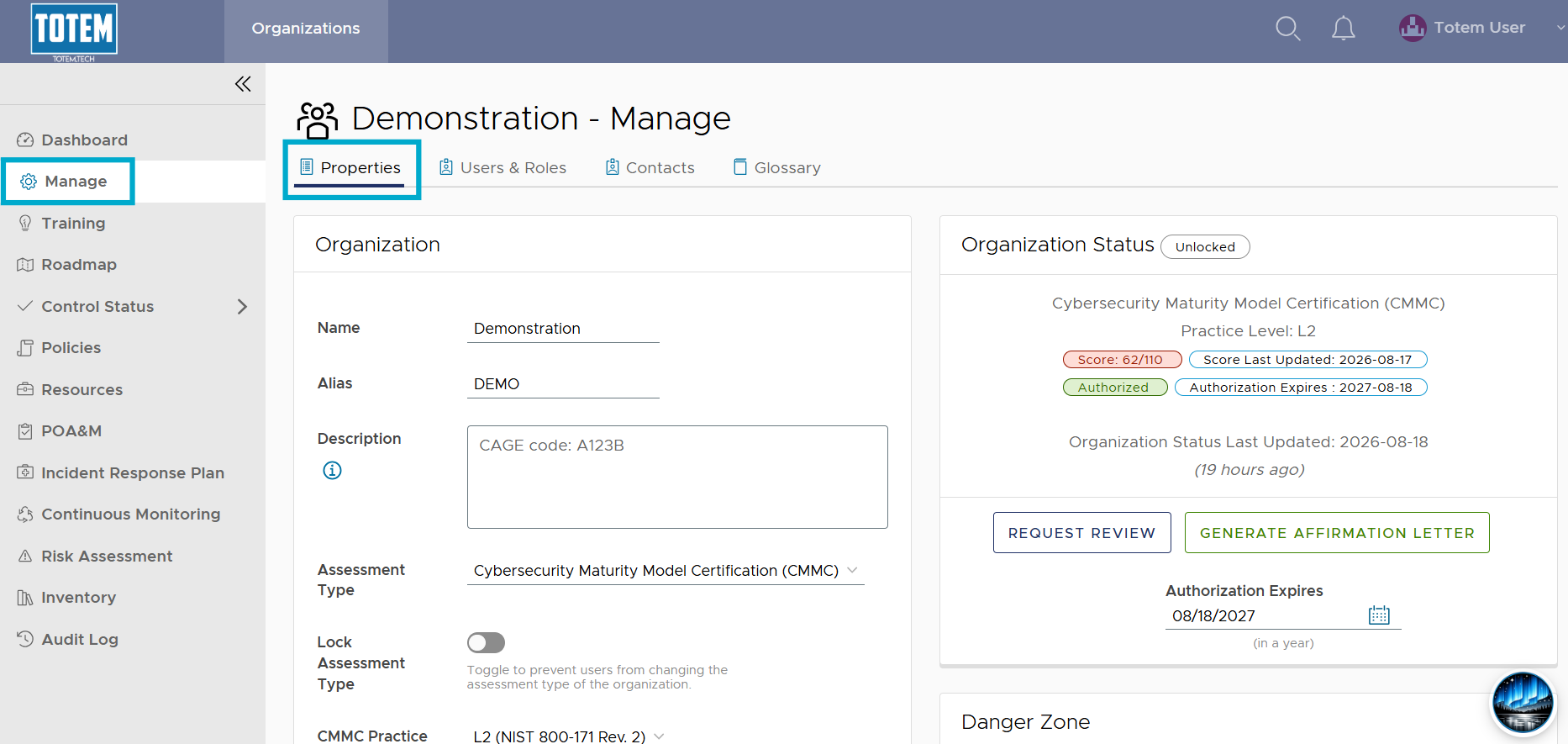
- Navigate to the Manage module. By default, you’ll arrive on the Properties page.
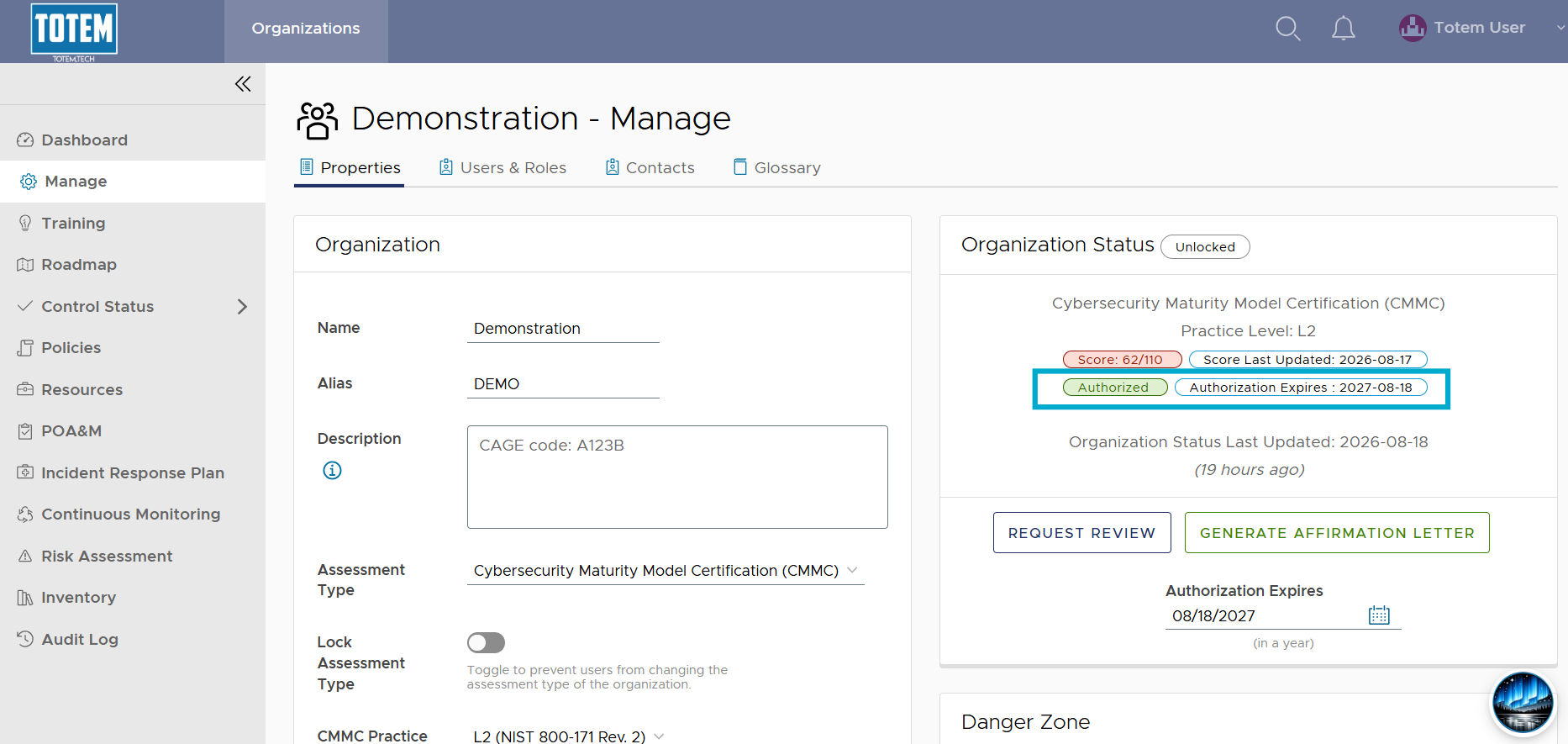
- In the Organization Status section, ensure that the organization shows as Authorized. If not, refer to our guide on authorizing an organization in Totem.
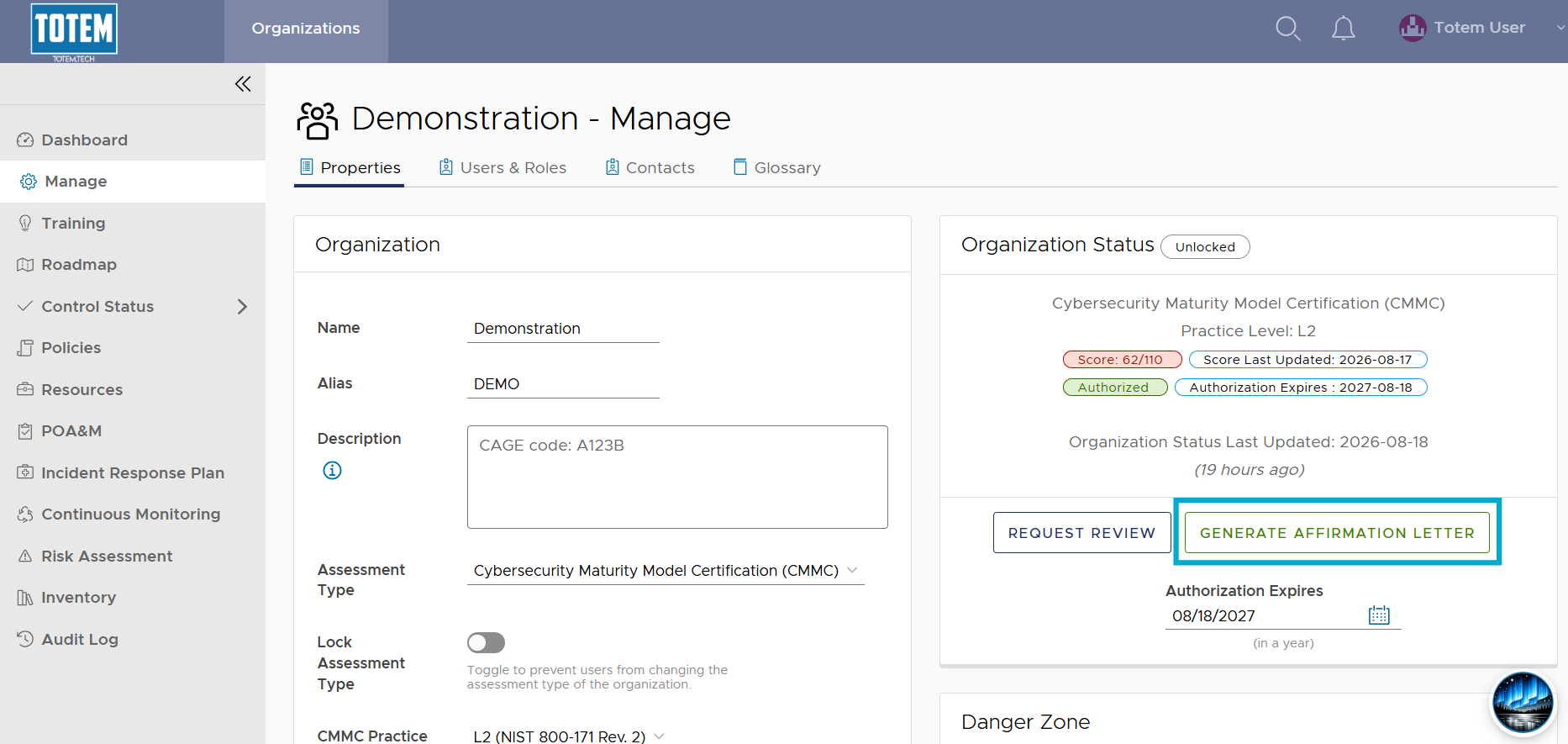
- Select the Generate Affirmation Letter button.
- Totem will produce a PDF affirmation letter that your Authorization Official can then sign, date, and distribute wherever necessary.
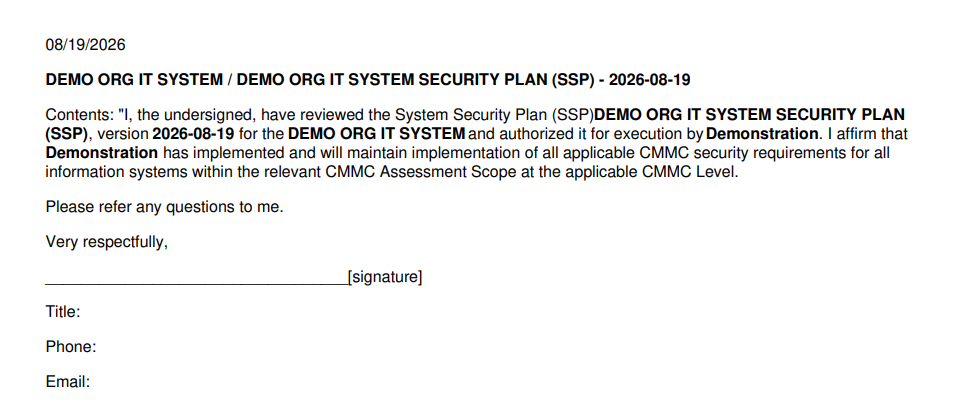
- If the affirmation letter is missing some information, you’ll need to ensure you’ve populated the respective SSP fields on the Properties page. Refer to our guide on updating your organization details.