
Import a POA&M
Existing POA&Ms can be imported to Totem via the Import POA&M feature. Totem only accepts POA&Ms that are in the expected import format. You can export an existing POA&M as a JSON to see the expected format. Contact support if you need help aligning your POA&M with the expected format.
To import an existing POA&M:
- Log in to Totem.
- Navigate to the POA&M module.
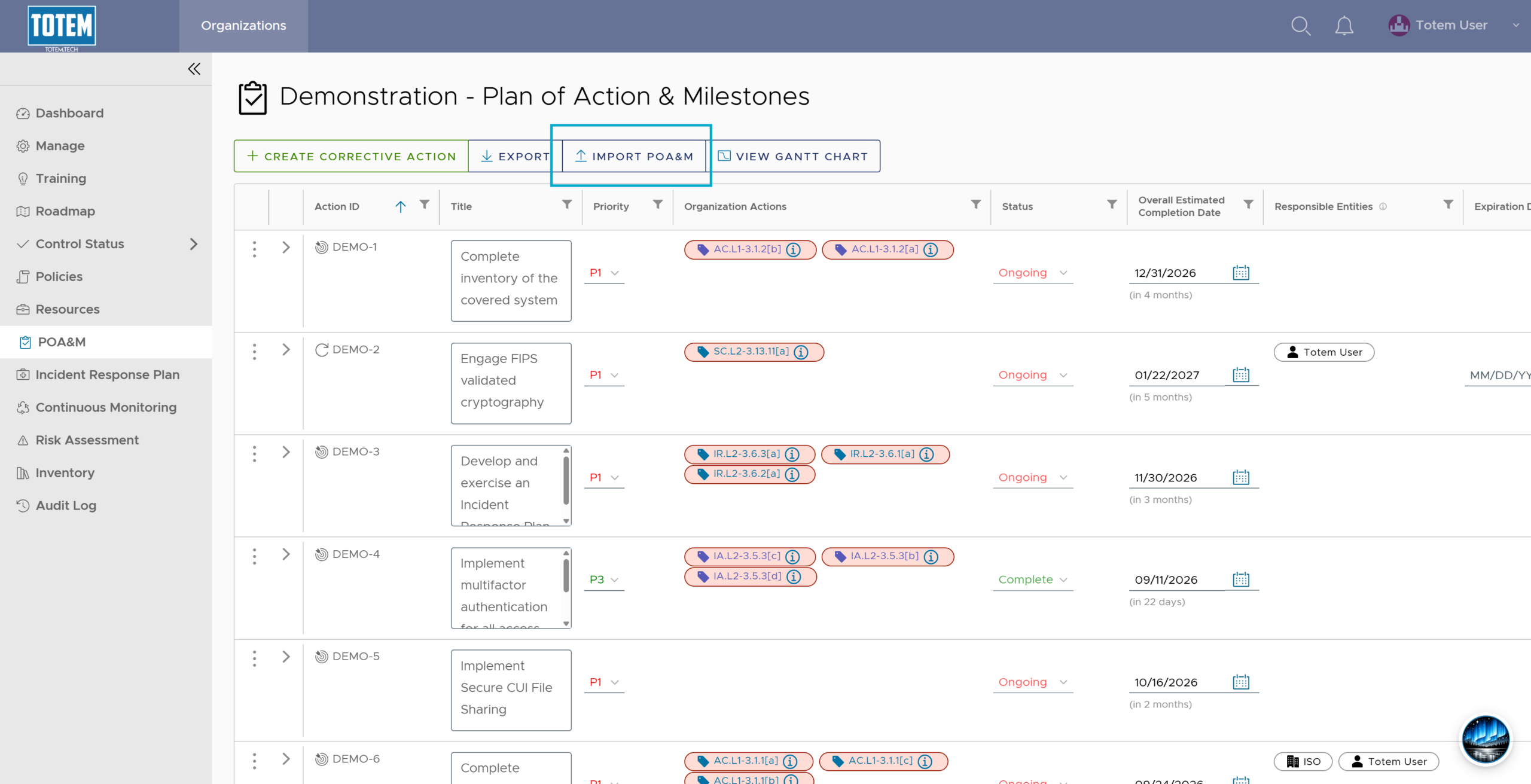
- Select Import POA&M.
- The POA&M import modal will appear. Select Choose File and navigate to your source POA&M file.
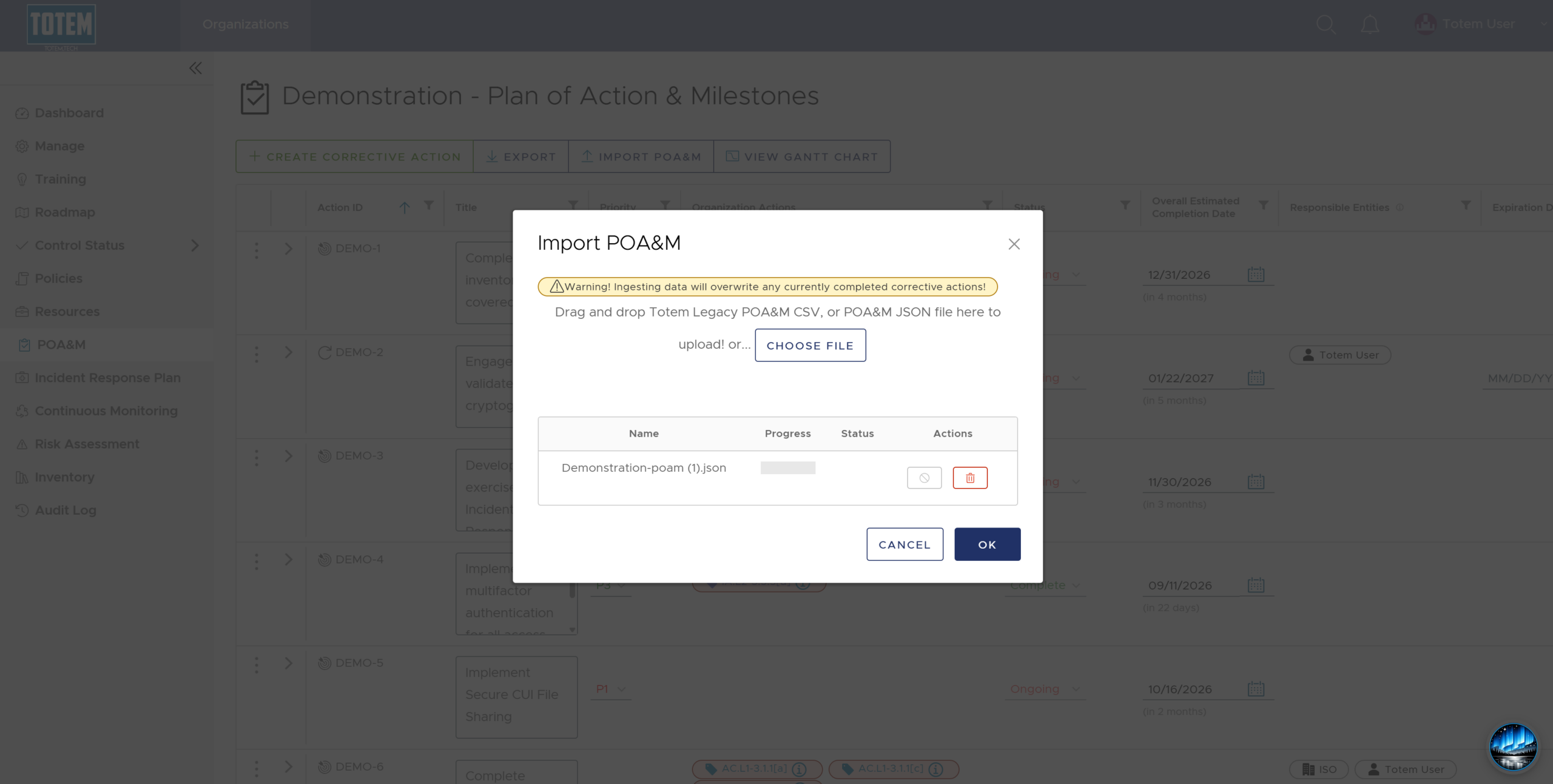
- Choose OK and wait for the import to complete. If you are presented with an error, your import does not match the expected format. Contact support for help with the correct format. If the import is accepted, you will see the imported Corrective Action Plan(s) in the list.
- NOTE: Organization Actions are not included in POA&M imports. This is intentional, as only Not Met Organization Actions are allowed on Non-Conformance CAPs, which often varies greatly between organizations. You can manually add Organization Actions after the import is complete.