
Importing an SSP template
Totem contains several System Security Plan (SSP) templates that you can customize and import right into the Control Status module. This guide walks you through the process and highlights some important considerations. Note that Aurora can also help you write your SSP from scratch or customize the boilerplate language provided via our templates.
To retrieve an SSP template from Totem:
- Log in to Totem.
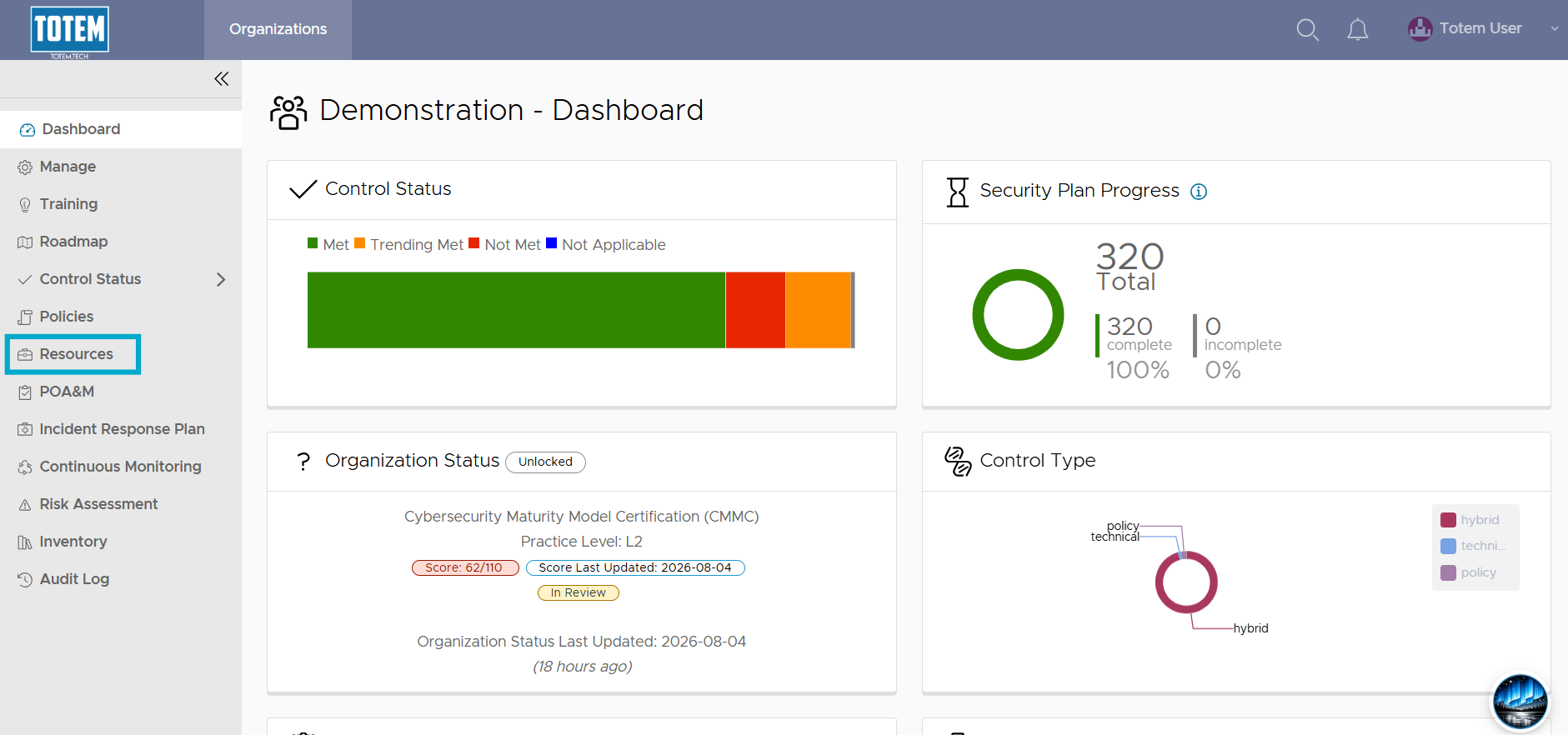
- Navigate to the Resources module via the left-hand menu:
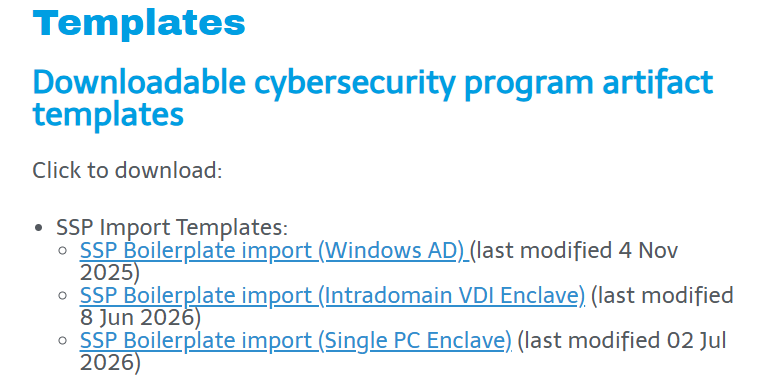
- Under Templates, download the available SSP template that best matches your current (or desired) scope. Explanations of the currently available SSP templates are below:
- Windows AD: A Windows environment centrally managed via Active Directory. Controlled Unclassified Information (CUI) is handled across the enterprise rather than in an enclave. Very common for manufacturers or those that have an IT Managed Service Provider (MSP) managing your environment for you.
- Intradomain VDI Enclave: A “domain within a domain” environment where CUI is isolated to an “in-house” virtual desktop infrastructure (VDI) enclave. Ideal for larger entities or those who want to segment DoD work from other business functions and otherwise would benefit from isolating their CUI to an internal VDI enclave, as opposed to a third-party VDI enclave.
- Single PC Enclave: A standalone, segmented single Windows PC fit for handling CUI. Use of cloud services for handling CUI is significantly reduced. Ideal for very small contractors or those that can limit their handling of CUI down to a single machine and that want to keep their CMMC scope as small as possible.
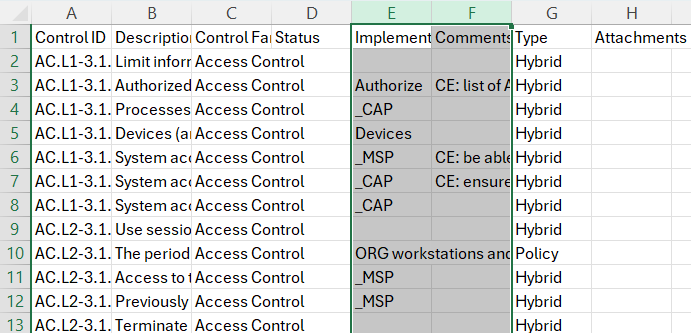
- Open the downloaded SSP template. Select all of Column E (Implementation/Justification Details) and Column F (Comments) and perform a Find and Replace of the term “ORG”, replacing it with your company’s alias (e.g., “ACME”). Ensure that Match case is enabled.
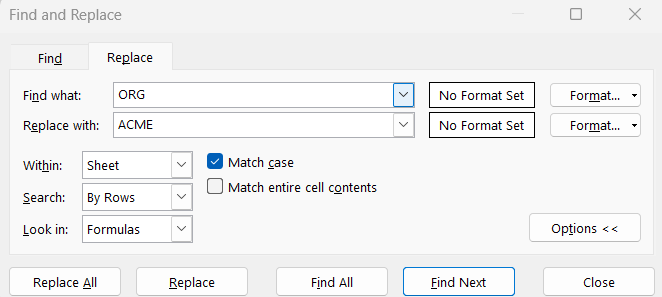
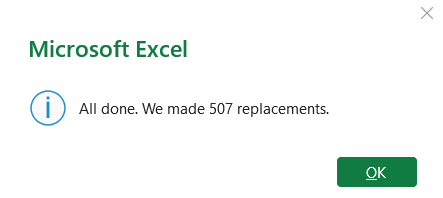
- Perform the replacement. Several hundred fields should be changed.
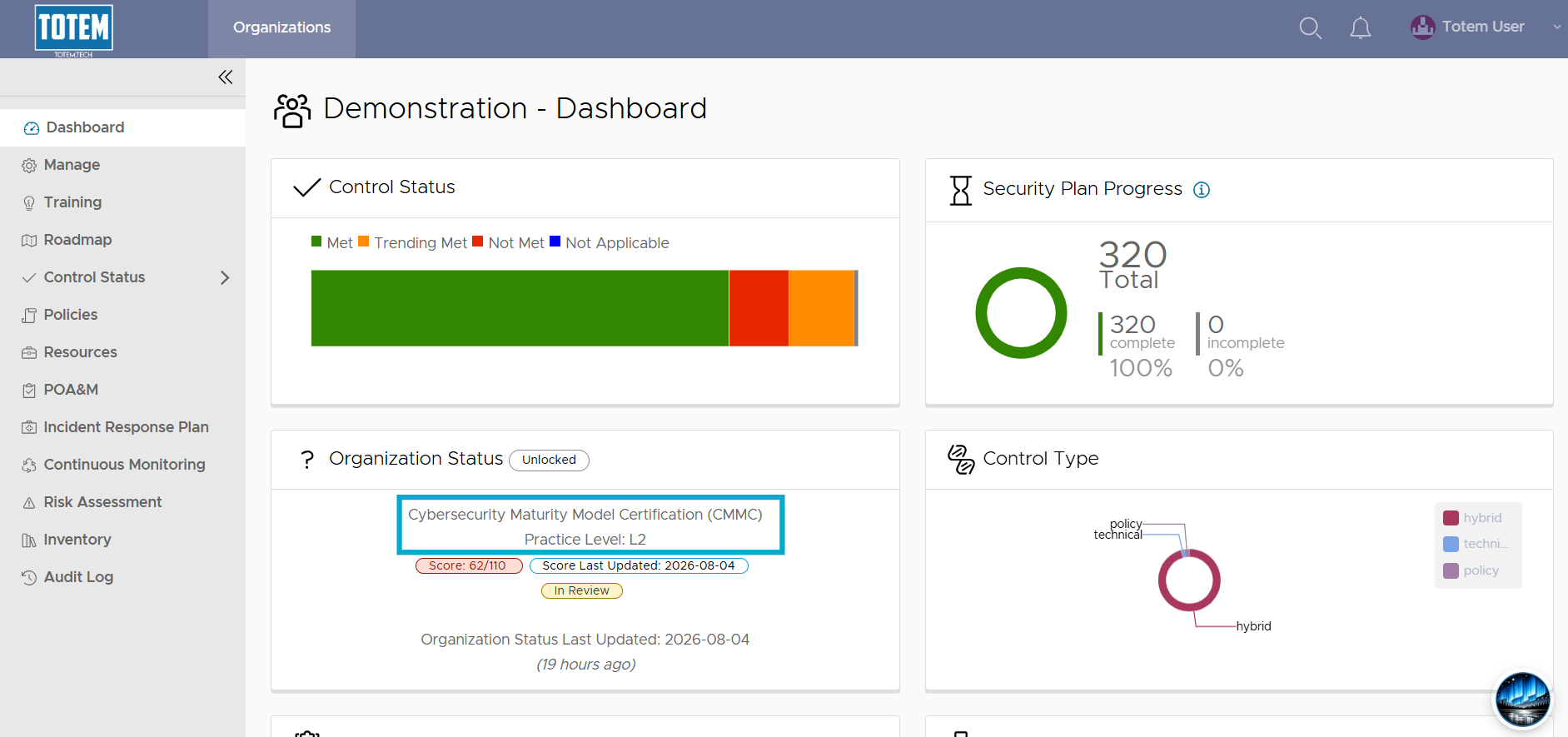
- Save the changes. Return to Totem and ensure that the CMMC Assessment Type is currently loaded. If not, go to the Manage module and ensure CMMC is the current Assessment Type.
- Navigate to the Control Status module.
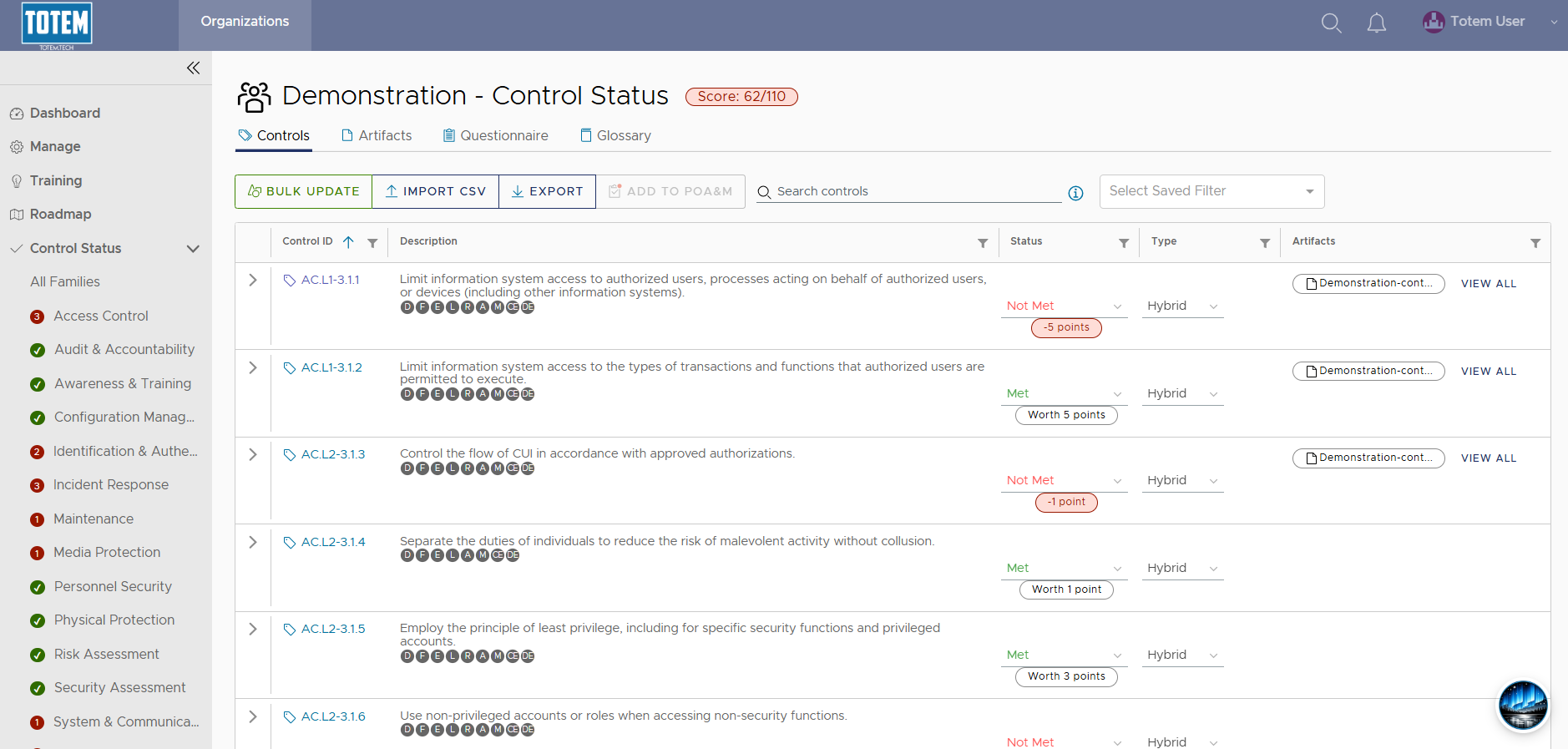
- Select Import CSV. Navigate to and select the recently saved SSP template. Import the template.
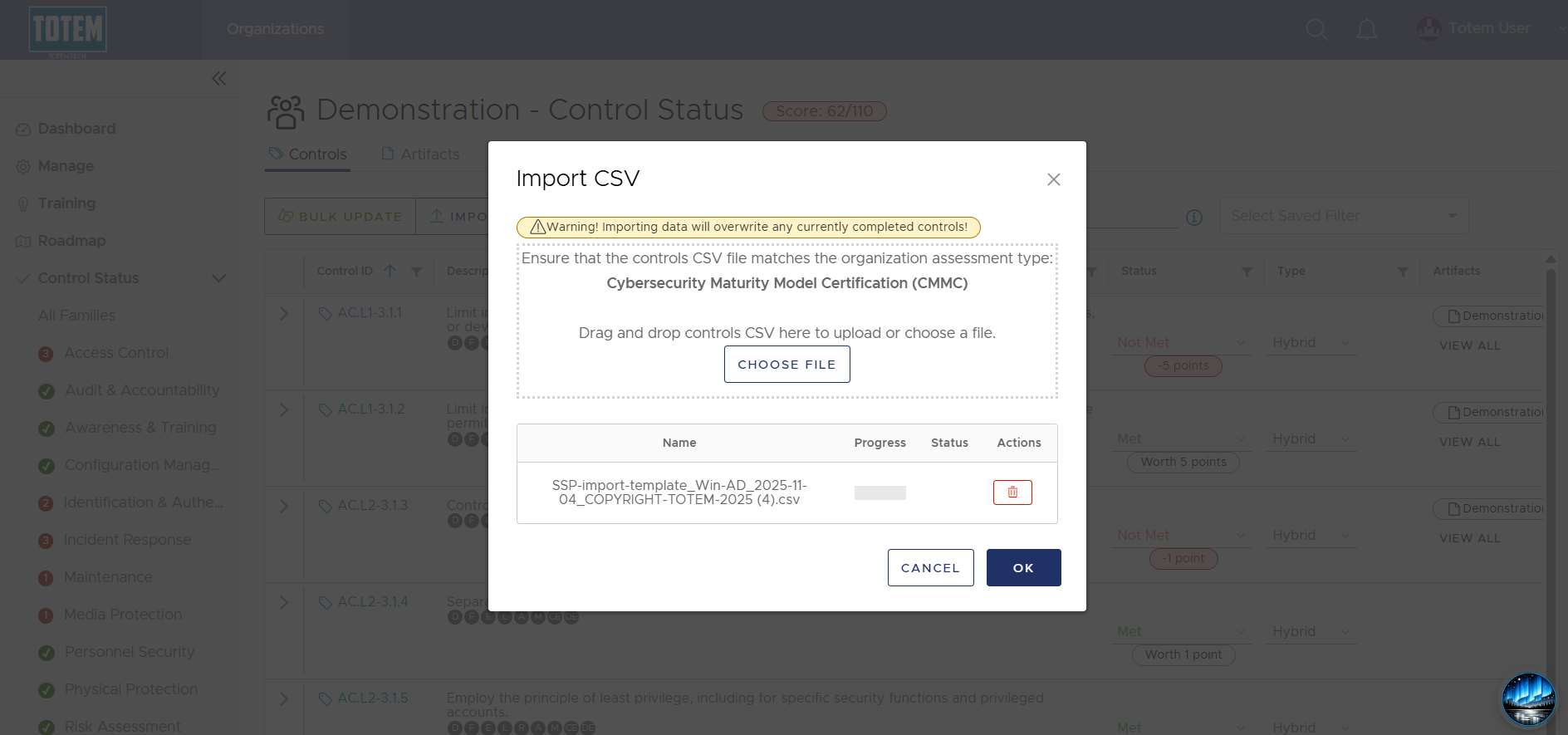
- The import will take a moment to process but will eventually report a successful import message when complete.
- Verify that the import succeeded by browsing through the Control Status module, specifically looking at the Implementation Details and Comments fields.
- Begin customizing the template to match your organization’s approach!
Important Notes
- Our SSP templates are just that — templates. They help to give your organization some material to get started on your SSP, as well as to give you a sense of the level of detail required, but they need to be tailored to how your organization actually has chosen to satisfy the requirement. Consider using the template as a guide of a “future end state” if possible.
- Aurora can help tremendously with SSP creation. Use her to provide recommended policies and implementation details given your unique context.