Importing into Continuous Monitoring
The Continuous Monitoring module allows you to import tasks from a spreadsheet. This is especially helpful for Totem administrators that want to duplicate tasks across multiple organizations. This guide shows you how to import a Continuous Monitoring spreadsheet.
- Log in to Totem.
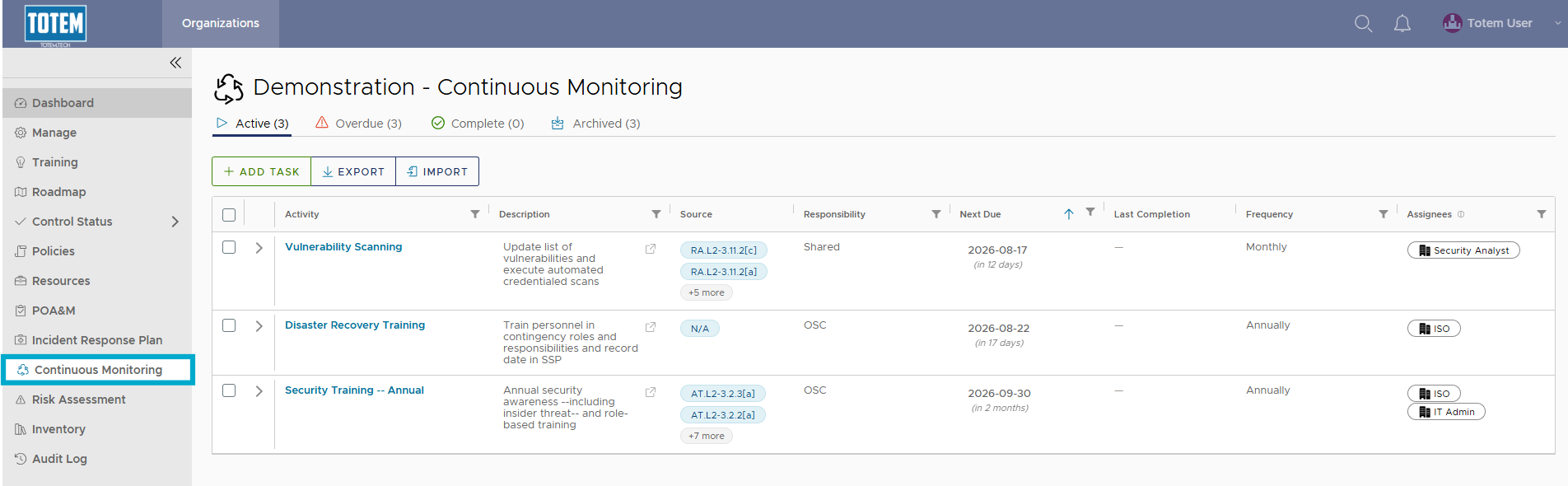
- Navigate to the Continuous Monitoring module via the left-hand menu:
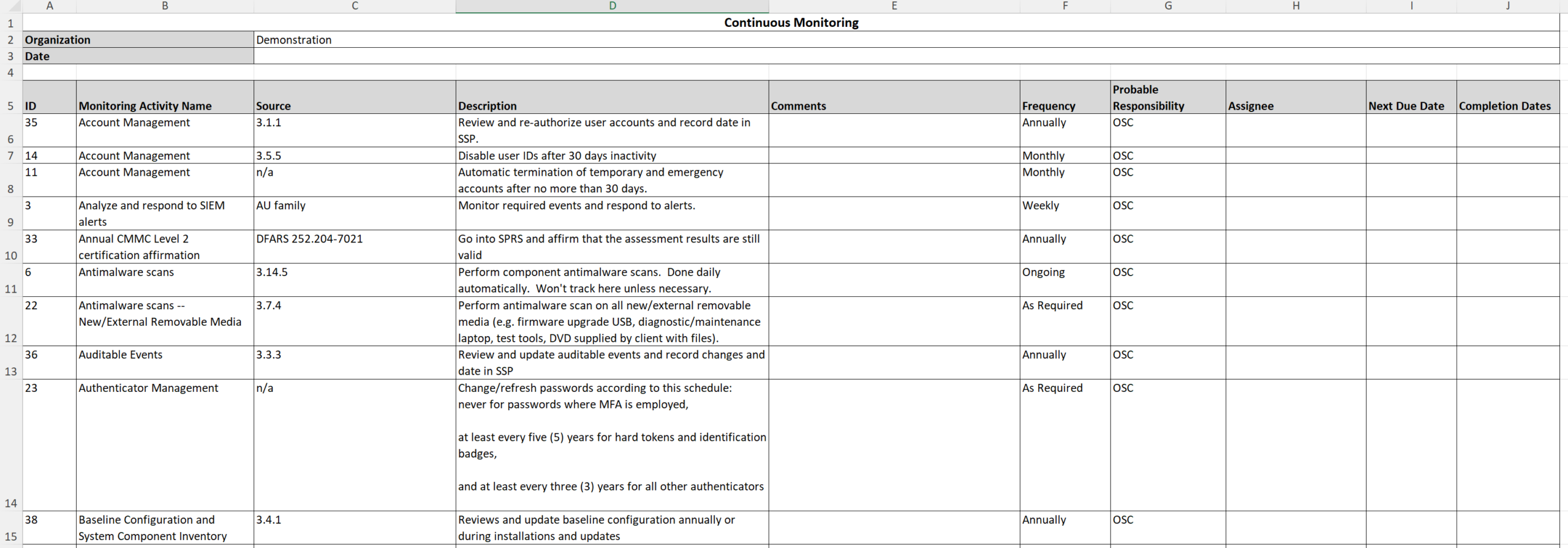
- Retrieve the spreadsheet of Continuous Monitoring tasks that you will use as the source file for the import. Note: to ensure the spreadsheet imports correctly, first Export the list of tasks that you would like to import and make any desired edits.
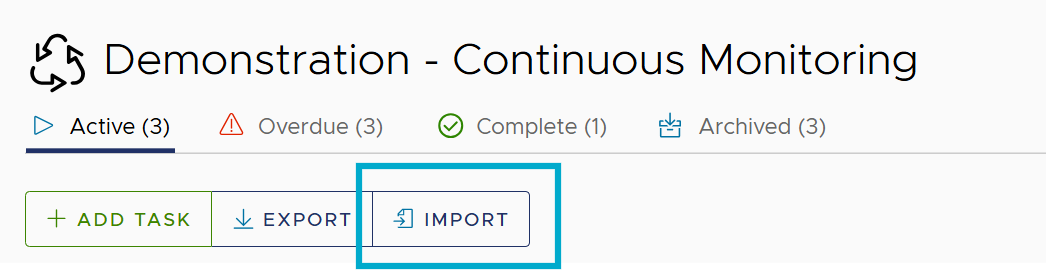
- Select Import.
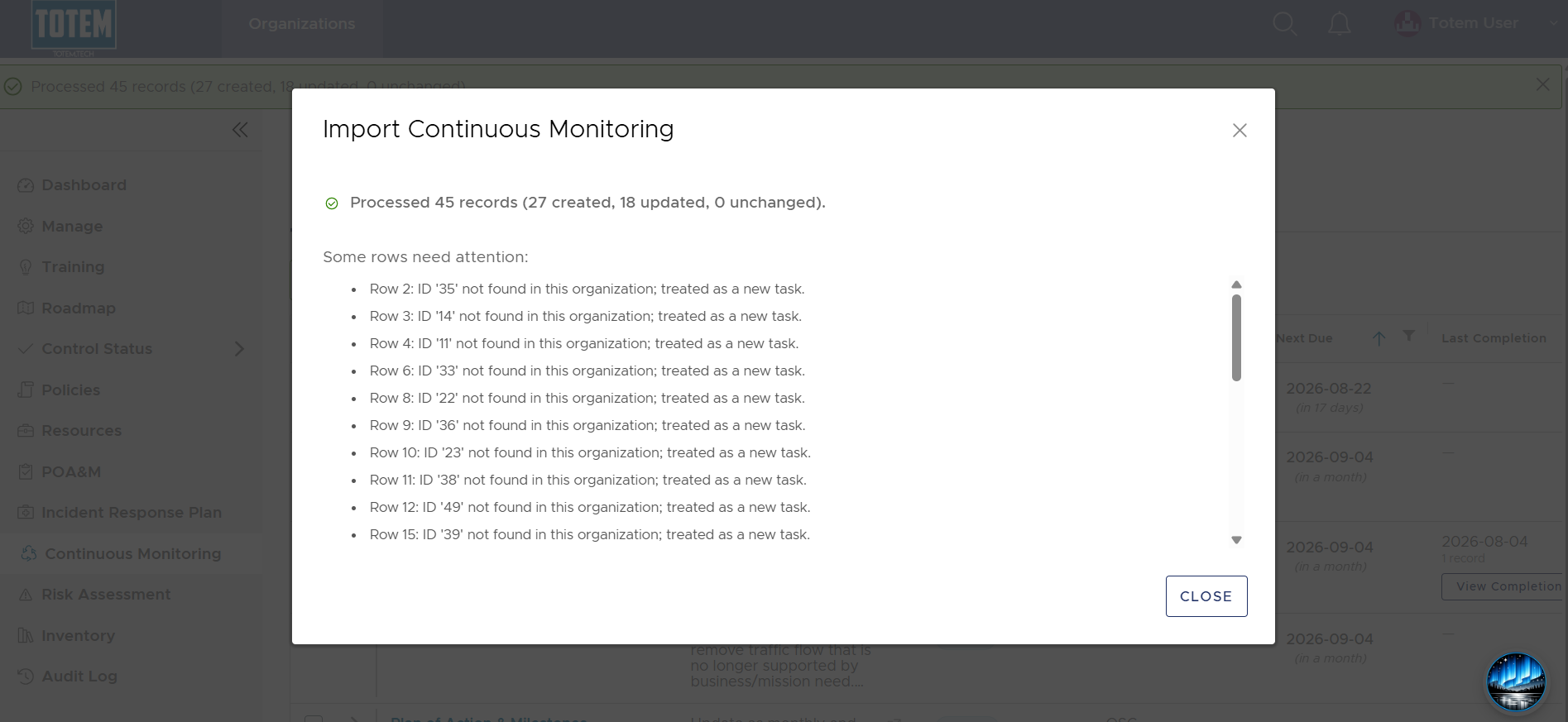
- Upload your source spreadsheet, then again choose Import. Totem will import your spreadsheet and provide a summary of the import, including highlighting new tasks created, updates to existing tasks, or errors with the upload.
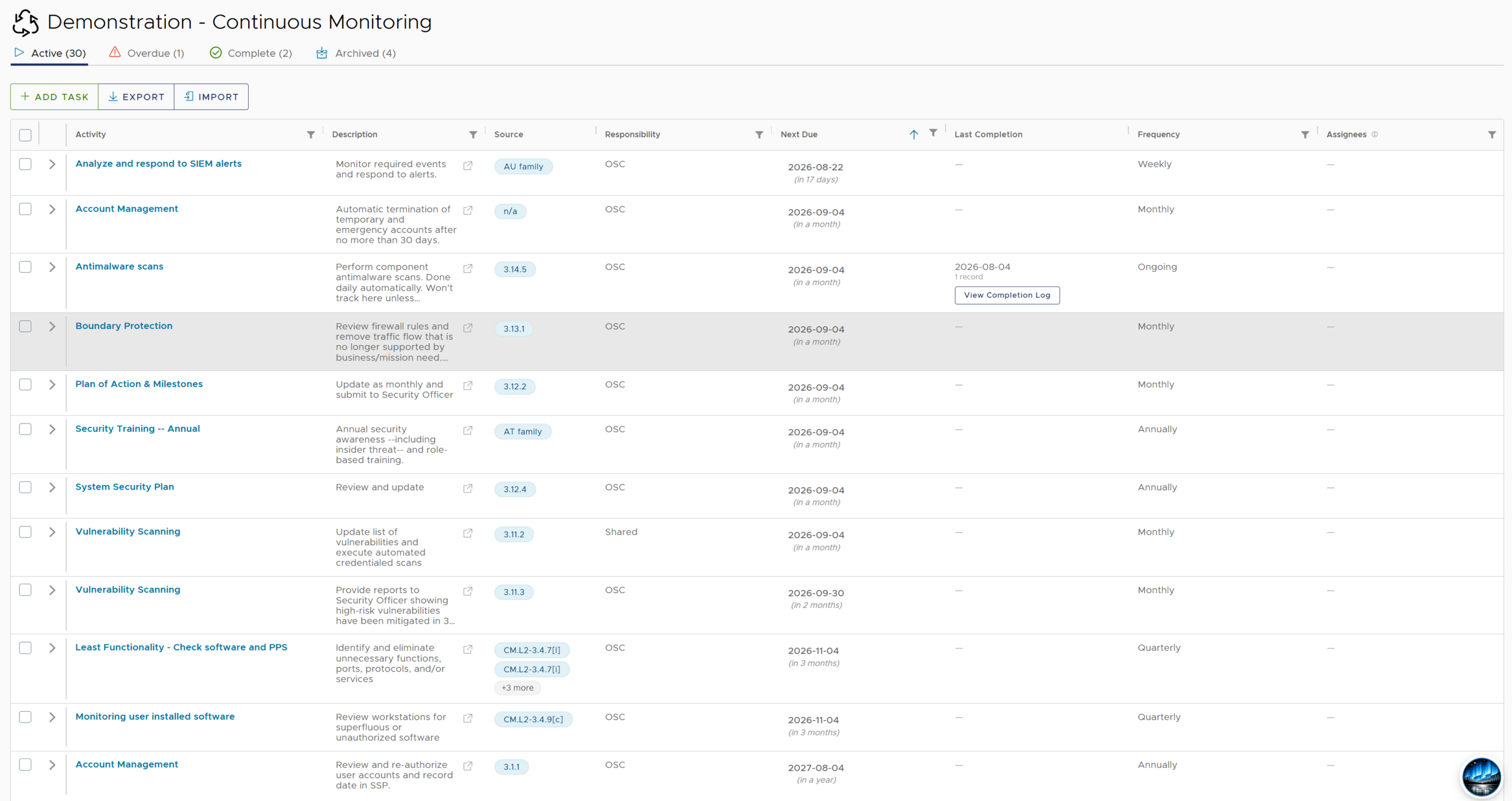
- See that the imported tasks now appear within the Continuous Monitoring module.