Logging tabletop/incident exercise records
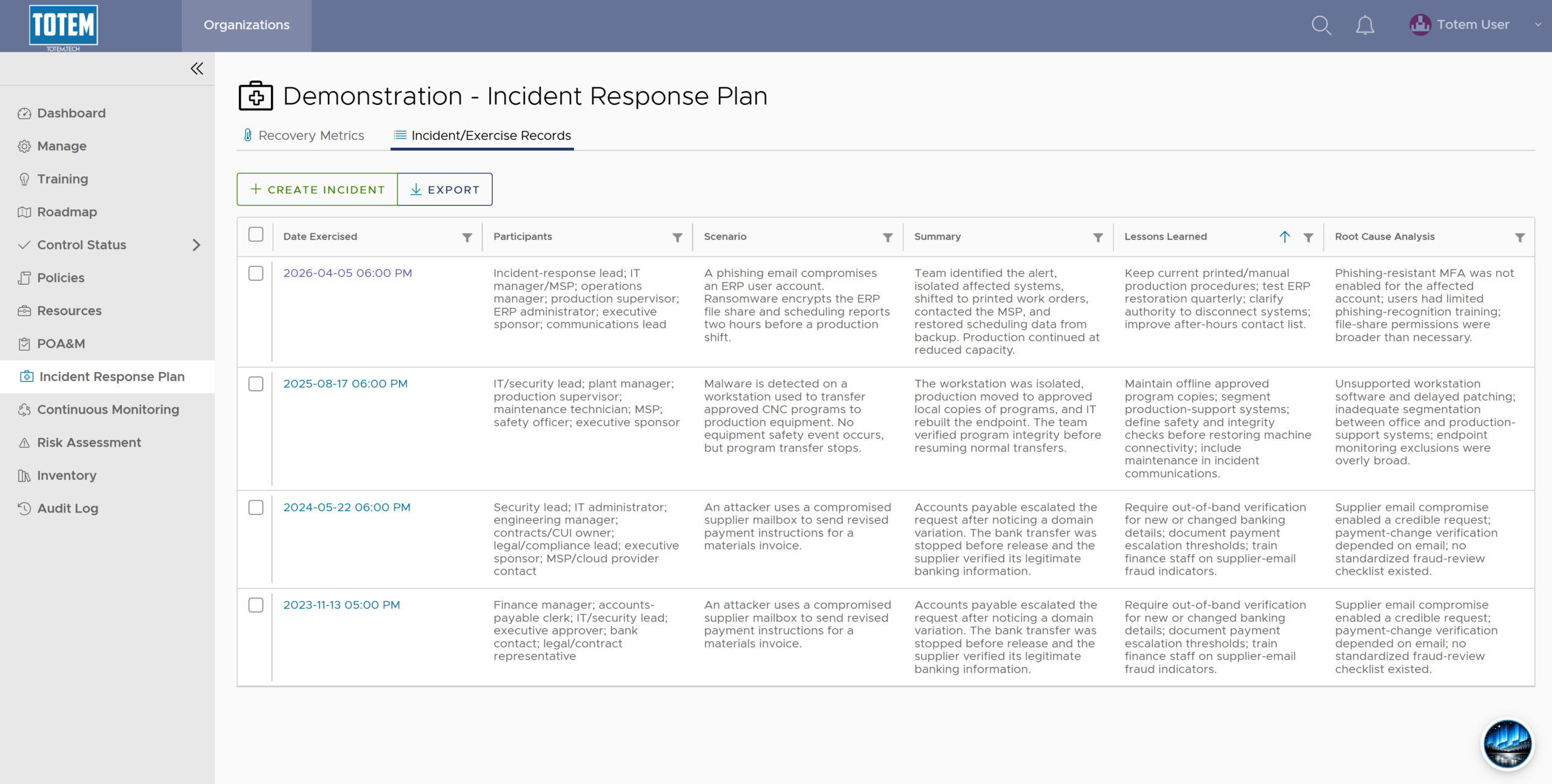
Exercising (testing) your Incident Response Plan (IRP) is crucial to ensure that it will work when you experience a true incident. If you are a DoW contractor pursuing NIST 800-171/CMMC L2 compliance, you are required to test your IRP no less frequent than annually. Totem’s IRP module contains an incident tabletop exercise table you can use to do this, which will be included in your exported IRP.
Note that Aurora can help you populate your incident exercise records. Give her a shot!
To log an incident exercise:
- Log in to Totem.
- Navigate to the Incident Response Plan module. Choose the Incident/Exercise Records page.
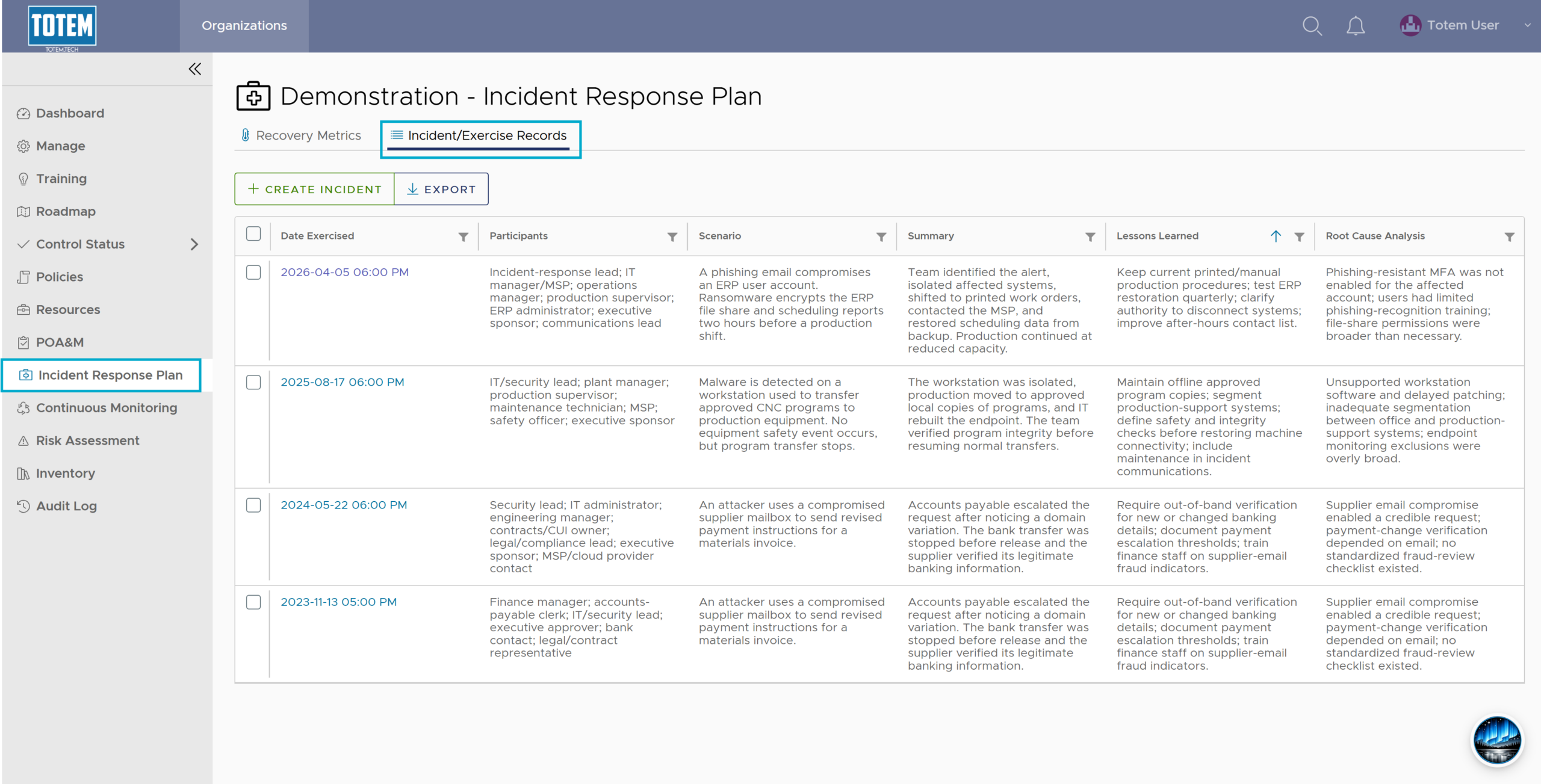
- Select Create Incident. You’ll be presented with multiple input fields; these are for describing the incident scenario, who participated, and summarizing the incident and lessons learned.
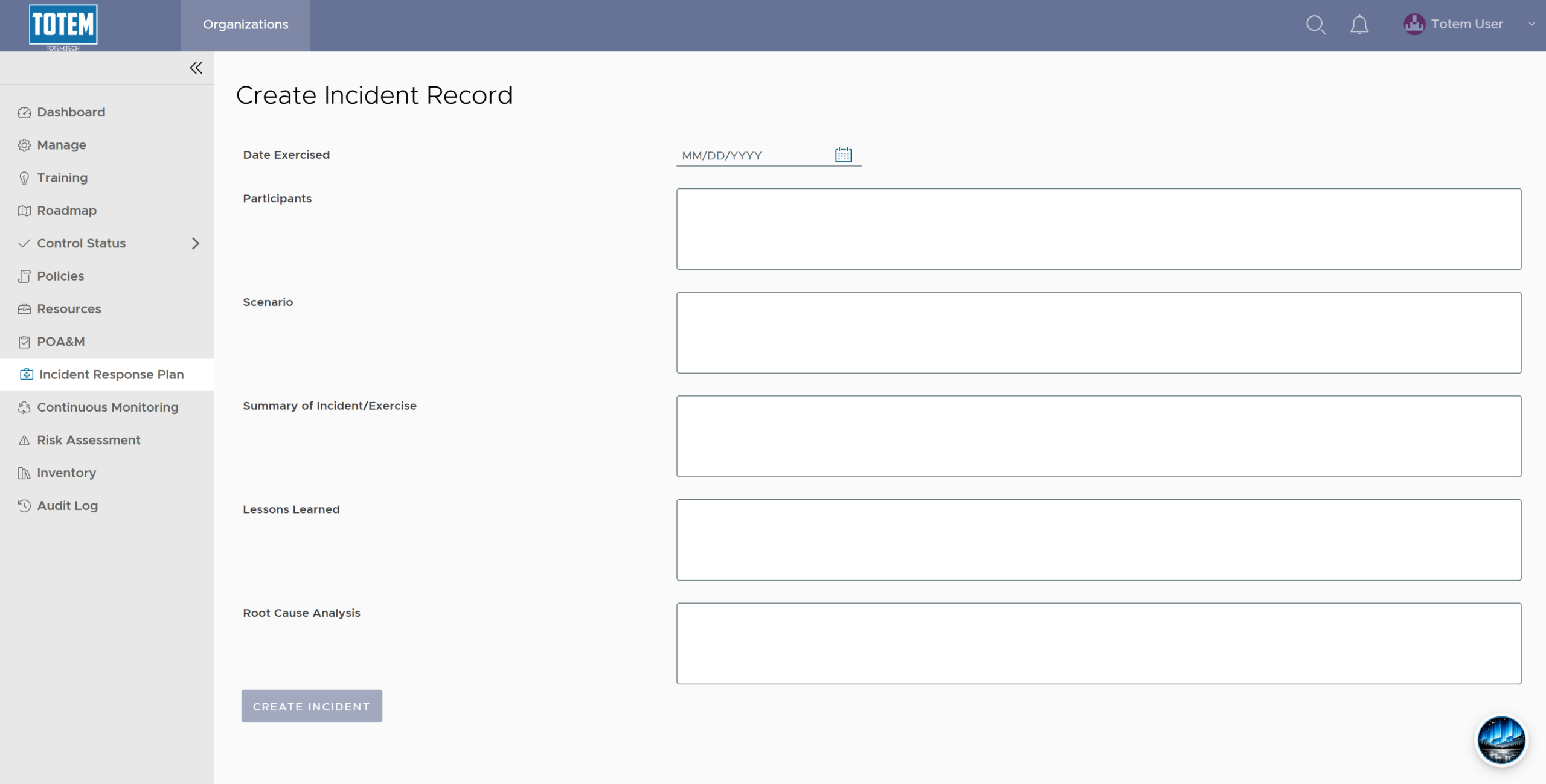
- Using the guidance below, populate the incident exercise records:
- Date Exercised: The date the incident exercise occurred.
- Participants: List, at a minimum, the roles of the individuals that participated in the tabletop exercise.
- Summary of Incident/Exercise: A concise timeline of what occurred or was simulated: detection source, actions taken, decisions, communications, containment/recovery actions, participants, and outcome. Identify evidence or records created.
- Lessons Learned: What worked, what did not, gaps found, improvements proposed, responsible owners, and target dates. Link significant gaps to corrective actions or POA&Ms. Consider linking to specific security controls.
- Root Cause Analysis: Document the underlying cause, including contributing factors, attack path or failure sequence, affected assets/data, and supporting evidence.
- Once complete, select Create Incident. Your incident exercise record will now appear in the table. Prepare to log tabletop exercises on an annual basis.