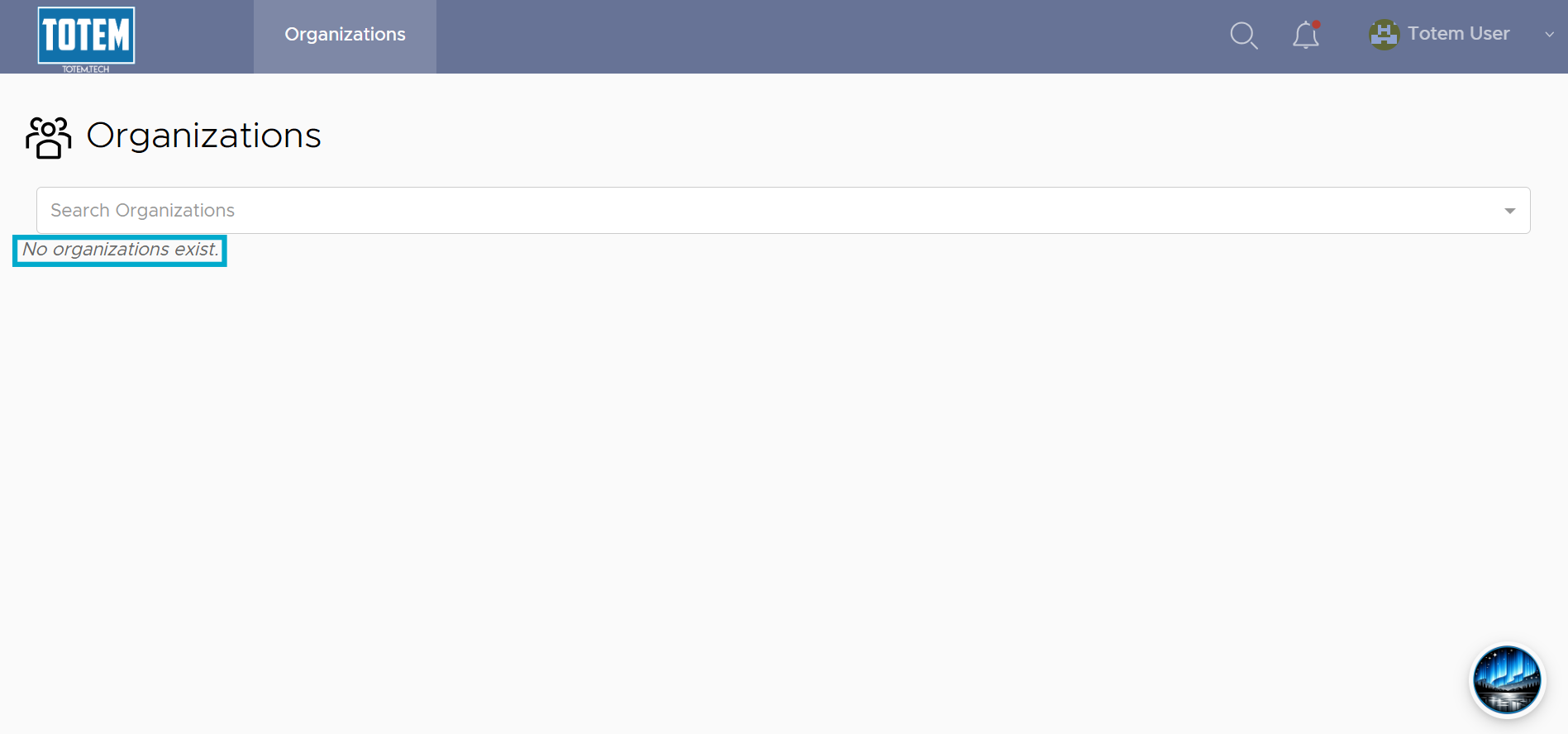
Removing user from organization
Users with the Owner role may remove users from their Totem organization. Note: Removing a user from your organization will not delete their Totem user account but rather prevent them from seeing any information about your organization. To disable or permanently remove a user’s account, please contact your Totem administrator or contact support.
To remove a user from your Totem organization:
- Log in to Totem.
- Navigate to the Manage module and select the Users & Roles page.
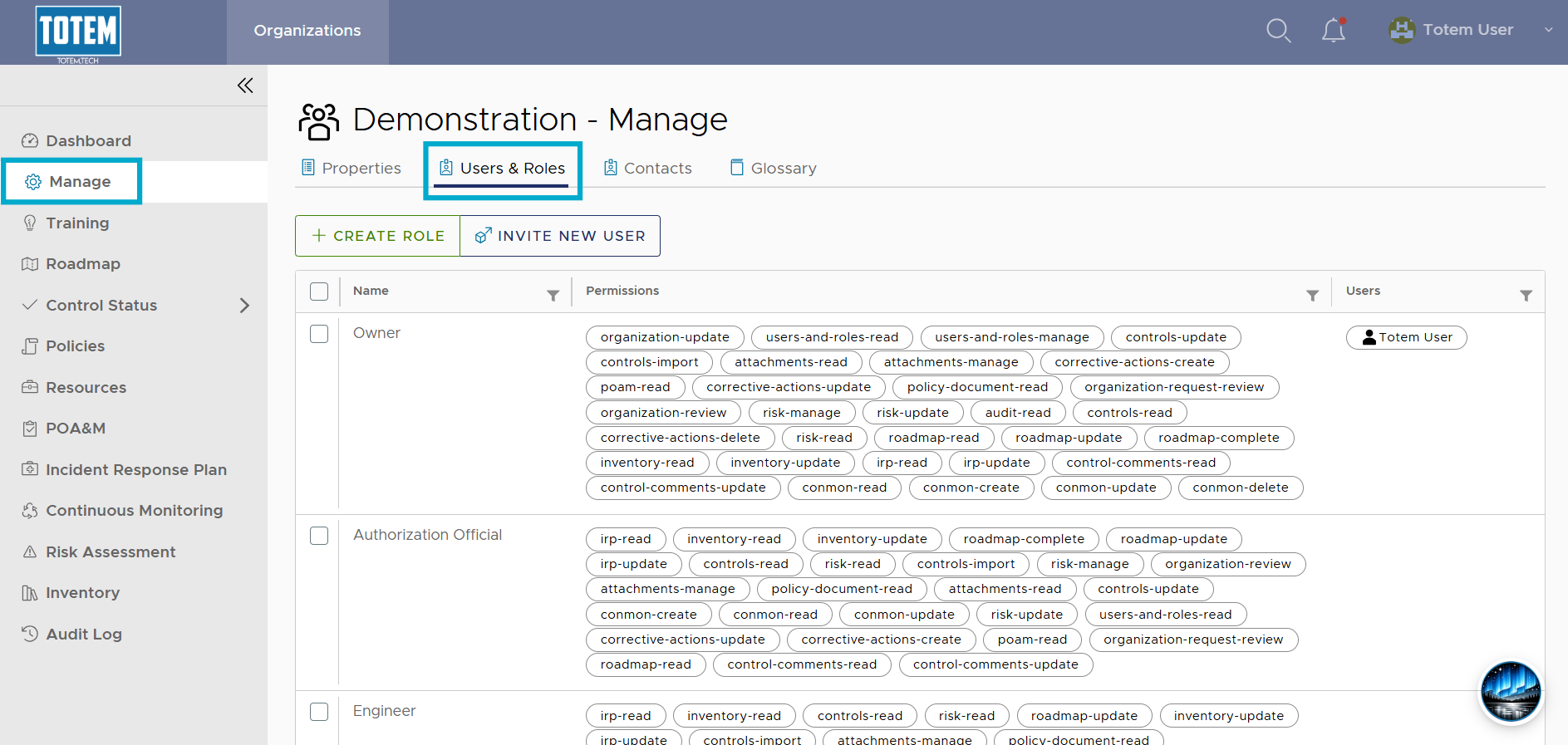
- Identify the role(s) held by the user you’d like to remove.
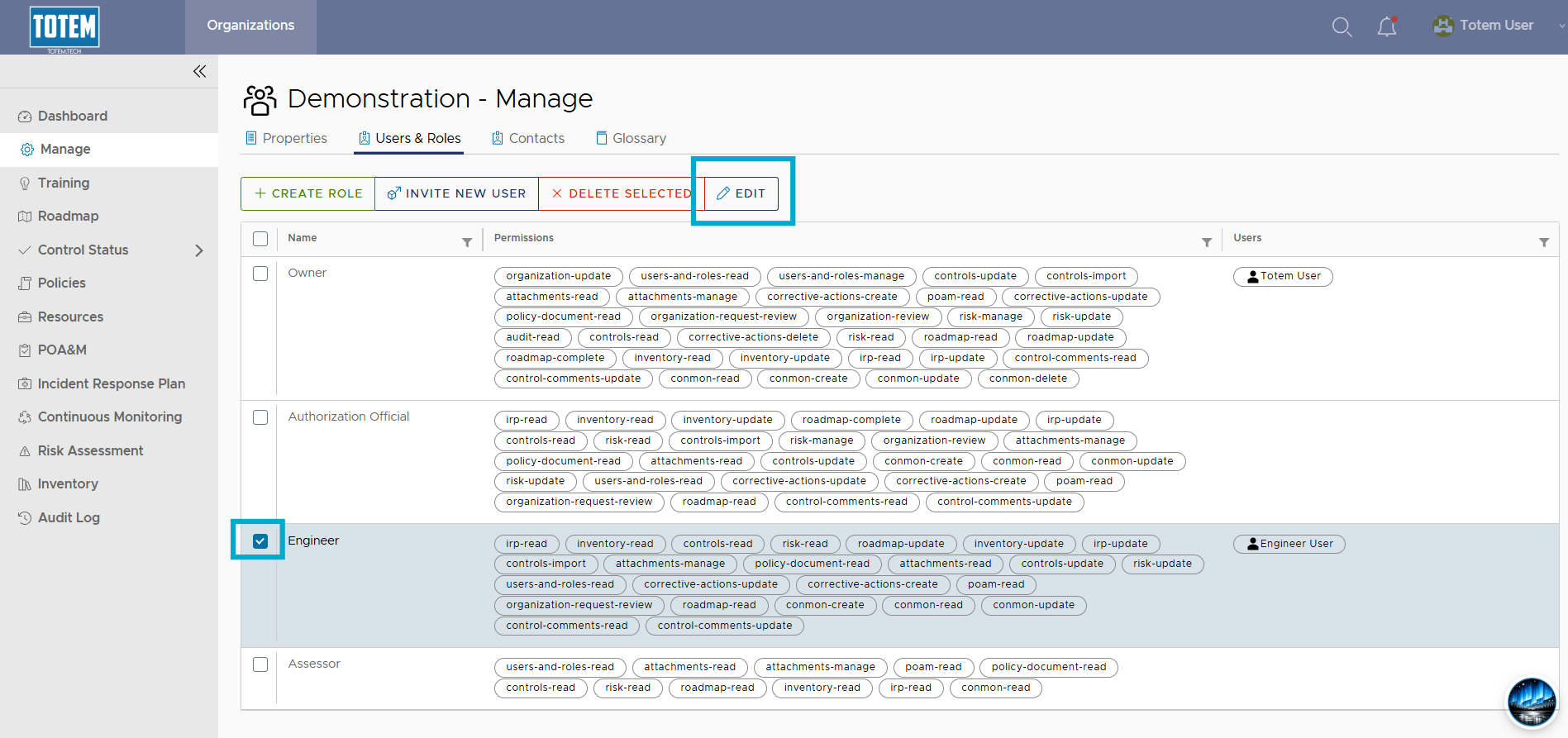
- Select the checkbox next to the role belonging to the user. At the top of the page, choose Edit.
- In the Users field, remove the user’s name from the field. Do not remove anything from the Permissions field, as this will impact permissions assigned to any other users with that role. Select Edit Role.
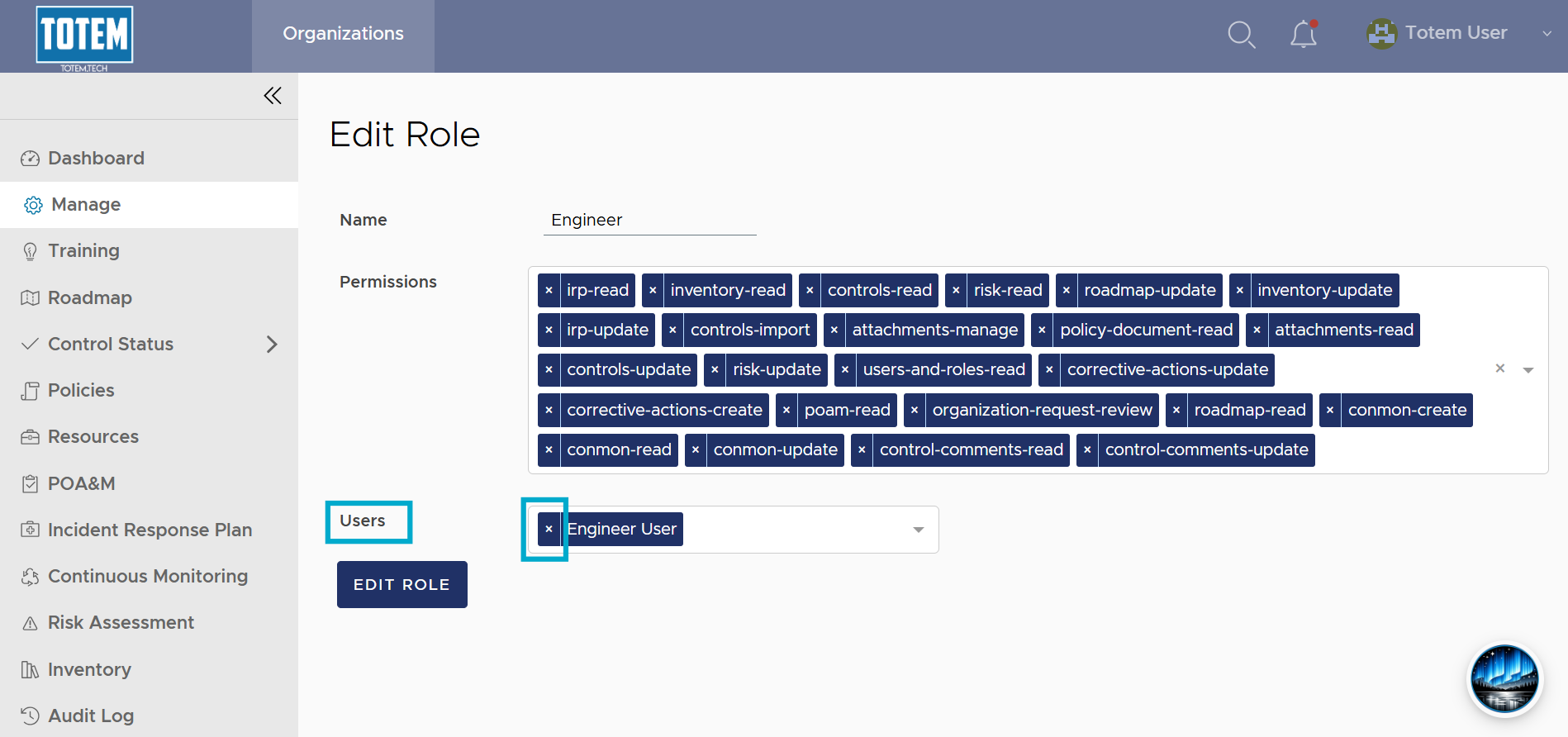
- If the user holds any additional roles, remove those roles as well.
- Now that the user does not hold any roles within the organization, they will be unable to view your Totem organization next they login. To disable or permanently remove a user’s account, please contact your Totem administrator or contact support.