Reviewing your self-assessment score
For defense contractors pursuing CMMC Level 2, Totem will automatically calculate your self-assessment (SPRS) score as you work your way through your controls assessment. There is no manual calculation effort required from you. This guide walks you through where to find your score and some important considerations.
To view your current score:
- Log in to Totem.
- View your current score right on the Dashboard.
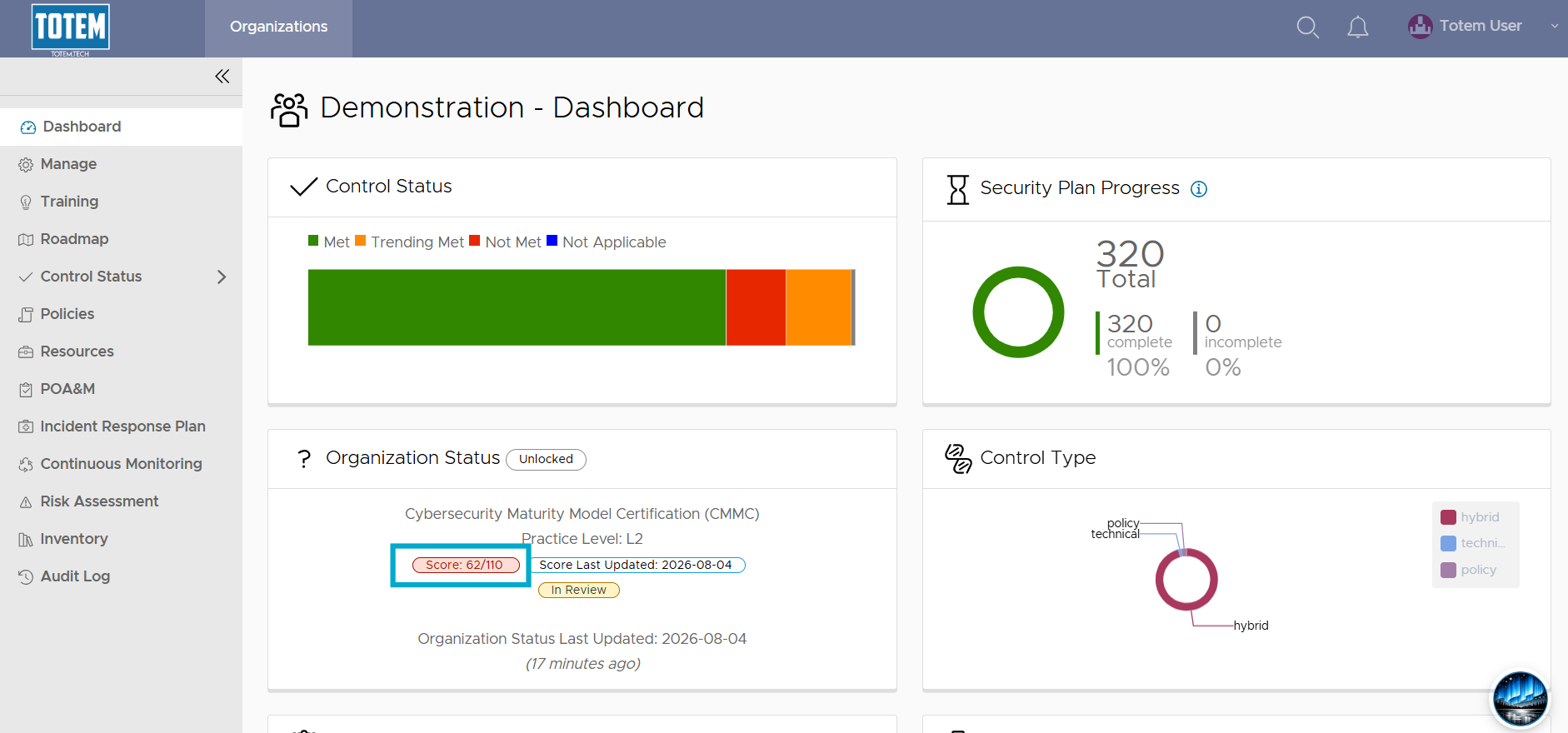
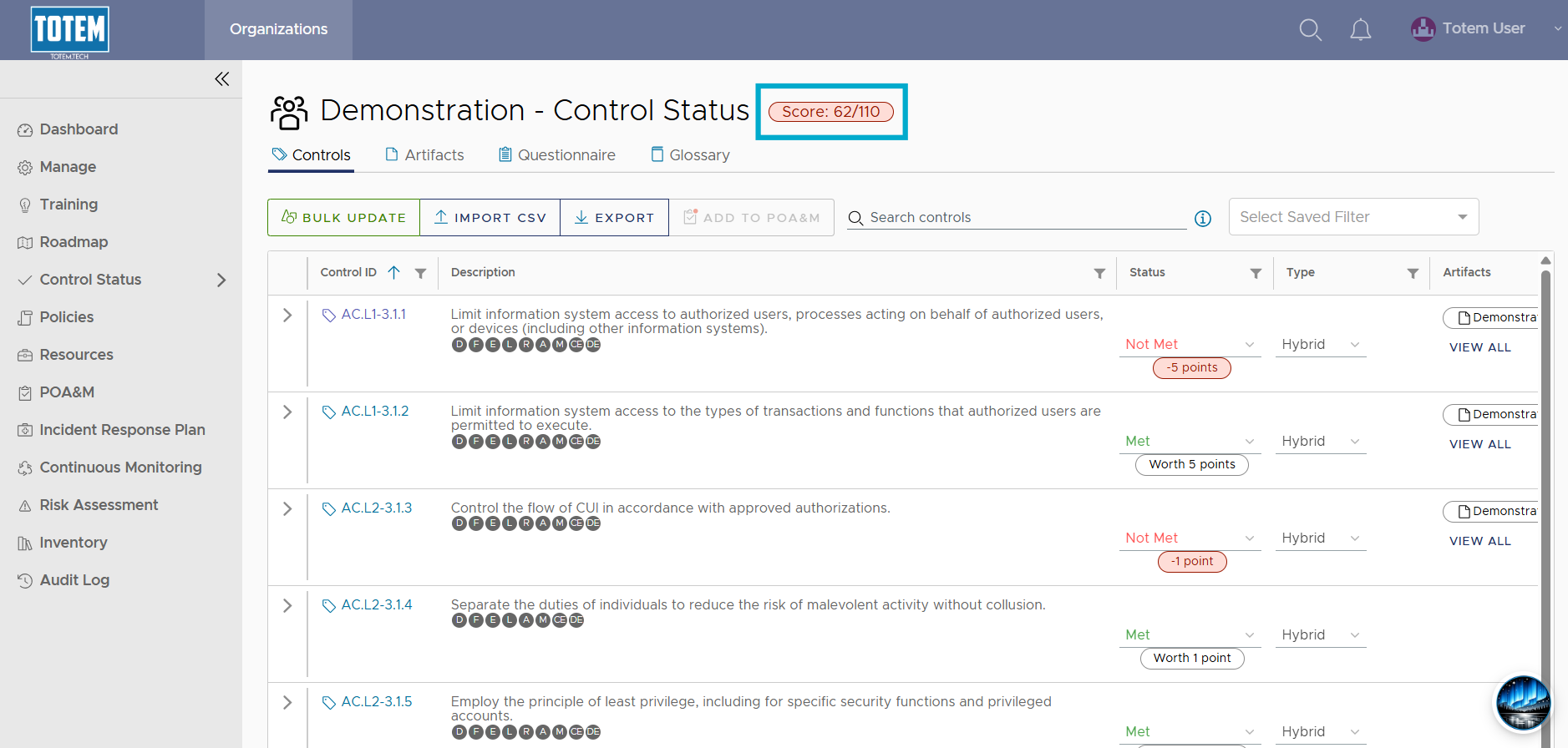
- Alternatively, navigate to the Control Status module via the left-hand menu:
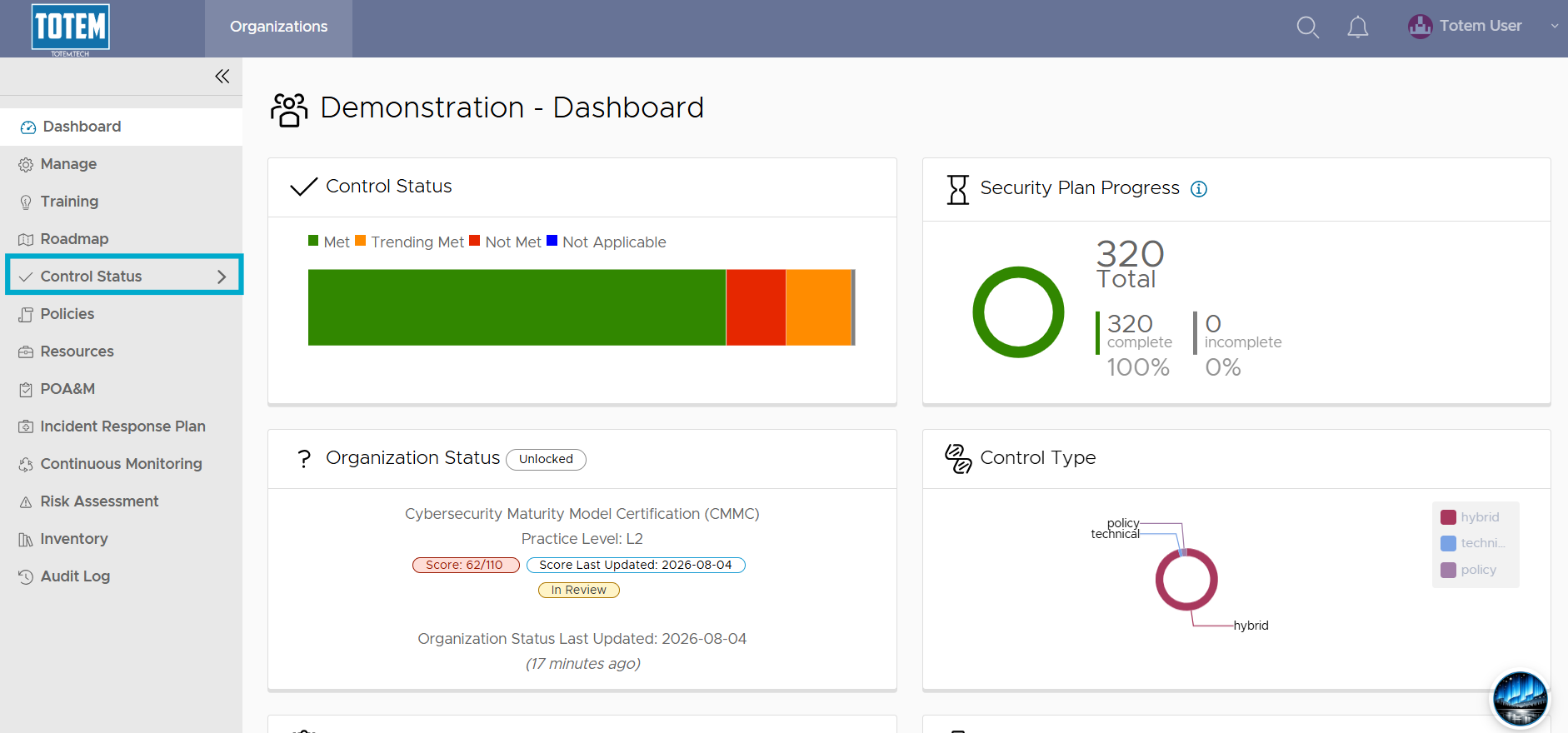
- See that your current score is displayed at the top of the page:
Important Considerations
- Your score updates any time a control’s assessment status changes such that points are lost or earned. Per the DoD 800-171 Assessment Methodology, your self-assessment score starts at 110/110. When a control is deemed Not Met, you lose the control’s accompanying points from 110. When that control is no longer Not Met, you gain the points back. While Trending Met and Not Applicable are not the same as Met, they do not result in any points lost when a control is marked one of these. Only Not Met results in lost points.
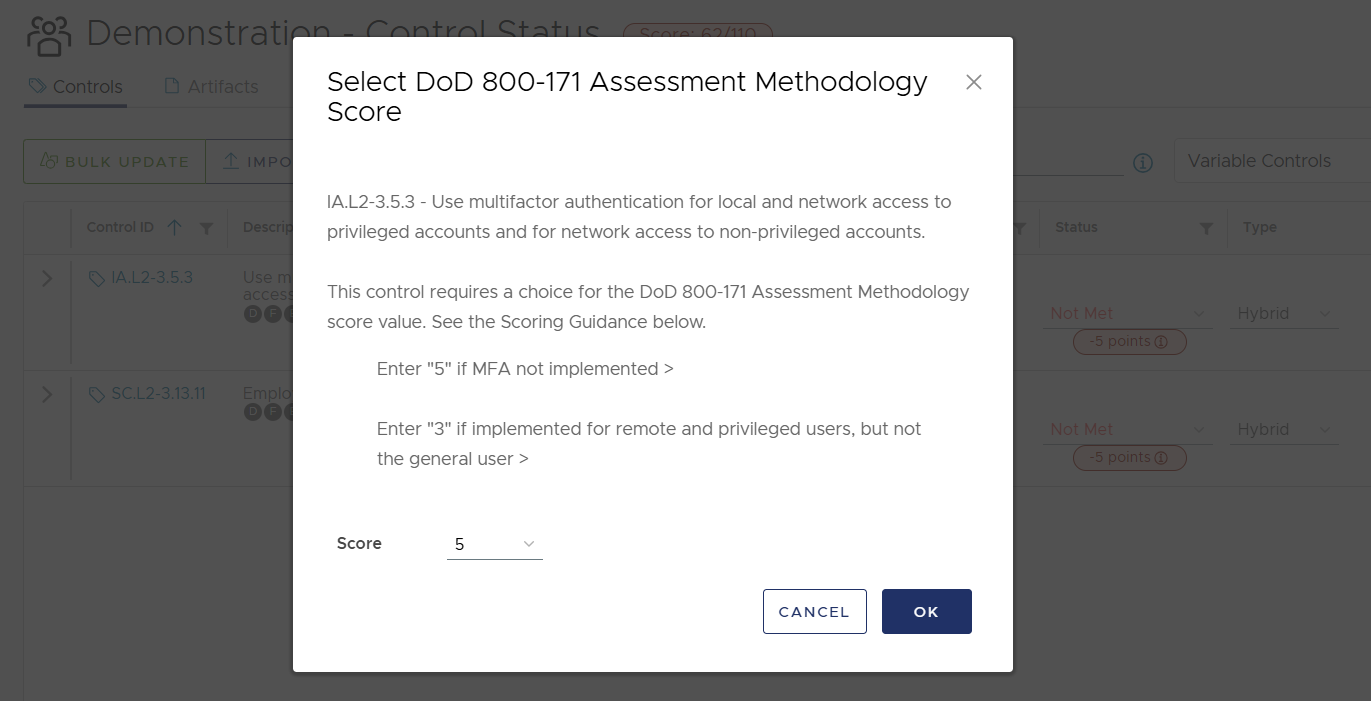
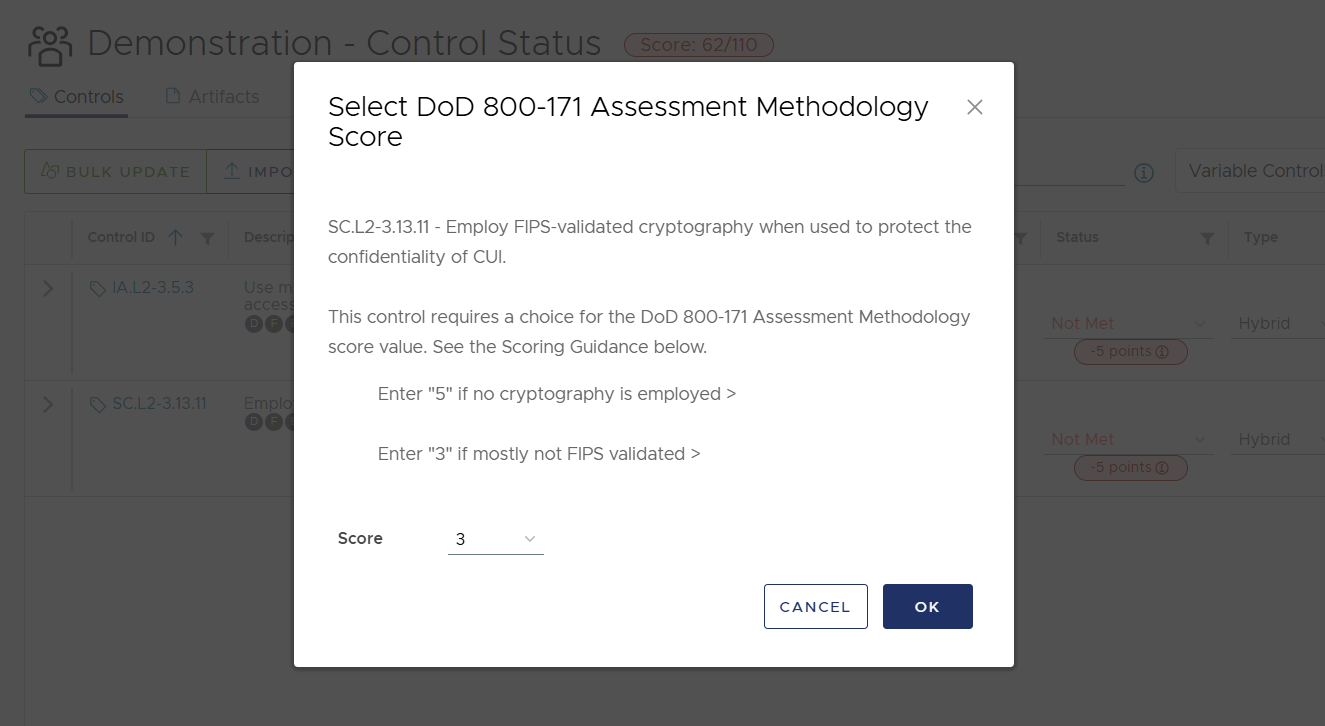
- There are two controls, IA.L2-3.5.3 and SC.L2-3.13.11, that are considered “variable” point controls. You can get partial credit for these controls depending on your degree of implementation. When you mark these as Not Met, you’ll see a scoring modal open, where you can specify your implementation: