Selecting a saved filter
Saved filters help make querying through security controls significantly easier. Whether you’ve created your own saved filter or your Totem administrator has made one for you, you can quickly select and apply saved filters via the Control Status module. Remember that you can also use Aurora to quickly query through controls!
- Log in to Totem.
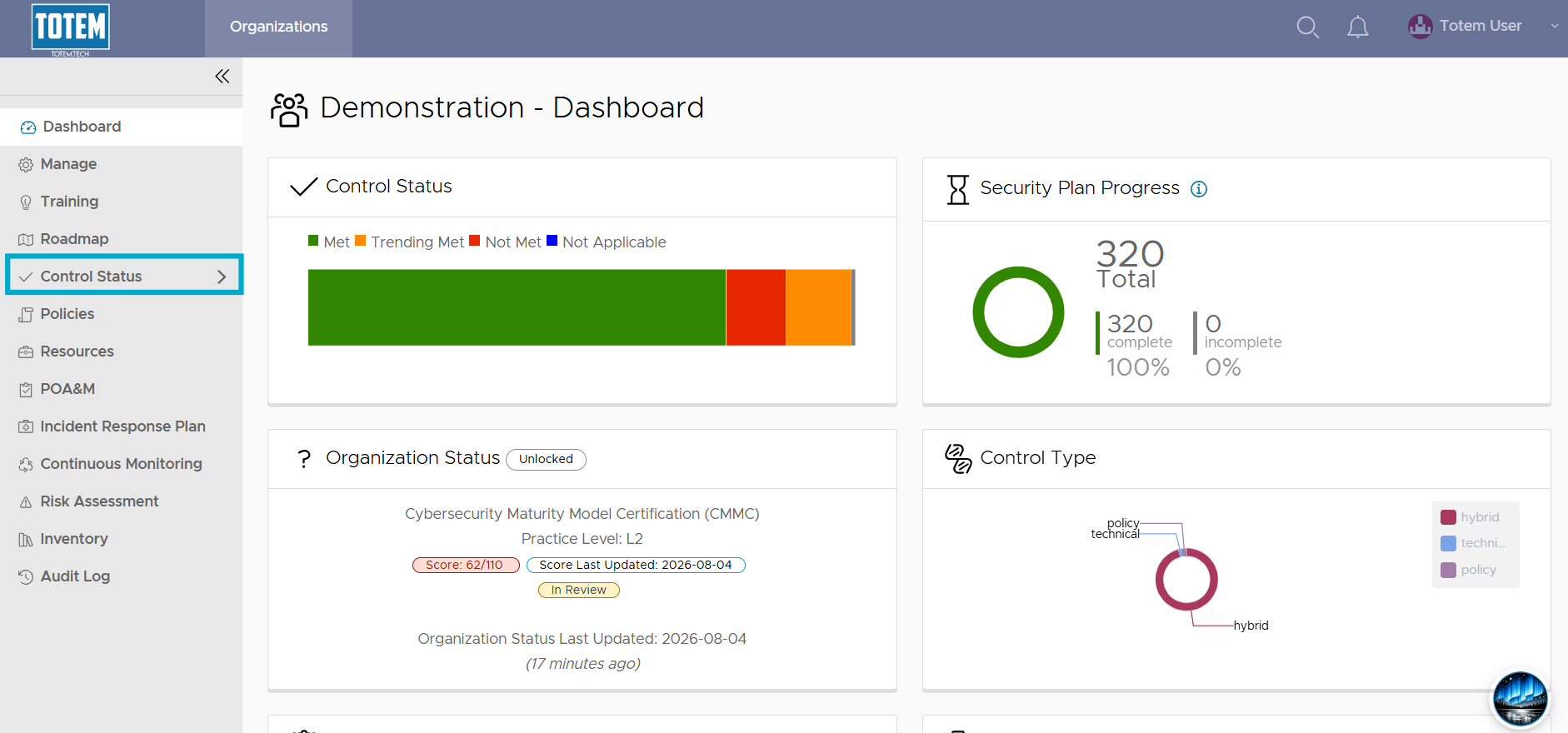
- Navigate to the Control Status module via the left-hand menu:
- Choose the Select Saved Filter option.
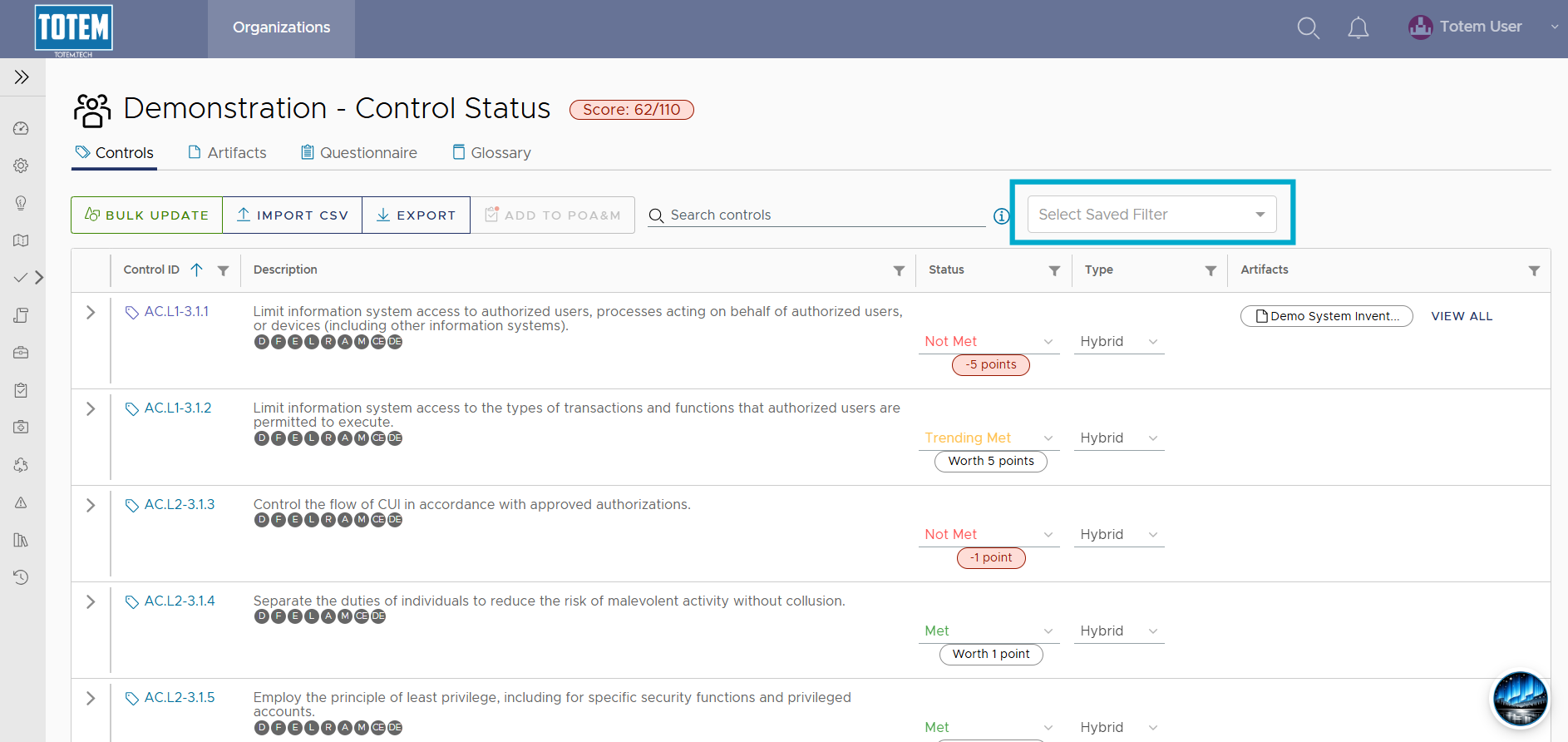
- You’ll then see any available saved filters. To apply the filter, select it.

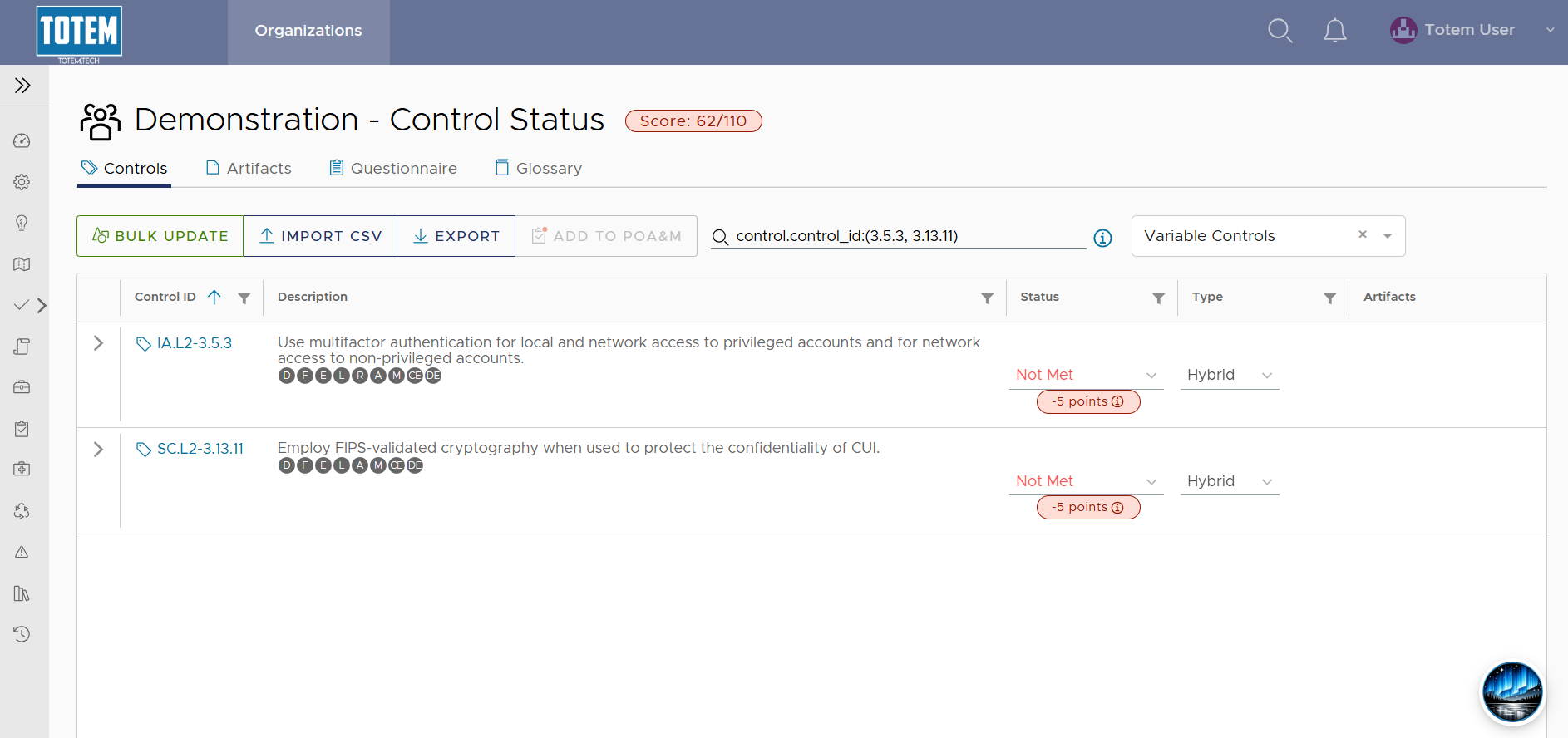
- Depending on the parameters specified within the saved filter, the results will appear.