
Selecting a Shared Responsibilities Matrix
Users with the Owner role may update their organization properties, including selecting available Shared (Customer) Responsibilities Matrices (SRM/CRM). Totem administrators can make SRMs available to their clients. If you do not see any selectable SRMs, your Totem administrator has not made any available to you. Request this from your Totem administrator.
To select an available SRM:
- Log in to Totem.
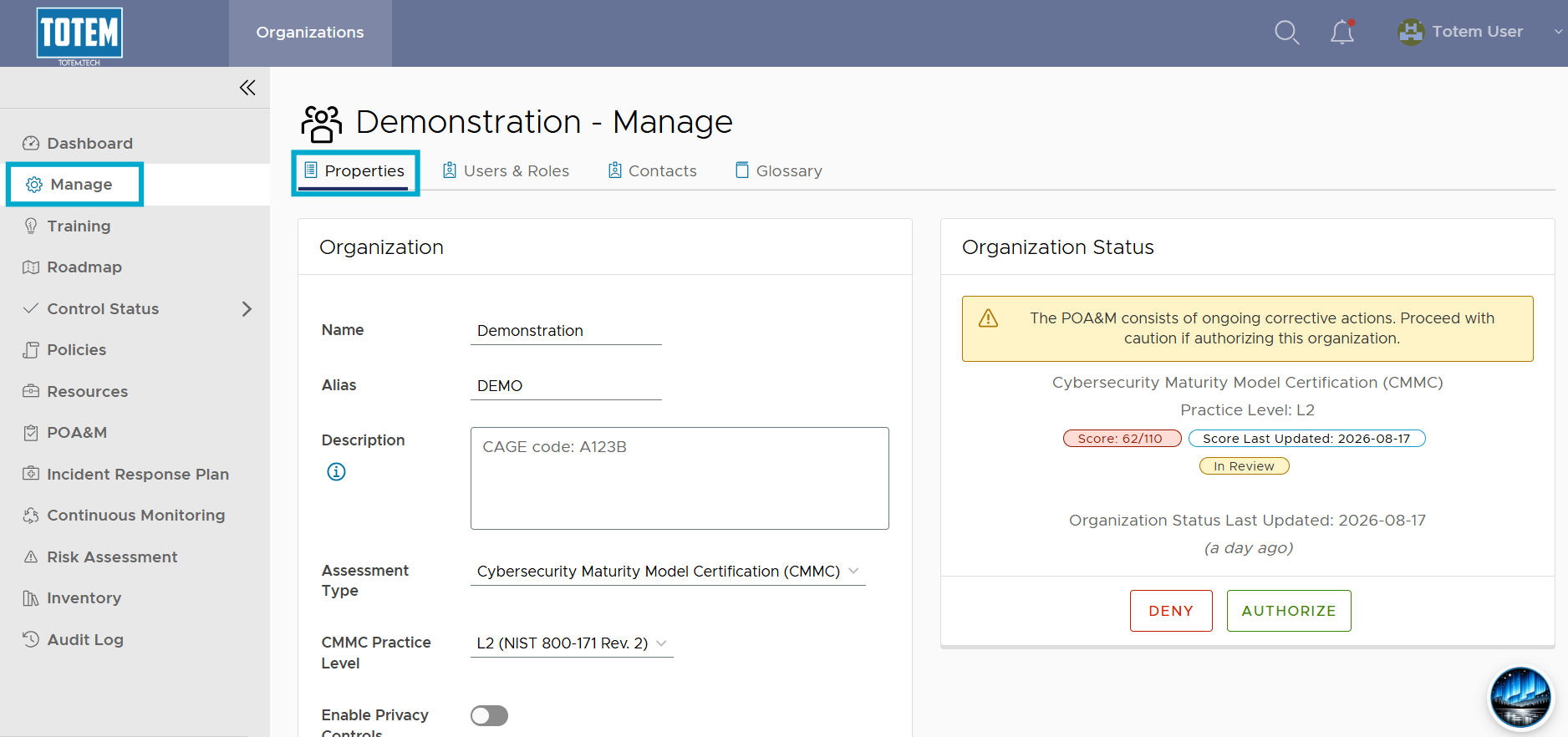
- Navigate to the Manage module. By default, you’ll arrive on the Properties page.
- Scroll down to the bottom. In the Shred Responsibility Matrices option, select the drop-down, and choose your desired SRM.
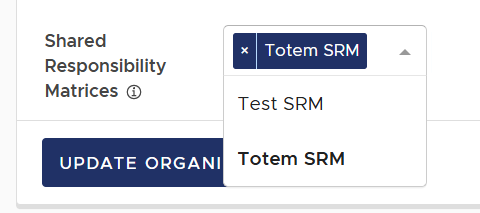
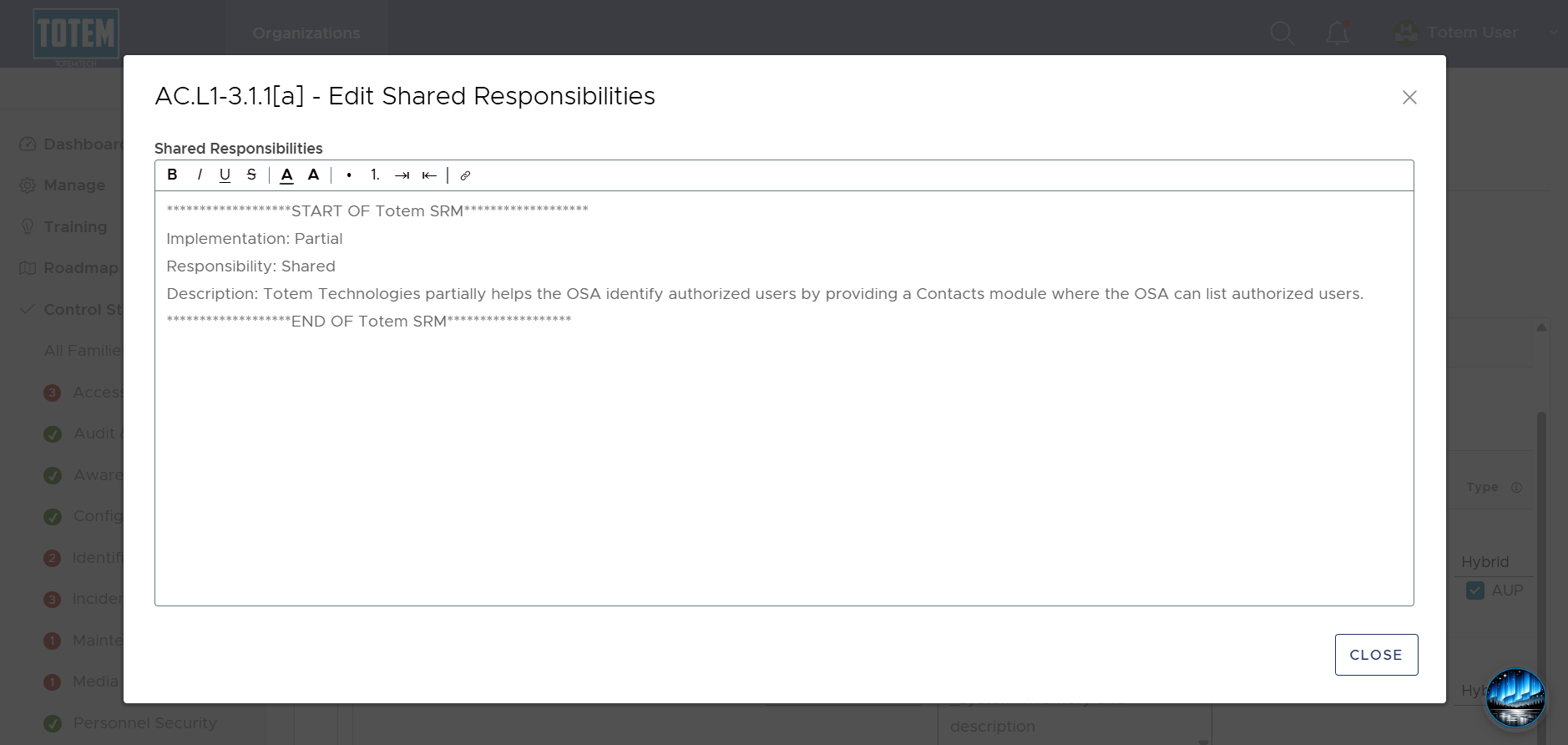
- Upon choosing the SRM, select Update Organization. Navigate to the Control Status module and see that the Shared Responsibility fields has been populated with the SRM details.
- To remove an SRM from the Shared Responsibility field, simply remove the selected SRM from the SRM field on the Manage page, then choose Update Organization again.