
The Policies module
Totem’s Policies module collects statements you’ve identified as policies in the Control Status module and pulls them into one central location, giving you a single repository for your policy statements.
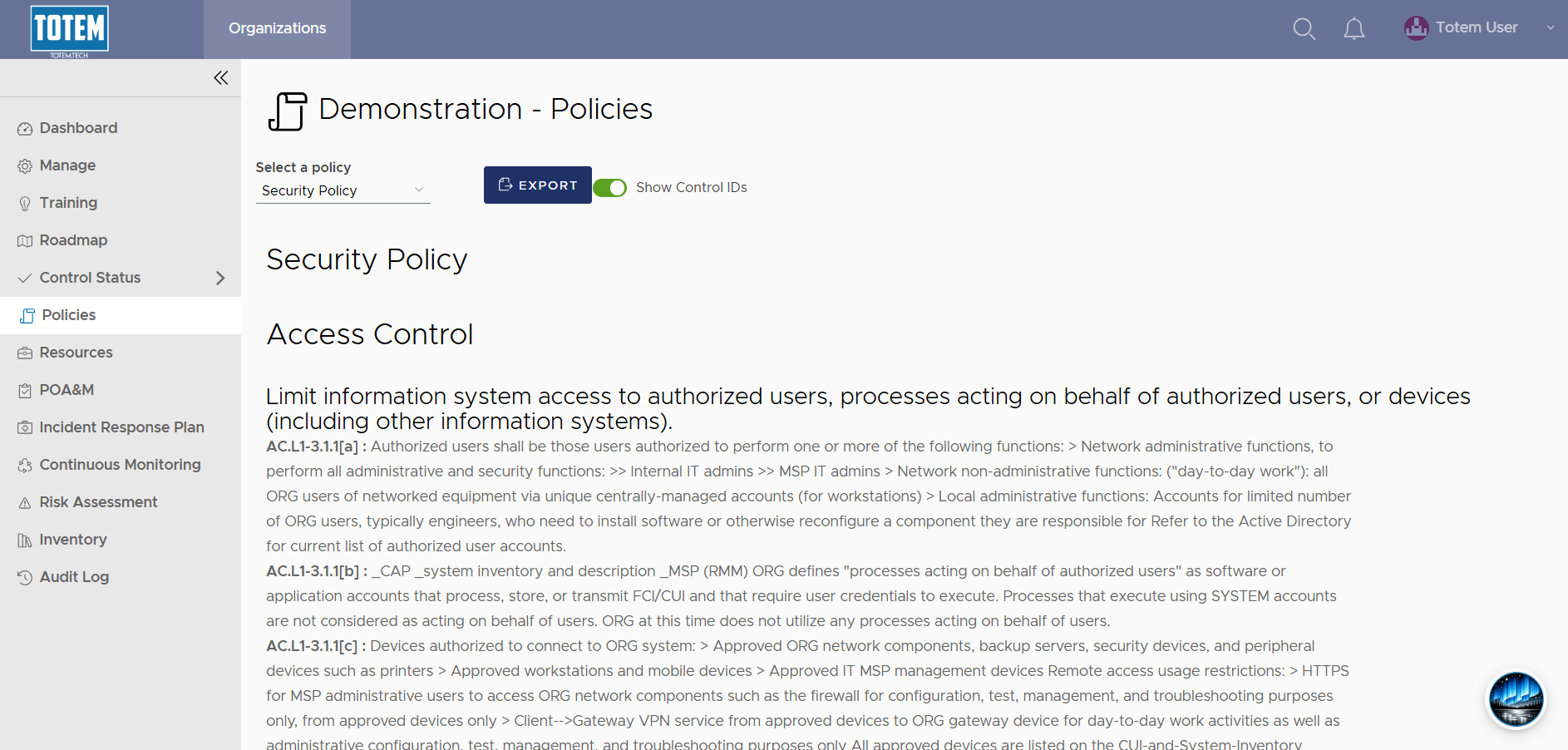
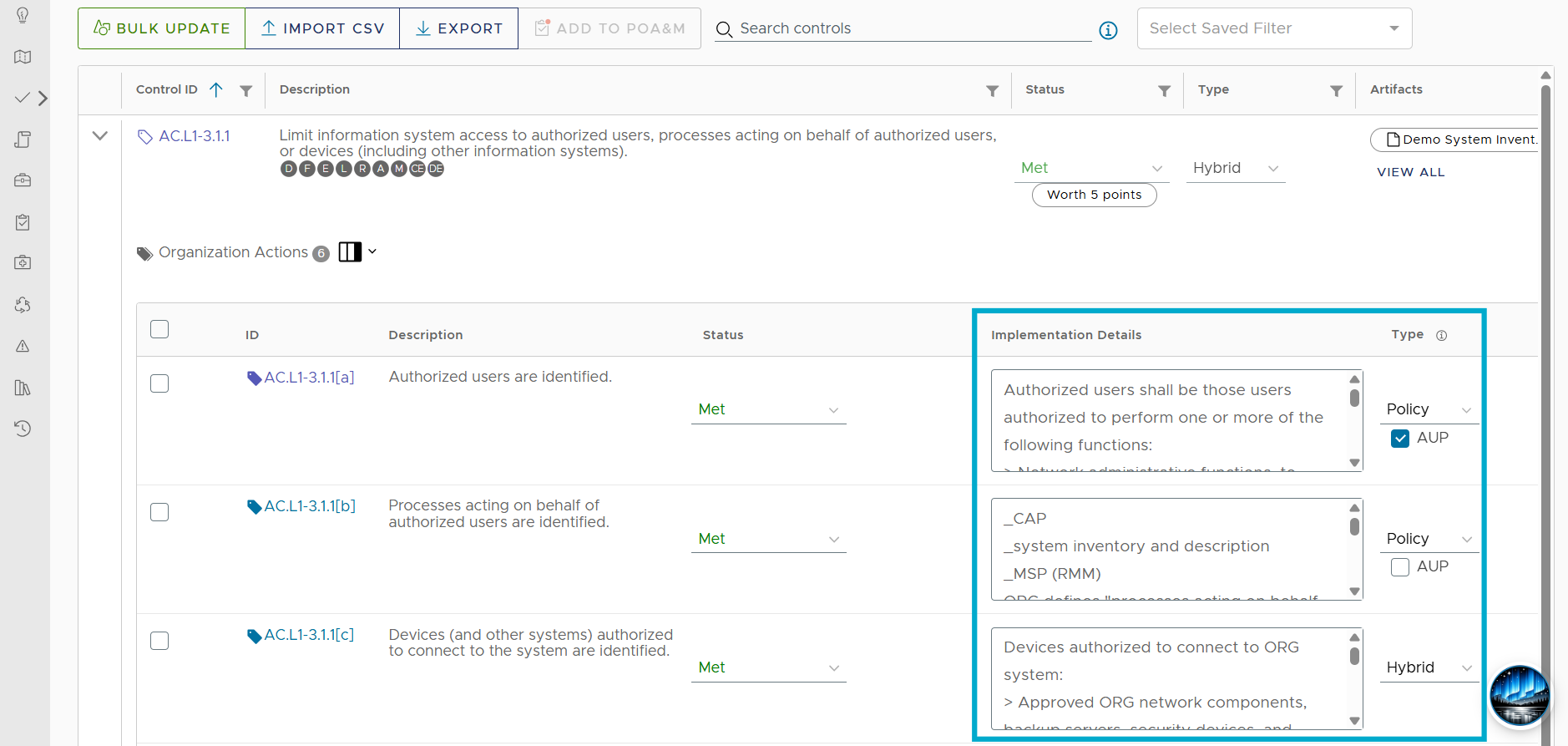
- In Control Status, any time you populate the Implementation Details field for an Organization Action AND you designate the Type for that action as either Policy or Hybrid, the Implementation Details text will appear in the Policies module. For example, the three Organization Actions below are all marked either Policy or Hybrid, and they each have text present in the Implementation Details field:
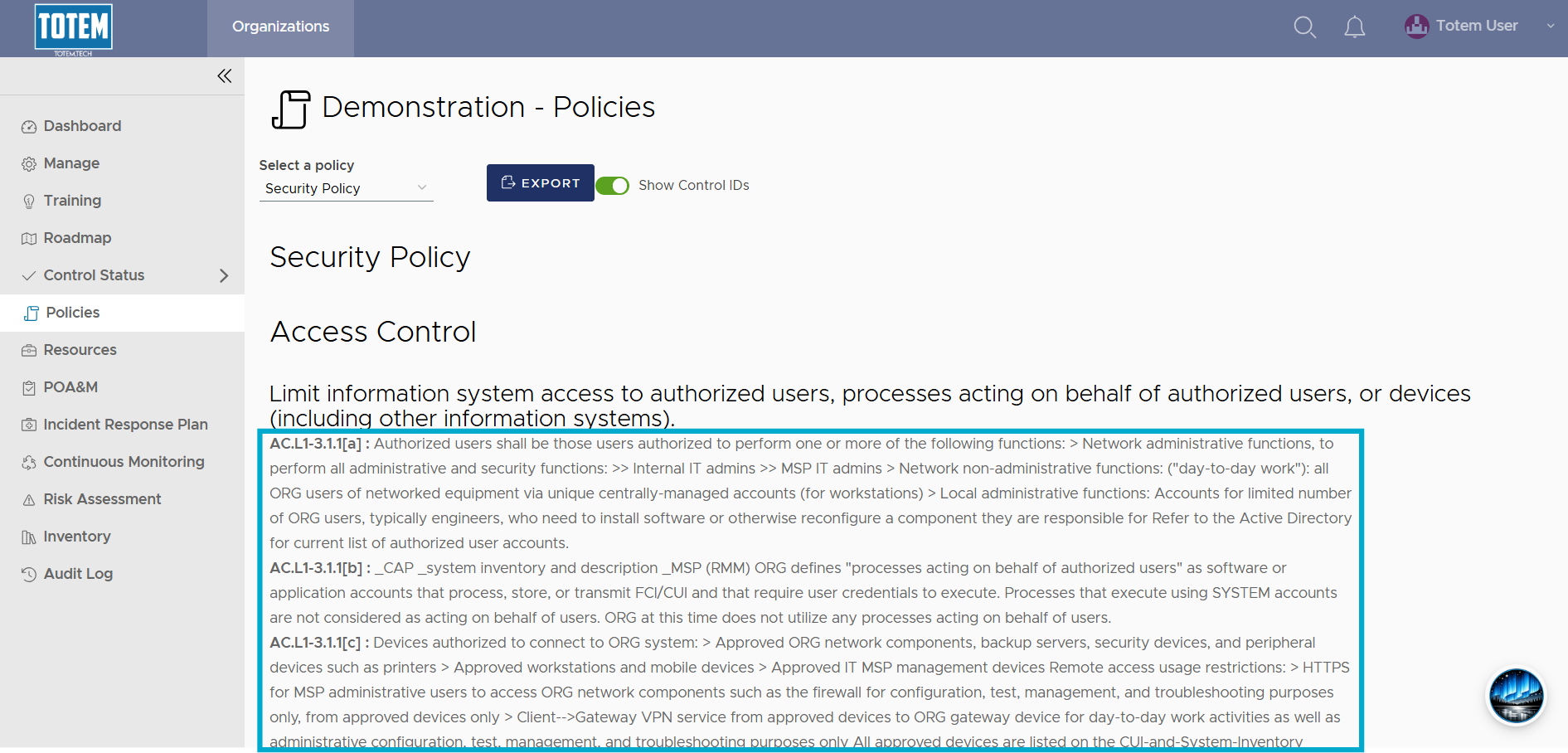
- And all three can be seen in the Policies module in the Security Policy:
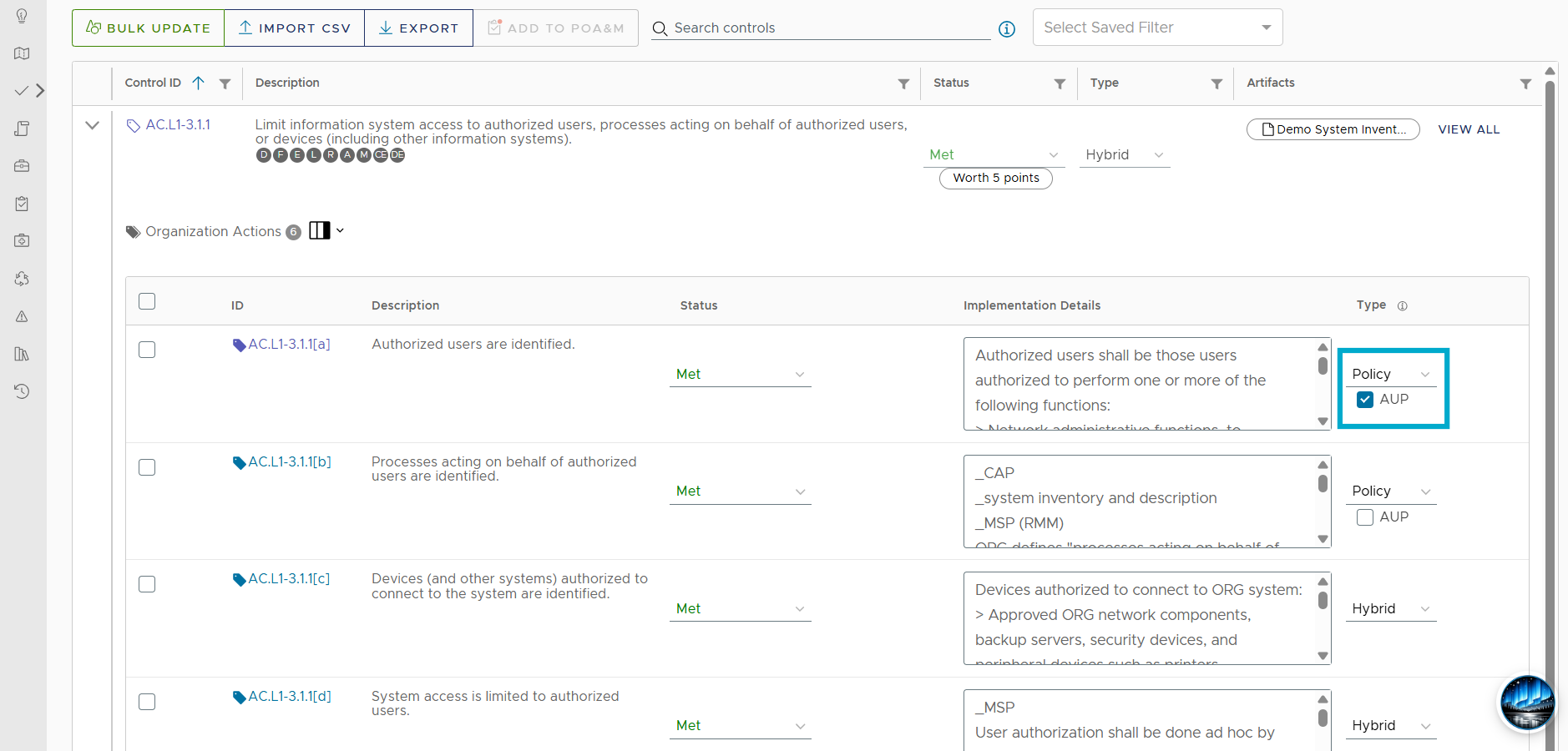
- If you choose, for any Organization Action you’ve marked Policy, you can also include it on your Acceptable Use Policy. In the Control Status module, select Policy as the Type, then select the AUP checkbox:
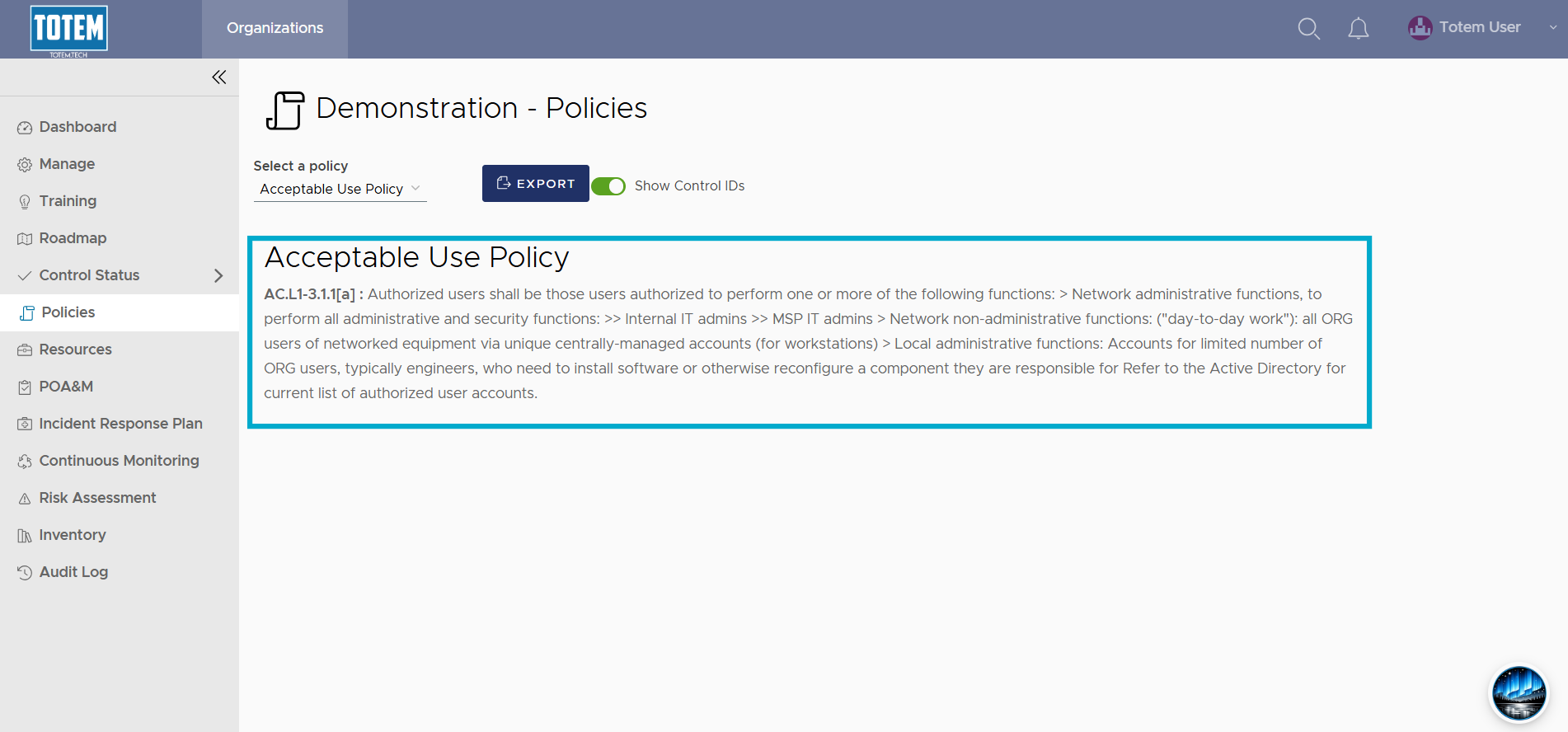
- In the Policies module, switching to the Acceptable Use Policy will show any relevant Implementation Details:
- You can export either of these policies if you choose:
