The Totem audit log
The Totem audit log is the central record of all actions taken within an organization by its users. Any time a user makes a change, a log is recorded in the audit log. Only users with the audit-read permission may view the audit log, which by default only includes the Owner role.
A non-exhaustive list of logs you can expect to find in the audit log include:
- A user is invited to the Totem organization
- The organization’s properties (e.g., name, description, assessment type, etc.) are updated
- An Organization Action (e.g., AC.L1-3.1.1[a]) is updated
- An Artifact is associated with an Organization Action
- An AI query is made
- An AI change is reverted
- A Continuous Monitoring task is created or updated
- A Corrective Action Plan is created or updated
- A document is exported
Accessing the Audit Log
- Log in to Totem using a role with the audit-read permission (e.g., Owner).
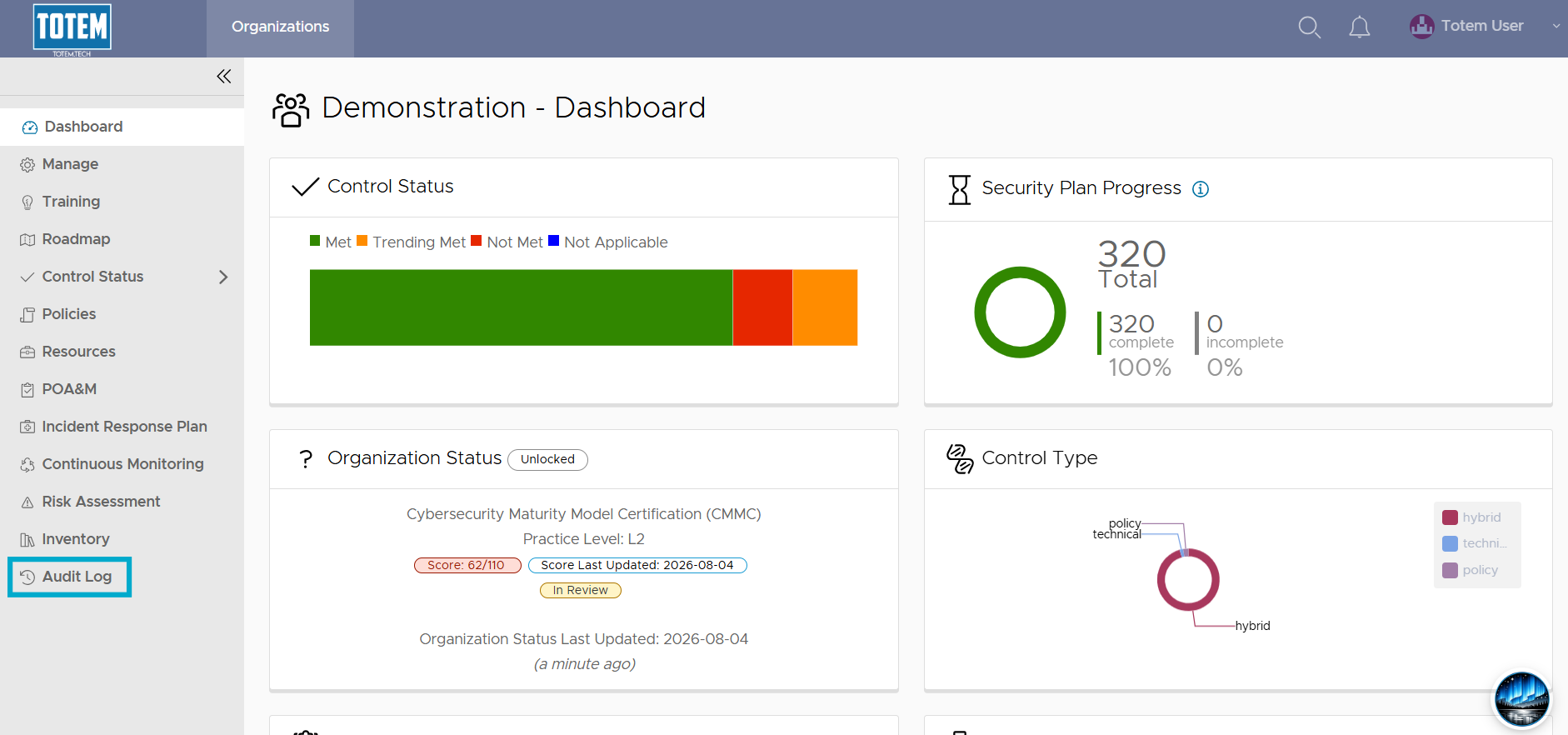
- In the left-hand menu, select Audit Log. If you do not see this module, you do not have the audit-read permission and may need to request a new role or permission change from your Totem organization Owner.
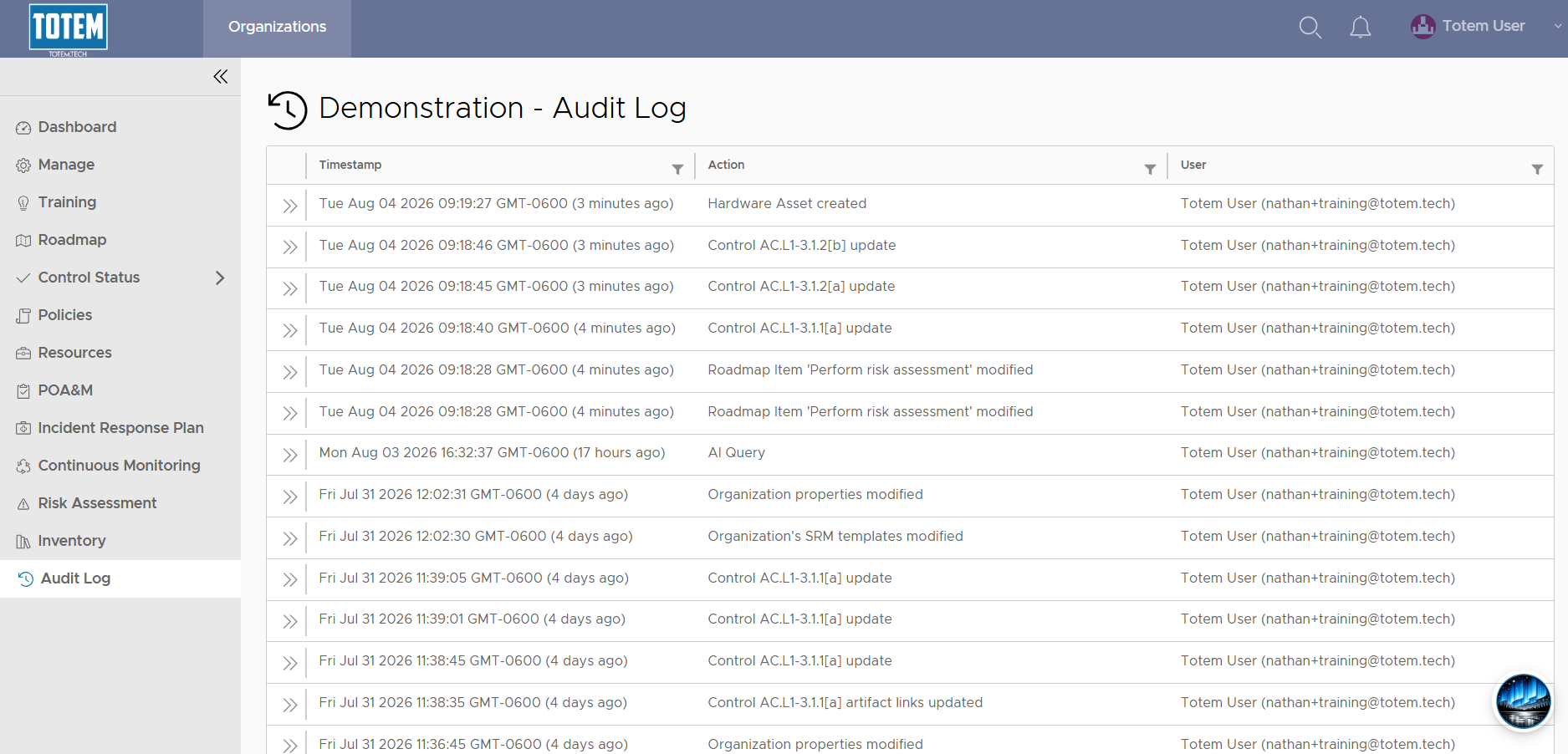
- You will see the current audit log for your organization. Each log contains the following:
- Timestamp: When the action occurred, using your local timezone
- Action: What the user did; i.e., which item was changed/updated/added/removed
- User: Which user made the change with their accompanying email address
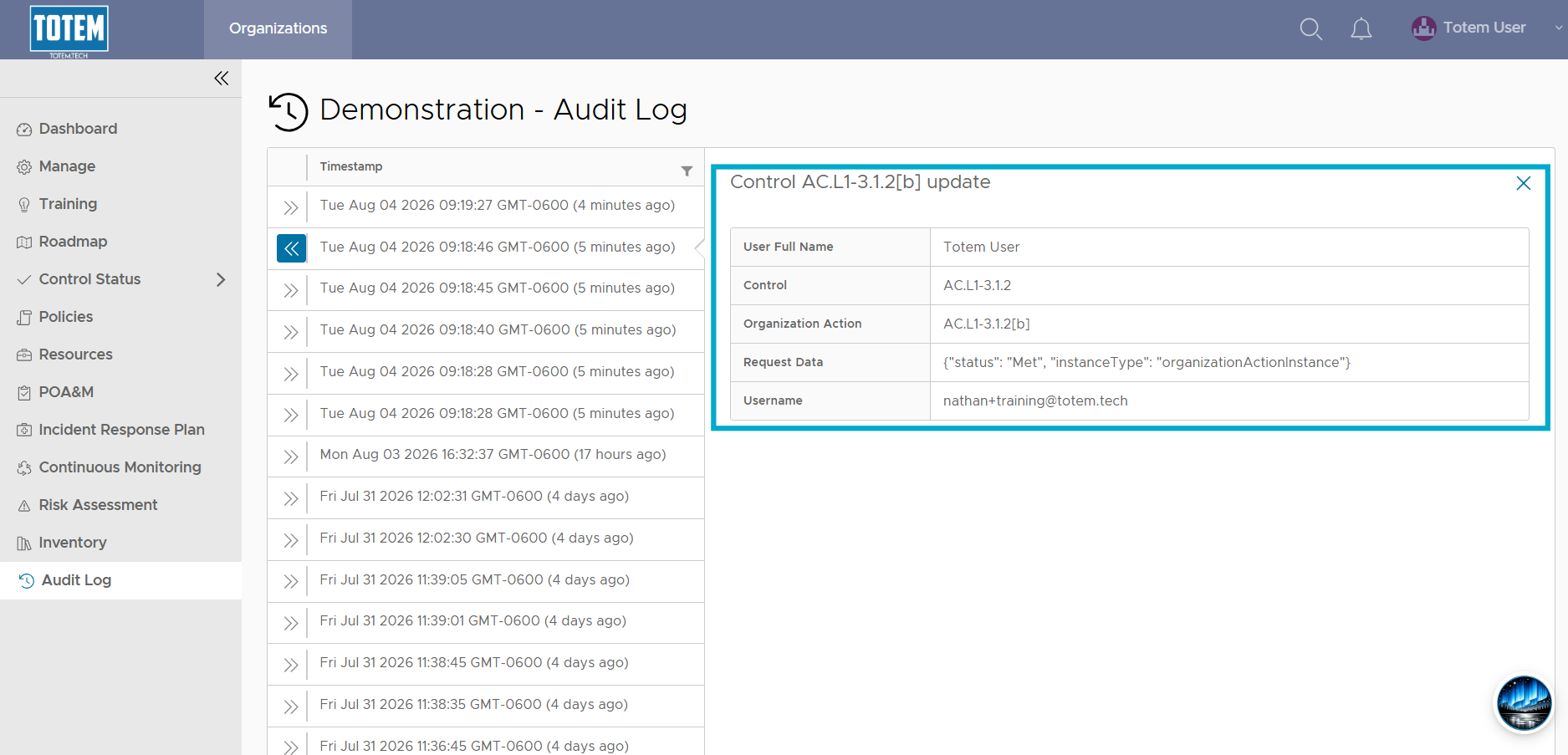
- To view more about the action taken by the user, select the “>>” next to the audit record.