Using the global search field
Totem contains a global search field that you can use to quickly find relevant text across all fields. Note that if you’d prefer to use Aurora instead of the global search, she can help!
- Log in to Totem.
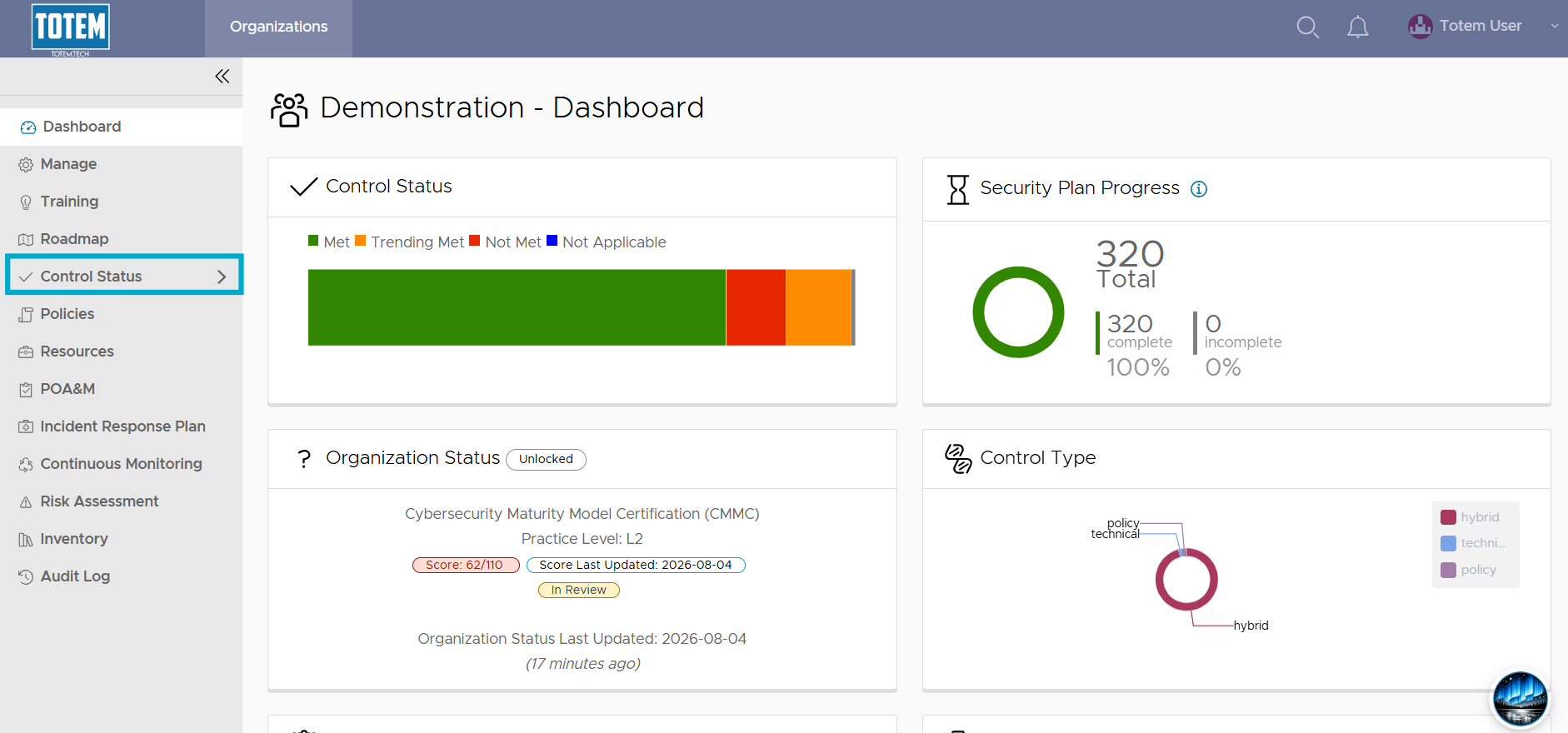
- Navigate to the Control Status module via the left-hand menu:
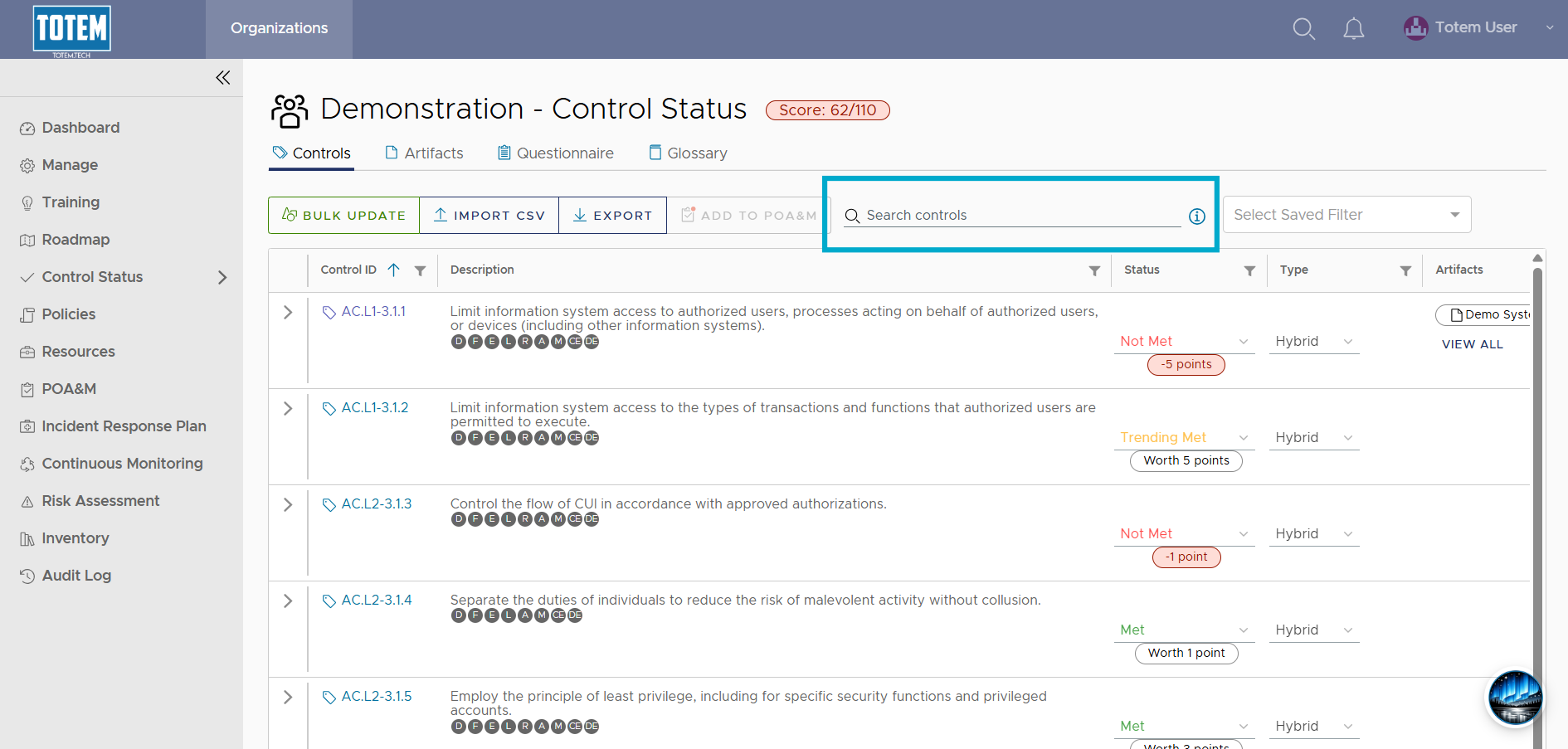
- Locate the Search controls field.
- The global search feature queries across the following fields:
- Control Fields
- control.control_id – Control ID
- control.family – Control family
- control.text – Control requirement text
- Organization Action Fields
- details – Implementation details
- comments – Comments
- shared – Shared responsibilities
- Control Fields
- To perform a search, first identify which field you want to search through (e.g., the details field).
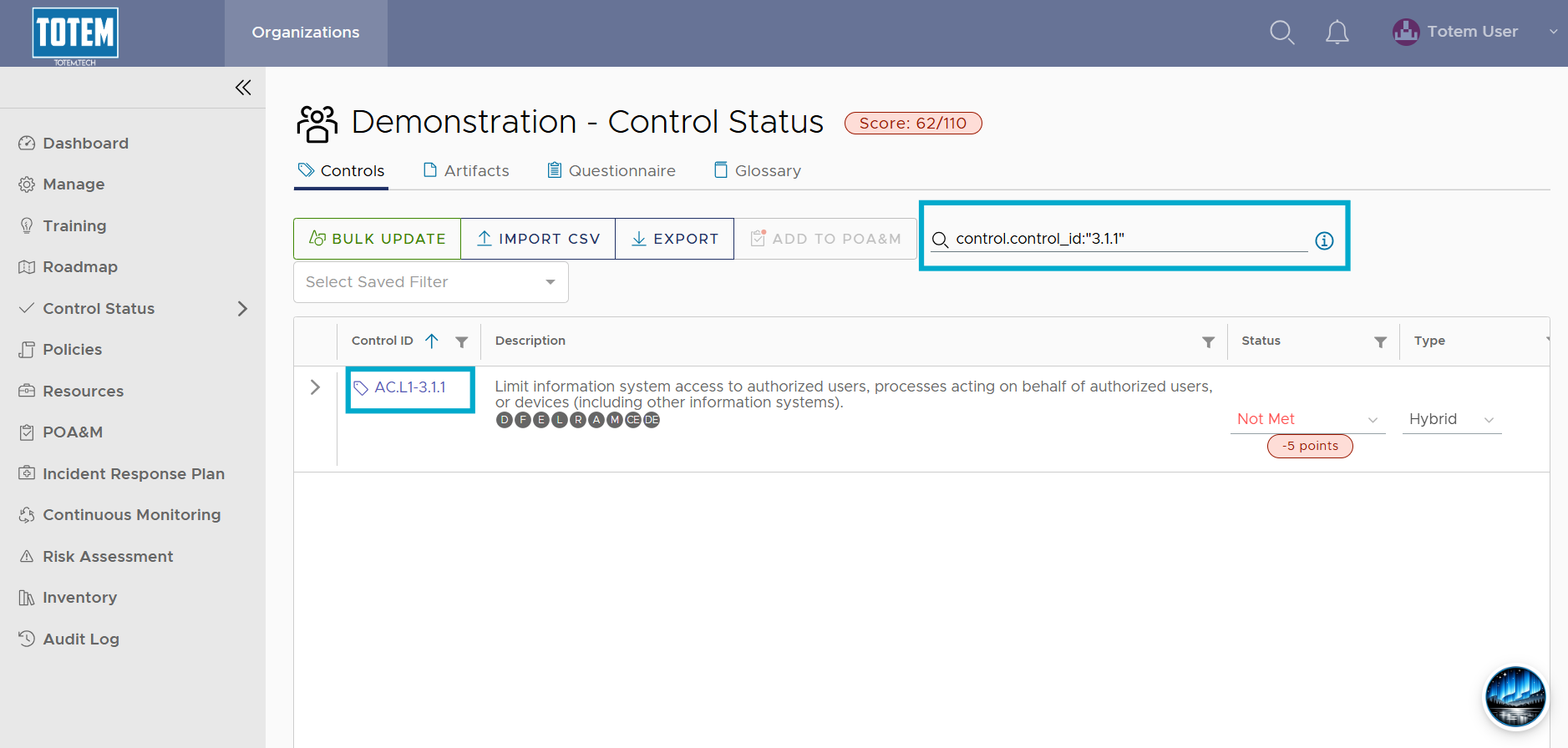
- Using field:value syntax, perform a targeted search. Examples are below.
- control.control_id:”3.1.1″
- control.family:”Access Control”
- control.text:”FIPS”
- details:”Microsoft 365″
- comments:”John Doe”
- shared:” Managed by MSP”
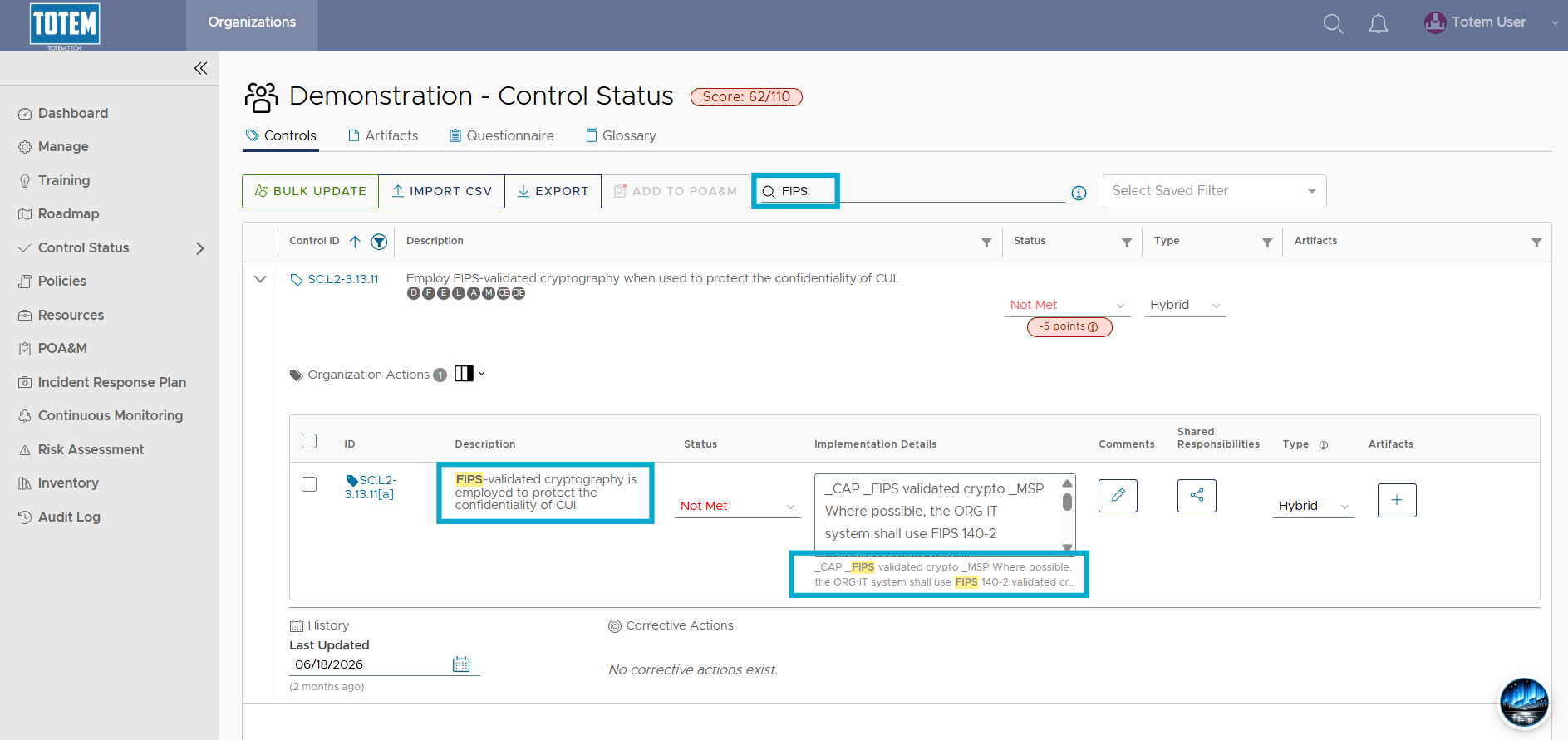
- If you enter a string into the global search without specifying the target, it will search through the Control Text and Details fields by default, including highlighting where in the Implementation Details field the text is found.