Using the LMS
Organizations with an Engaged Totem subscription can access dozens of hours of helpful CMMC and cybersecurity training content within the Totem Learning Management System (LMS). This guide walks you through how to use the LMS.
- Log in to Totem.
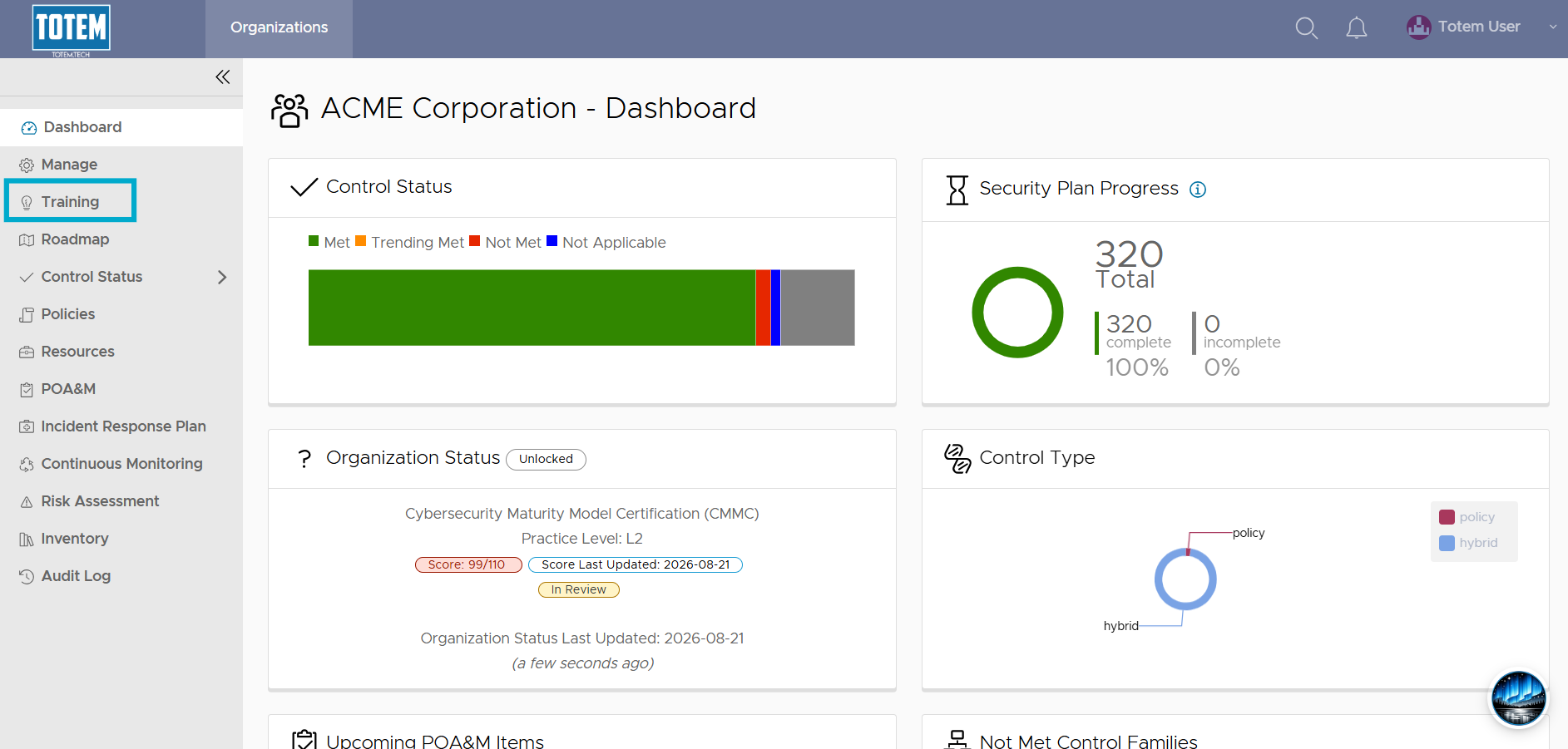
- In the left-hand menu, select the Training module. If you do not see the Training module, you do not have an Engaged subscription.
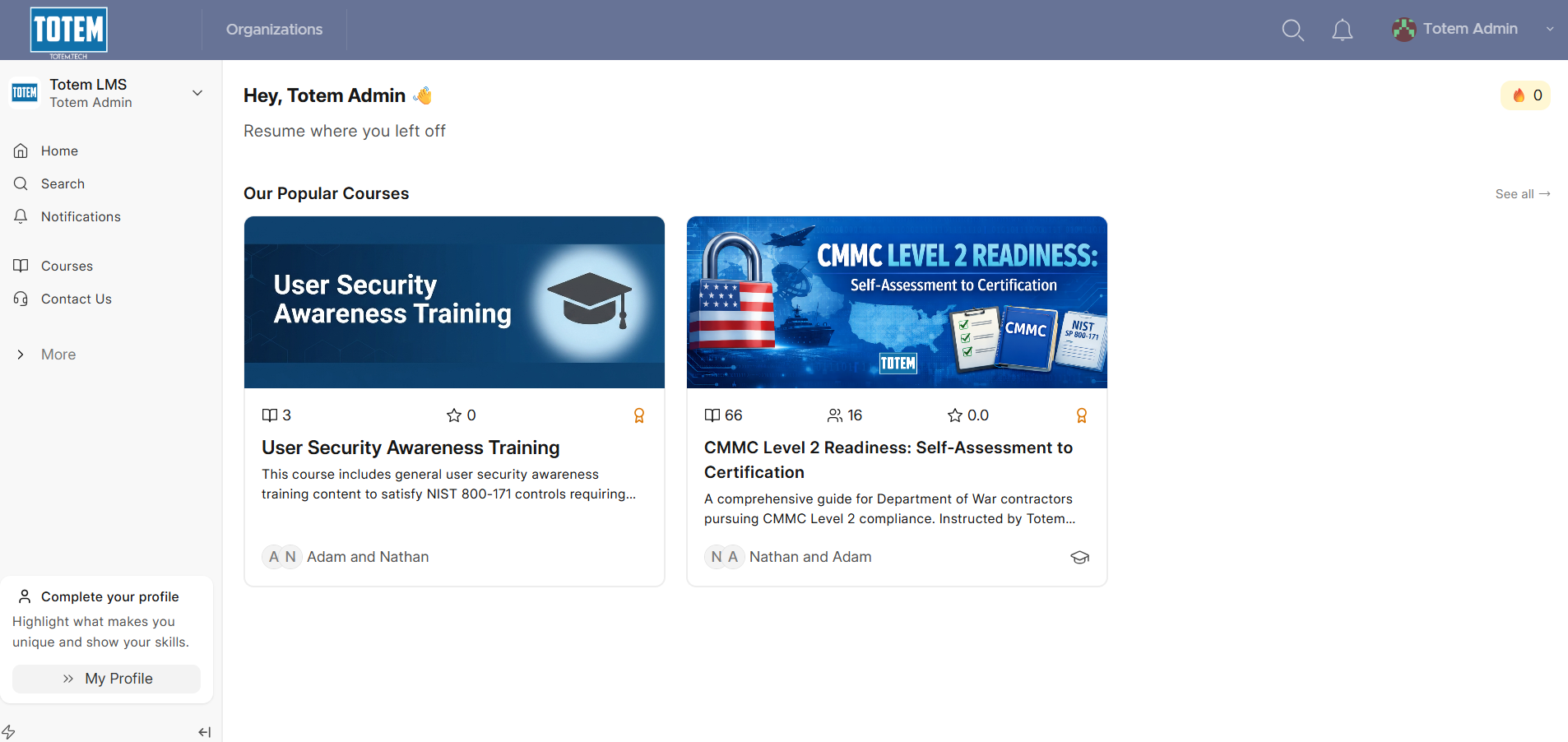
- Once you’ve authenticated into the LMS, you’ll land on the Home page of the LMS, similar to what is shown below.
Enrolling in a course and completing lessons
- The Home page contains Totem Technologies’ “Featured” course list. You can select any course and enroll yourself by choose the Start Learning option.

- For the full course list, select the left-hand Courses option.
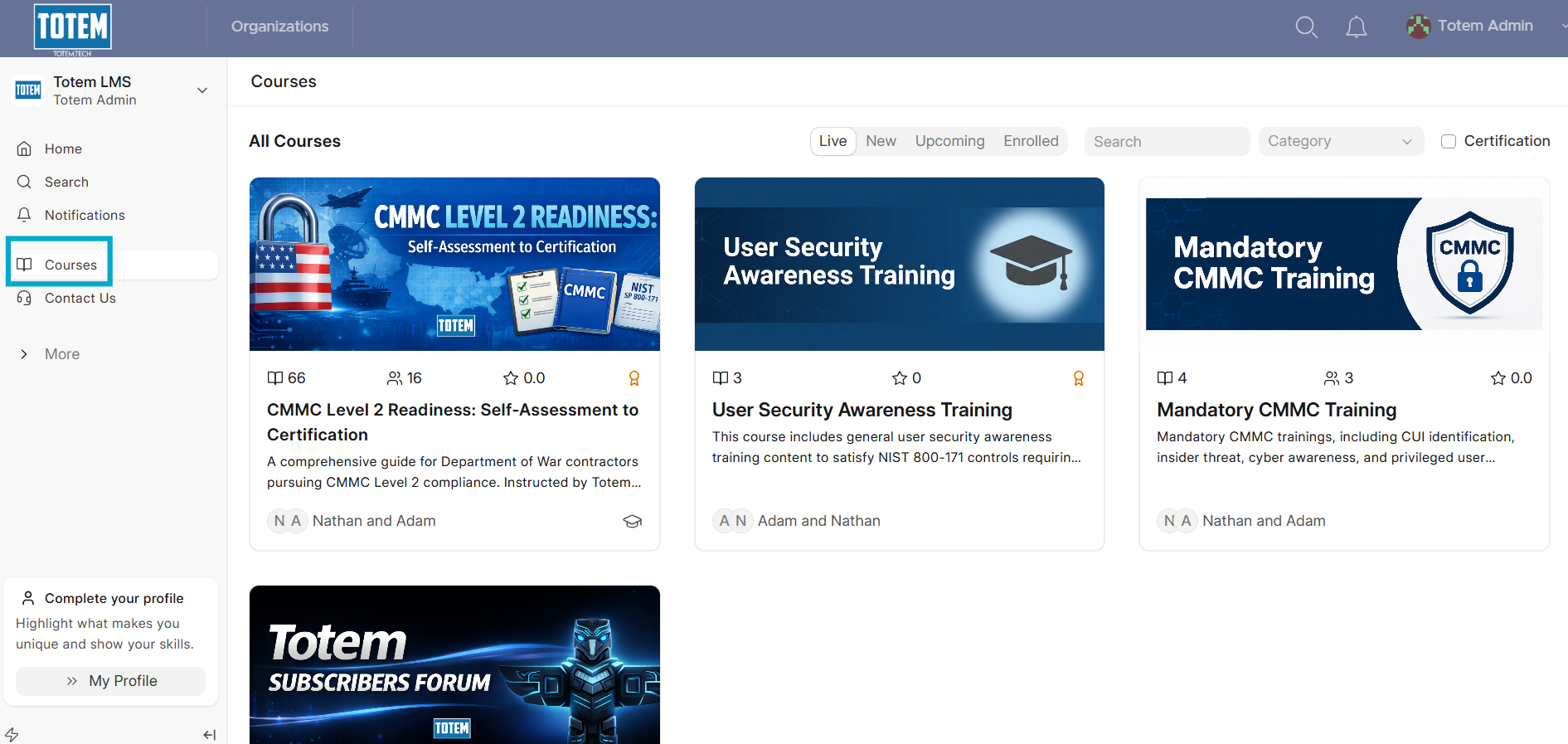
- Select your desired course and choose Start Learning to begin.
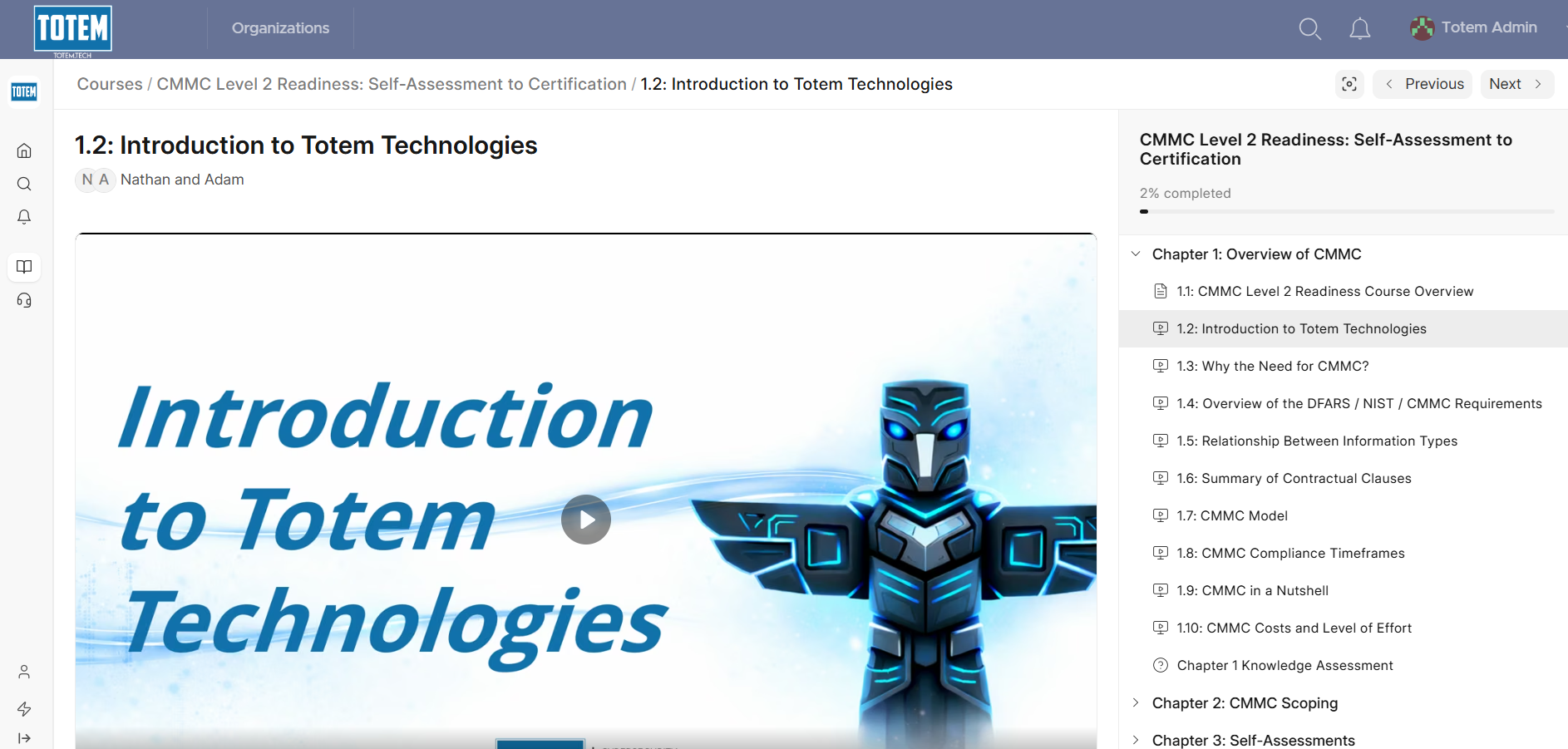
- A course is divided up into Chapters, each of which contain individual Lessons. When you enroll in a course, the LMS will automatically track your completion of your Lessons. This is indicated by the progress bar near the top:
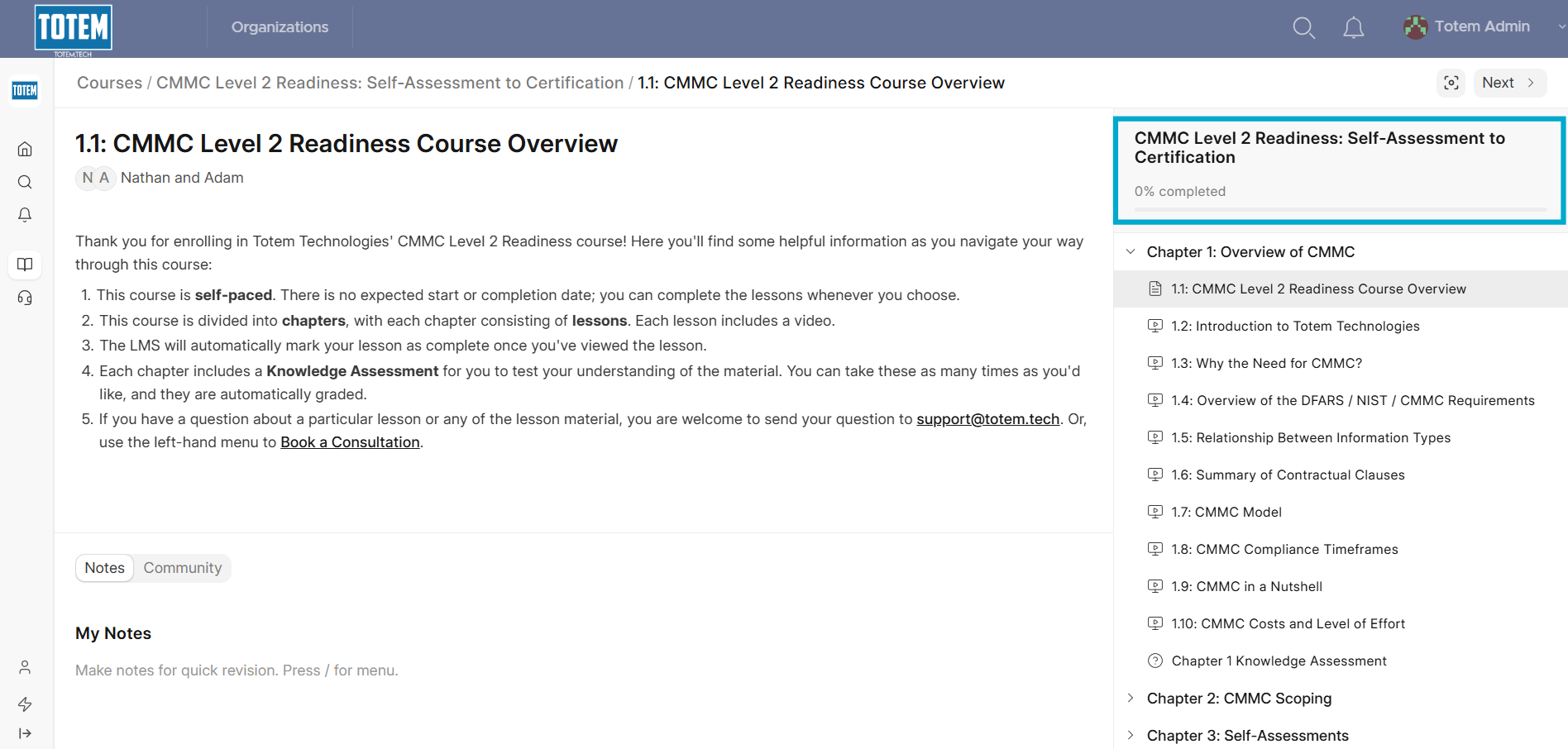
- Completion progress is temporal based, meaning you will be given credit for a given lesson when you spend the expected amount of time on that page (30 seconds).
- If the lesson contains an embedded video, select the video to watch. You may need to adjust your computer and browser audio settings to hear the video.