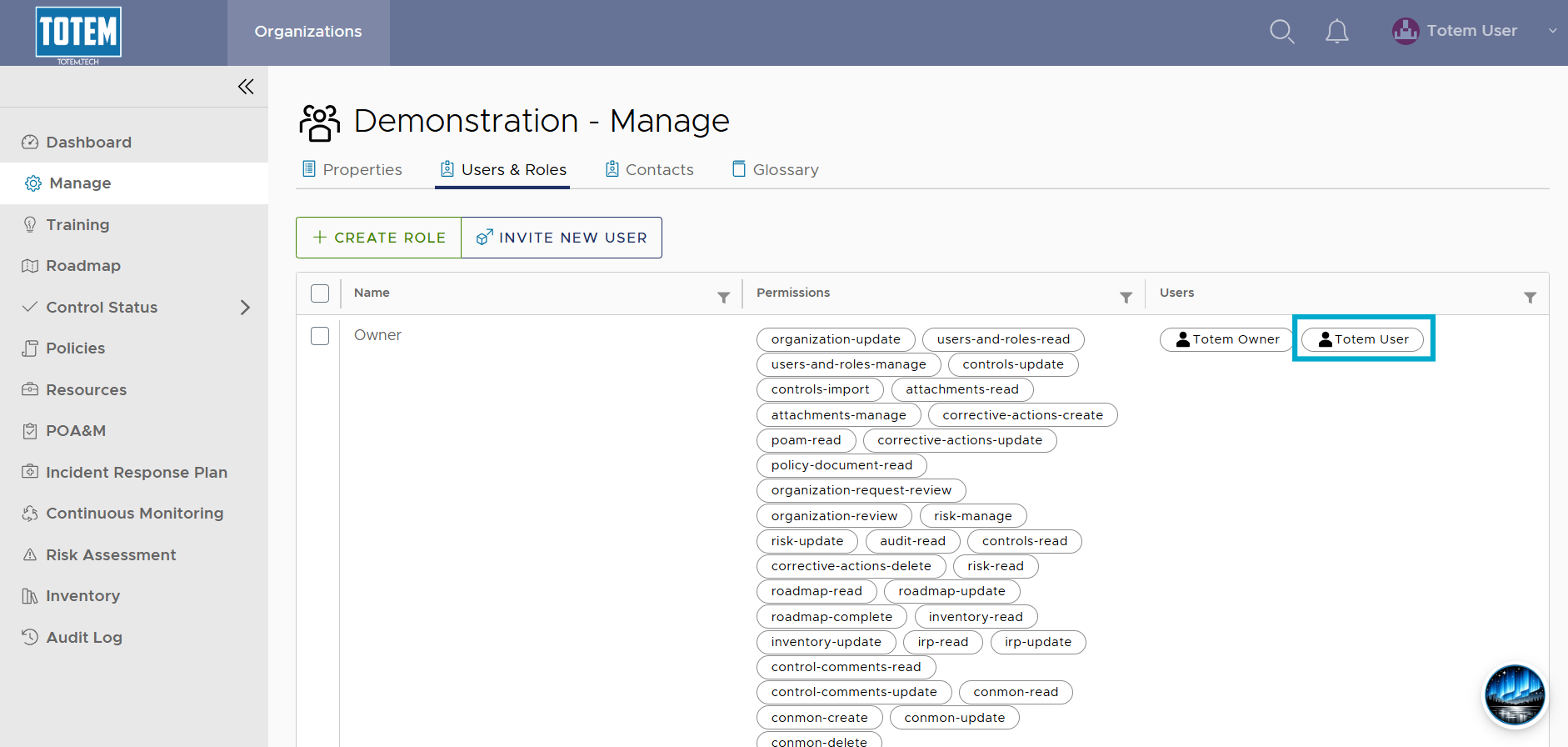
Add existing user to an organization
Totem instance administrators may add existing users to an organization. A common use case for this includes when a user has access to one organization in Totem and now requires access to another, but they do not necessarily need full instance administrator privileges.
To add an existing user to an organization:
- Log in to Totem.
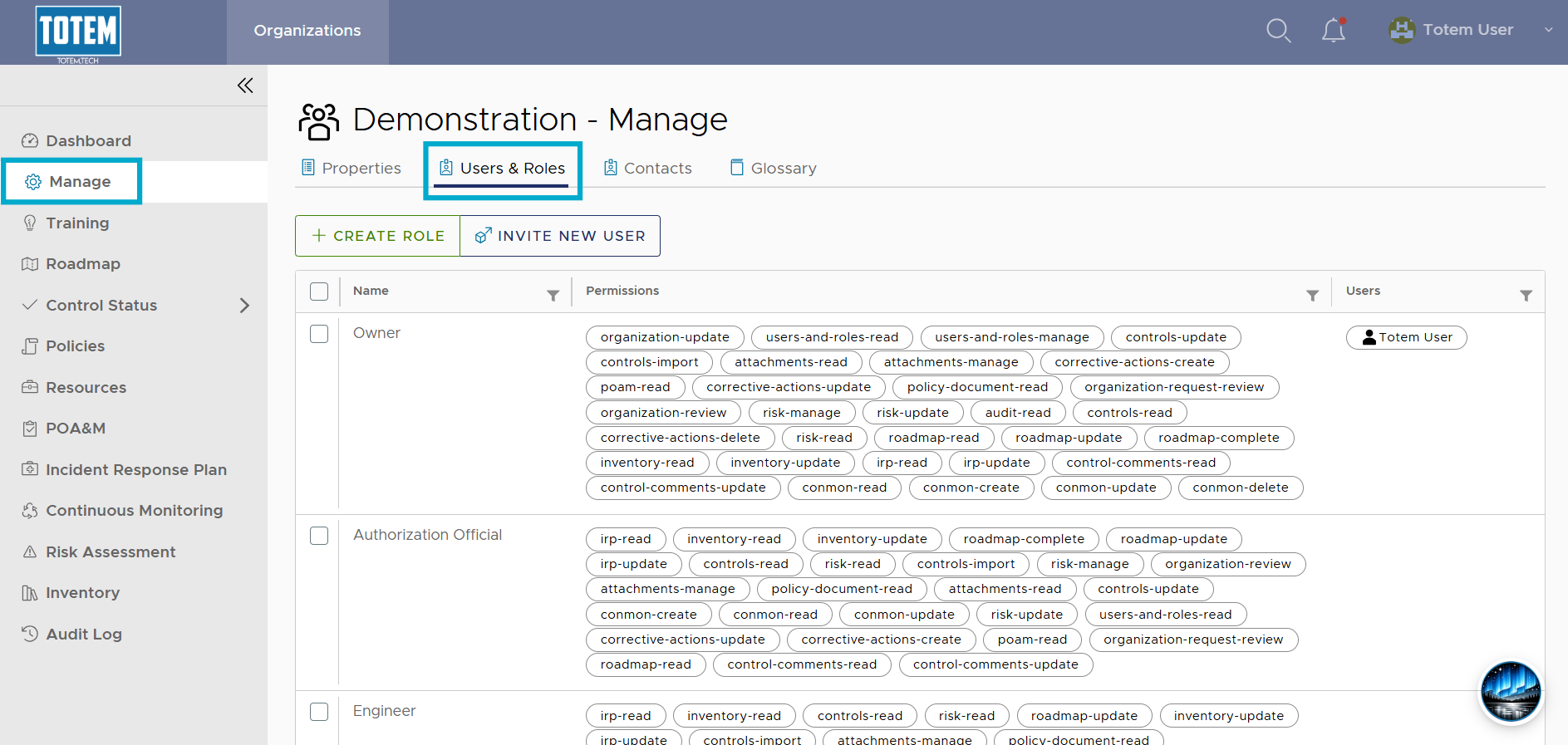
- In the organization you’d like to add the existing user to, navigate to the Manage module and select the Users & Roles page.
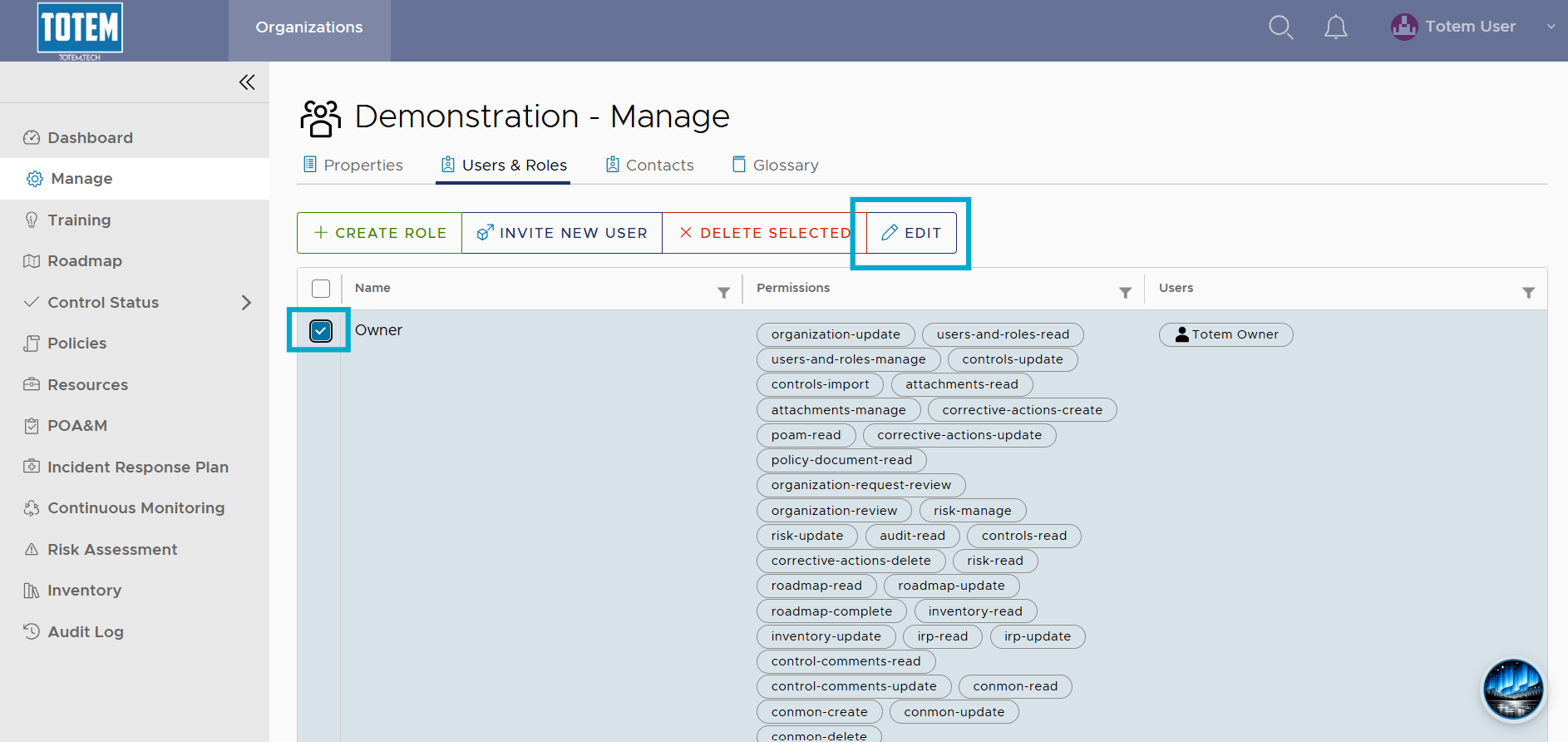
- Select the checkbox next to the role that you want to assign to the user. At the top of the page, choose Edit.
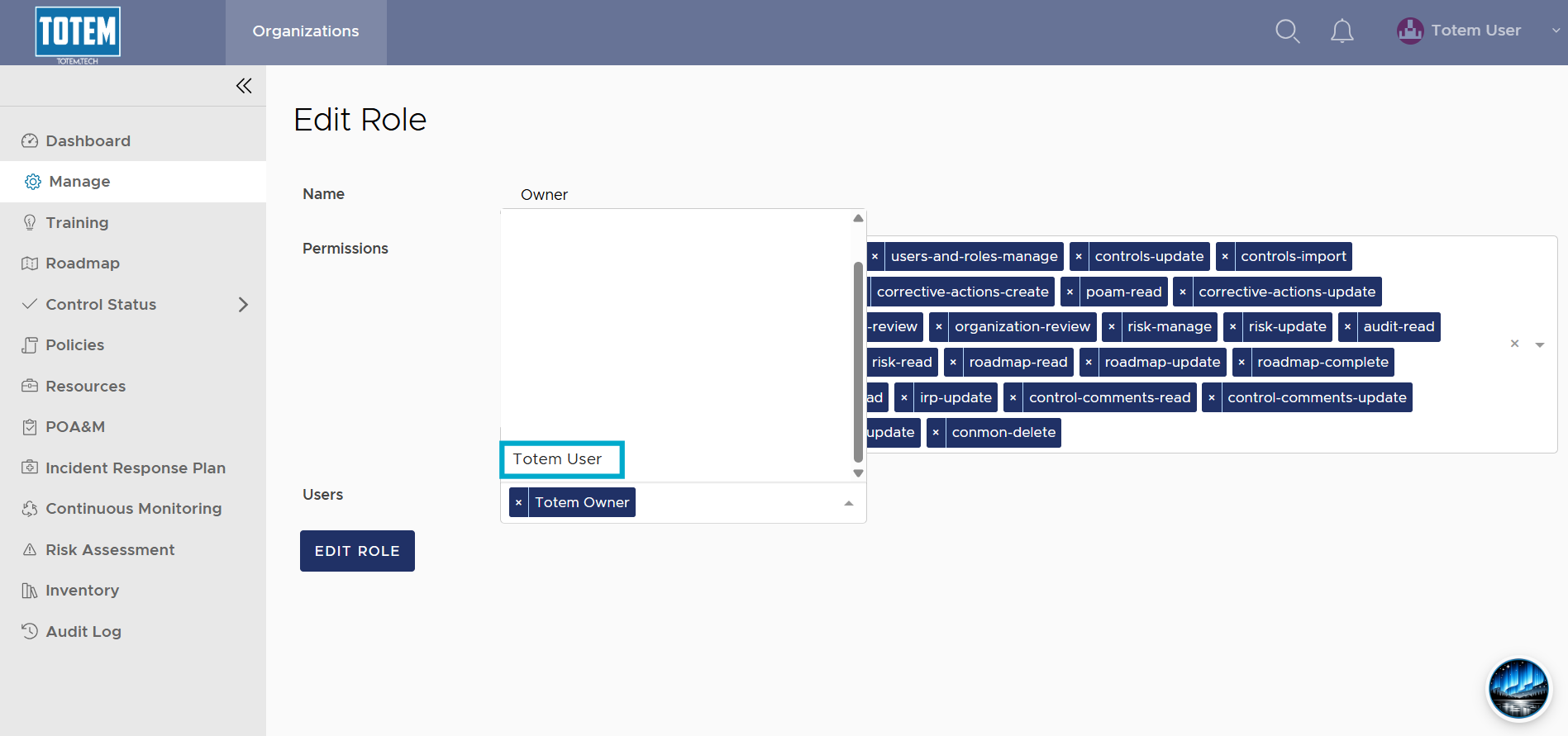
- In the Users field, select the user’s name from the field. If you do not see the user’s name in the list, they either do not have a Totem account and will need to be invited, or you do not have instance administrator privileges, and you will need to either contact your Totem instance administrator or contact support.
- Once you’ve selected the user, choose Edit Role.
- The user will now have the assigned role and access to the organization’s data.