
Removing CMMC Level 1 workshop cohorts in Totem
This guide walks CMMC Level 1 Facilitators through what they need to know when removing workshop cohorts in Totem. This includes permanently deleting both users and organizations.
Note: If you have cohort participants that are interested in continuing their use of Totem, please put them in touch with Totem Tech and hold off on performing the steps in this guide.
- Log in to your dedicated Totem instance.
- Navigate to the top-right corner, select Administration, authenticate, then choose the Users page.
- Select the checkbox next to all users whose organization will not continue use of Totem. If an organization has indicated interest in continuing use of Totem, please put the cohort participant in touch with Totem Tech to ensure their data is not deleted.
- Select Delete Selected Users. This will permanently remove the users from Totem.
- Important: Do not delete any user accounts associated with Totem Tech. These are admin-level users to assist with troubleshooting your instance and should not be removed.
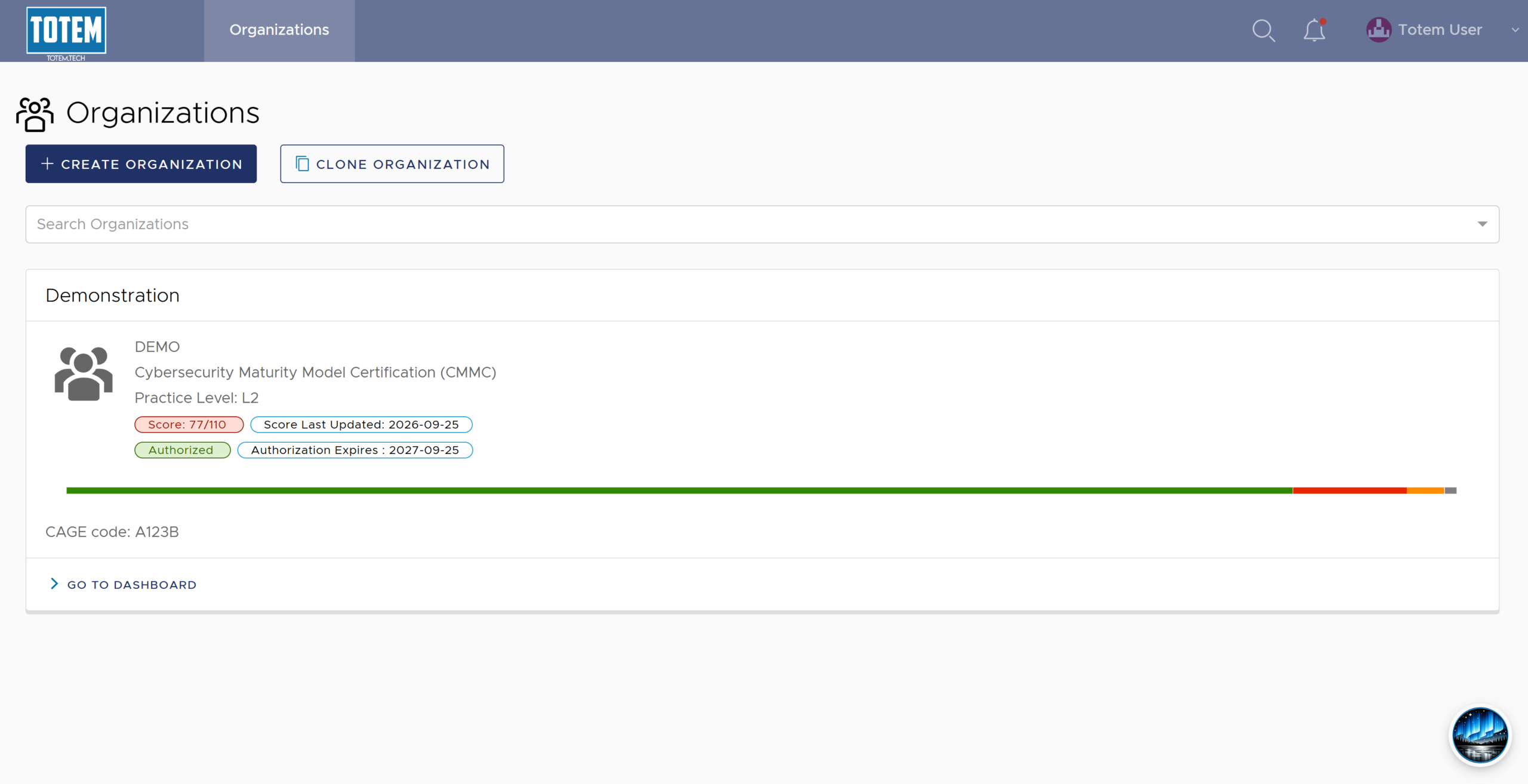
- Navigate back to the Organizations page. For each organization that is not continuing use of Totem, delete their organization via the Manage module.
- When an organization has committed to continue their use of Totem, the Totem Tech team will inform you when their organization has been removed.