
Setting up CMMC Level 1 workshop cohorts in Totem
This guide walks CMMC Level 1 Facilitators through what they need to know when setting up new workshop cohorts in Totem.
- Log in to your dedicated Totem instance. Your URL was provided to you by Totem Tech upon onboarding into the CMMC Level 1 Facilitator program. If you’re uncertain what your Totem URL is, please contact support. If you are having trouble logging in, refer to our common login issues and fixes guide.
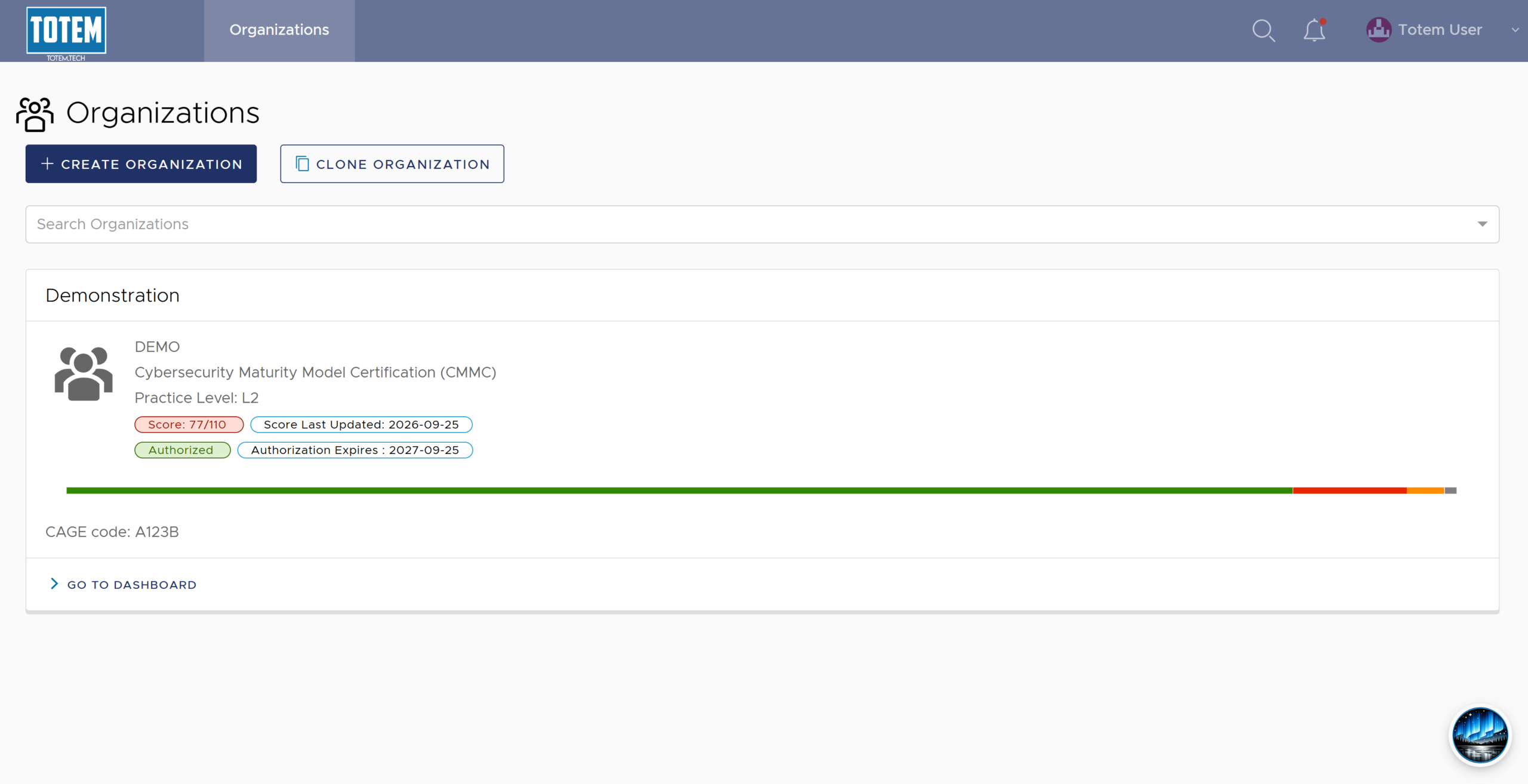
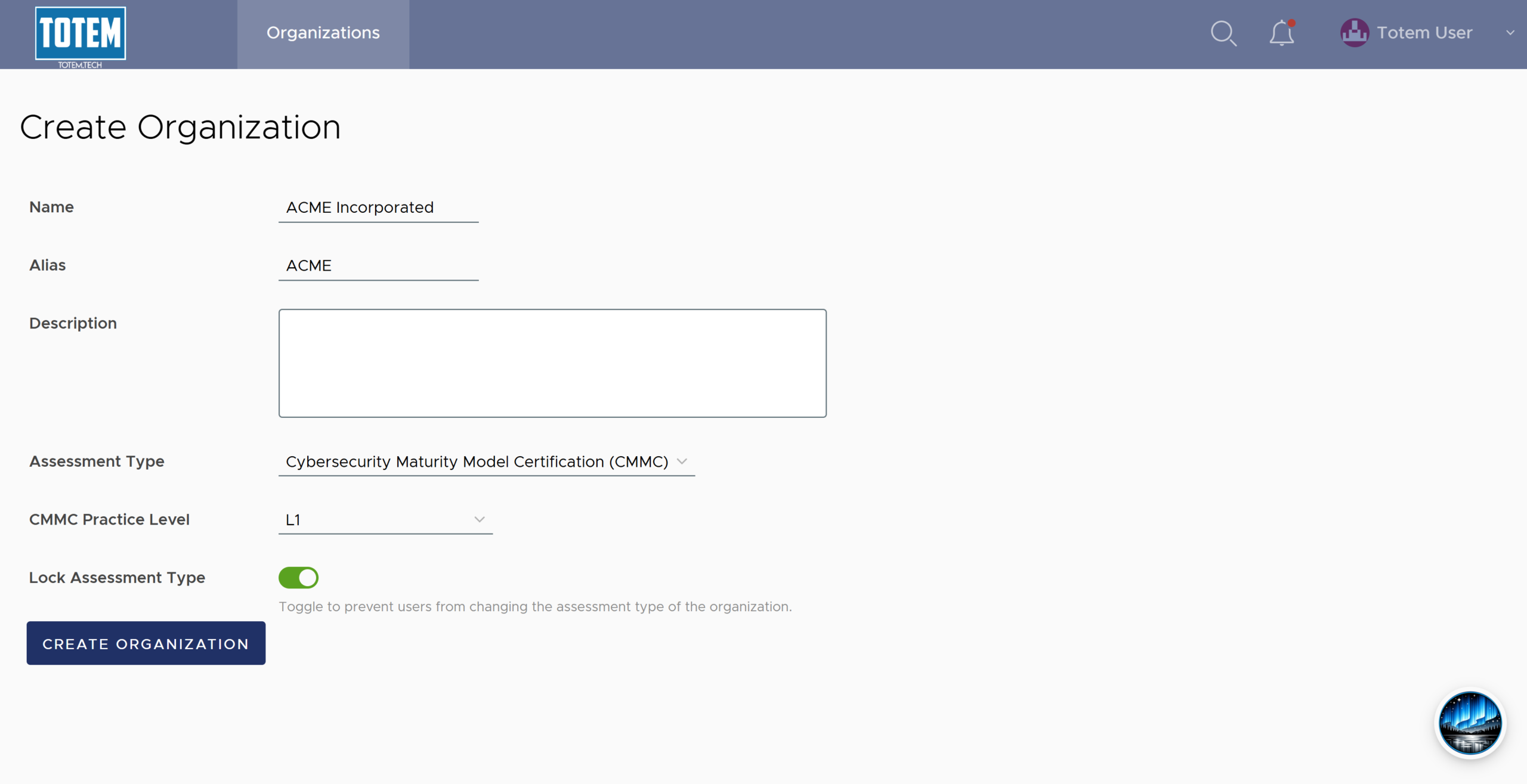
- Create an organization for each client in your workshop cohort. Specifically, be sure to apply the following parameters to their organization:
- Name: The client’s organization name.
- Alias: A condensed version of the organization name. Used for simplified referencing of the organization throughout the System Security Plan (SSP).
- Description: An optional field to populate information about the client organization, if desired.
- Assessment Type: Select Cybersecurity Maturity Model Certification (CMMC).
- CMMC Practice Level: Select L1.
- Lock Assessment Type: Set this toggle to Enabled. This will prevent users from toggling between other Practice Levels and Assessment Types, allowing them to focus on the relevant security controls for the workshop: CMMC Level 1.
- Your organization creation page should look similar to the following:
- Verify the organization information is correct, then select Create Organization. Wait approximately 15-30 seconds for the organization to finish building.
- Select the organization. In the Manage module, invite the cohort participants to their organization. Cohort participants should reference the following two guides for help with creating their account:
- If the cohort participant follows the guidance above yet still has issues logging in, please put them in touch with Totem support.
- Repeat the steps above for all other cohort organizations and participants.